
DMX control for hazers: setup and tips
- Integrating Hazers into Modern DMX Systems
- Why DMX control matters for a hazer
- DMX basics every hazer operator should know
- Typical DMX channel maps for hazers and a practical example
- Setup checklist for reliable DMX control of a hazer
- Wiring, grounding, and safety considerations
- Comparison: manual control versus DMX control for haze machines
- Programming tips for smooth haze cues
- Troubleshooting common DMX and hazer issues
- Maintenance practices to extend hazer life
- When to choose RDM enabled hazers
- Siterui SFX: tailored hazer solutions and industry expertise
- Buying guidance: what to specify when ordering a DMX-capable hazer
- Final recommendations and best practices
- FAQ
- 1. What DMX cable should I use for hazers
- 2. How many DMX channels does a hazer need
- 3. Can I control multiple hazers with one DMX address
- 4. Is RDM necessary for hazers
- 5. How do I prevent fog detectors from triggering when using a hazer
- Contact and product inquiry
- References and further reading
Integrating Hazers into Modern DMX Systems
Why DMX control matters for a hazer
Hazers are essential for creating atmospheric depth and improving light beams in live events, film, and theatre. Using DMX control rather than standalone or manual operation gives precise, repeatable results, allows timed cues, and integrates haze levels with lighting and effects. For technical directors and production managers, DMX control reduces operator load during shows and enables seamless synchronization with lighting consoles and other SFX gear.
DMX basics every hazer operator should know
DMX512 is the industry standard protocol for stage lighting and effect control. Key points for hazer integration include:
- Use 5-pin DMX cabling whenever possible. Although 3-pin XLR is commonly seen, the 5-pin standard preserves pair assignments and reduces compatibility issues.
- Always terminate the DMX line at the last fixture with a 120 ohm terminator to prevent signal reflections.
- Addressing: each DMX device is assigned a start address and consumes a number of channels depending on its channel map.
- DMX512 is unidirectional. For device status monitoring and remote configuration, choose fixtures that support RDM (Remote Device Management).
Reliable references for protocol details include the DMX512 Wikipedia page and the ESTA technical standards pages.
Typical DMX channel maps for hazers and a practical example
Hazer manufacturers implement different channel maps. A compact, commonly used mapping is 2 channels, while professional units may use 4 to 8 channels for advanced control such as fan speed, pump power, density curves, and timed modes. Below is a representative example table you can adapt to your fixtures. Always consult the specific manual for exact channel behavior.
| Channel | Function | Range and Behavior |
|---|---|---|
| 1 | Master Output | 0-255 maps to 0 to max continuous haze output |
| 2 | Fan Speed | 0-127 slow, 128-255 fast or variable speed mapping |
| 3 | Pump Control / Pulse | Controls pump intensity or pulse interval when supported |
| 4 | Preset / Timer | Switch between manual, timed, or DMX modes; start/stop sequences |
Example note: a specific model might use channel 1 as master and channel 2 as a 0-100% output fan speed, with channels 3 and 4 reserved for advanced features. Always verify with the product datasheet.
Setup checklist for reliable DMX control of a hazer
Before show day, run this checklist to ensure smooth operation:
- Confirm the hazer is DMX capable and note the number of channels it requires.
- Set the start address physically on the fixture or via onboard menu so addresses do not conflict.
- Use quality DMX cable and keep runs under recommended lengths or use DMX splitters for long distances.
- Terminate the last fixture. If using splitters, terminate the last fixture on each run.
- Check power requirements and use dedicated circuits to avoid voltage sag that can affect pump life and consistency.
- Test for RDM support and enable it if you need remote address and status access.
- Program the lighting console with the correct channel map and test live output with a fog/haze fluid to observe response curves.
Wiring, grounding, and safety considerations
Hazers involve fluid, heaters (in some models), and fans. Important safety practices:
- Place hazers on stable stands and avoid obstructing air intake or output.
- Use grounded power and avoid daisy-chaining high current devices on the same breaker.
- Keep DMX and mains cabling separate where possible to minimize noise. Cross at right angles when runs must intersect.
- If using heated haze machines, observe manufacturer thermal cooldown and refill procedures to avoid pump or heater damage.
Comparison: manual control versus DMX control for haze machines
Here is a concise comparison to help decide whether DMX control is essential for your installation or event.
| Aspect | Manual Control | DMX Control |
|---|---|---|
| Precision | Low to medium; depends on operator | High; precise levels and repeatable cues |
| Integration with lighting | Limited; requires manual coordination | Full integration; can cue haze with lighting looks |
| Automation | No, unless via third party controllers | Yes, supports programmed sequences |
| Complexity | Simple setup | Requires addressing, cabling, and programming |
| Best use case | Small venues, low cue density | Large shows, touring, synced effects |
Programming tips for smooth haze cues
To make haze feel natural and to protect equipment:
- Use fade times rather than instant jumps when changing haze density to avoid visible steps.
- Map control curves in your console to match the hazer output response. Many hazers have nonlinear response, so mapping can improve perceived control.
- Combine master output with a fan channel to sculpt beam edge sharpness and persistence.
- Build safety macros that immediately stop haze output if alarms or smoke detectors trigger.
- Schedule maintenance windows in your show planning to flush and clean the unit between long runs.
Troubleshooting common DMX and hazer issues
Symptoms and quick diagnostics:
- No response to DMX: check addressing, cable continuity, and termination. Swap the cable with a known good one to isolate.
- Intermittent behavior: look for loose connectors, signal reflections from missing terminator, or cable damage.
- Output inconsistent: verify fluid level and viscosity, check pump operation, and confirm supply voltage under load.
- Fan speed not matching DMX: validate channel map and ranges; test using the fixture's local control to separate DMX vs hardware faults.
Maintenance practices to extend hazer life
Good maintenance directly impacts reliability on show day:
- Use manufacturer recommended haze fluids. Incorrect fluids can clog pumps and degrade output.
- Flush systems according to the manual, especially after long idle periods or before storage.
- Inspect and replace filters, pump valves, and hoses on a scheduled basis.
- Log operating hours and service events to anticipate end-of-life components before failure.
When to choose RDM enabled hazers
RDM adds bidirectional communication on top of DMX. Benefits for installations and touring include remote addressing, status monitoring, and easier troubleshooting without physical access to each unit. For fixed installs in theatres, RDM simplifies commissioning. For touring rigs with frequent readdressing, RDM can save significant setup time.
Siterui SFX: tailored hazer solutions and industry expertise
Siterui SFX is a professional manufacturer engaged in the research and development, production, sales, and service of professional stage special effects equipment. With a highly skilled team and cutting-edge technology, Siterui is committed to providing innovative, reliable, and high-performance SFX solutions for live events, theaters, concerts, film production, and entertainment venues worldwide.
Siterui SFX understands every stage and event is unique. The company offers flexible customization services including branding, special functions, size adjustments, and complete system integration. Custom options include casing, logo printing, wireless control systems, and synced multi-device setups. These services are valuable for production companies and venues that require a tailored haze solution integrated with DMX workflows.
Key product lines and advantages:
- Spark machine, haze machine, CO2 jet machine, bubble machine, snow machine, foam machine, confetti machine, fog machine, fire machine, dry ice machine.
- Competitive strengths: customization capability, in-house R&D, responsive after-sales support, and an emphasis on reliability for touring and fixed installation markets.
- Technical differentiators: flexible DMX and wireless control options, multi-device synchronization, and design for durable continuous-duty performance.
For buyers seeking hazers that integrate smoothly into DMX systems, Siterui SFX provides both off-the-shelf models and custom units engineered to specific cueing, footprint, or performance requirements. Their service model emphasizes collaboration from specification through commissioning and ongoing service.
Buying guidance: what to specify when ordering a DMX-capable hazer
When requesting quotes or placing orders, specify the following to get units that match your needs:
- Required DMX channel count and whether RDM is needed.
- Desired control modes: local, DMX, wireless, and optional control panels.
- Fluid type and tank capacity, and whether quick-refill options are required.
- Power requirements and heating tech if the unit uses thermal vaporization.
- Mounting or rigging points for truss or floor placement.
- Environmental constraints such as outdoor rated units or high-humidity venues.
Final recommendations and best practices
To maximize the impact of haze in your show while protecting gear and audience comfort:
- Plan haze density relative to venue size and HVAC turnover to avoid excessive accumulation.
- Integrate haze cues into lighting plots for synchronized looks rather than continuous haze unless required.
- Use DMX and RDM to automate addressing and monitor fixture health remotely for faster fault diagnosis.
- Standardize on cable and termination practices and keep spare cables, terminators, and a DMX tester in your touring toolkit.
FAQ
1. What DMX cable should I use for hazers
Use industry standard 5-pin DMX512 cable rated for data. Avoid using microphone cable. For long runs, use DMX splitters or opt for fiber DMX solutions when available.
2. How many DMX channels does a hazer need
It varies. Many basic hazers use 1 to 2 channels. Professional models can use 4 or more channels for fan, pump, density, and presets. Check the manufacturer datasheet for exact mapping.
3. Can I control multiple hazers with one DMX address
You can place multiple units on the same DMX address if they are intended to operate identically, but this prevents individual control. More commonly each unit gets its own address offset so you can control zones or units independently.
4. Is RDM necessary for hazers
RDM is not strictly necessary but is highly recommended for installations and touring where remote addressing and status monitoring save time and reduce downtime.
5. How do I prevent fog detectors from triggering when using a hazer
Coordinate with venue engineers to place detectors appropriately and test haze density during technical rehearsals. Use low output or pulsed modes and consult detector manufacturer guidelines. Always follow local fire and safety regulations.
Contact and product inquiry
For consultation, customization, or to view Siterui SFX hazer models and other SFX products, contact your Siterui sales representative or visit the Siterui product pages. Professional support can help specify DMX channel maps, RDM support, and multi-device synchronization for your project.
References and further reading
- DMX512. Wikipedia. https://en.wikipedia.org/wiki/DMX512. Accessed 2025-12-18.
- ESTA Technical Standards Program. Published Docs. https://tsp.esta.org/tsp/documents/published_docs.php. Accessed 2025-12-18.
- Manufacturer product manuals and channel maps. Consult your hazer model datasheet for exact channel definitions. Example manufacturer resources include Antari and Chauvet product manuals available on their official websites. Accessed 2025-12-18.
Notes: Always verify the channel map and wiring instructions with the official product manual from the hazer manufacturer before commissioning. The tables in this article present representative examples and best practice guidance rather than model specific specifications.
Best hazers for concerts and live events 2026
What are the application scenarios of haze machine?
Maintenance Tips: Cleaning and Storing Your Haze Machine
Fog Machine vs Haze Machine: Which to Choose?
Single-Head CO2 Jet Machine
What is the price of shipping?
Depending upon the port of delivery, prices varies.
600W High-Quality Stainless Steel
How is quality ensured?
Each unit undergoes rigorous testing, including spark consistency and safety checks.
2100W Morning Haze Machine
How often should I clean the machine?
Regular cleaning every 3-6 months (depending on usage) is recommended.
1500W 24x3W LED fog machine
What type of smoke oil should I use with this machine?
For optimal performance, use high-quality smoke oil.
1500W Professional Snow Machine
How does your factory do regarding quality control?
All the products will be 100% checked before the shipment.
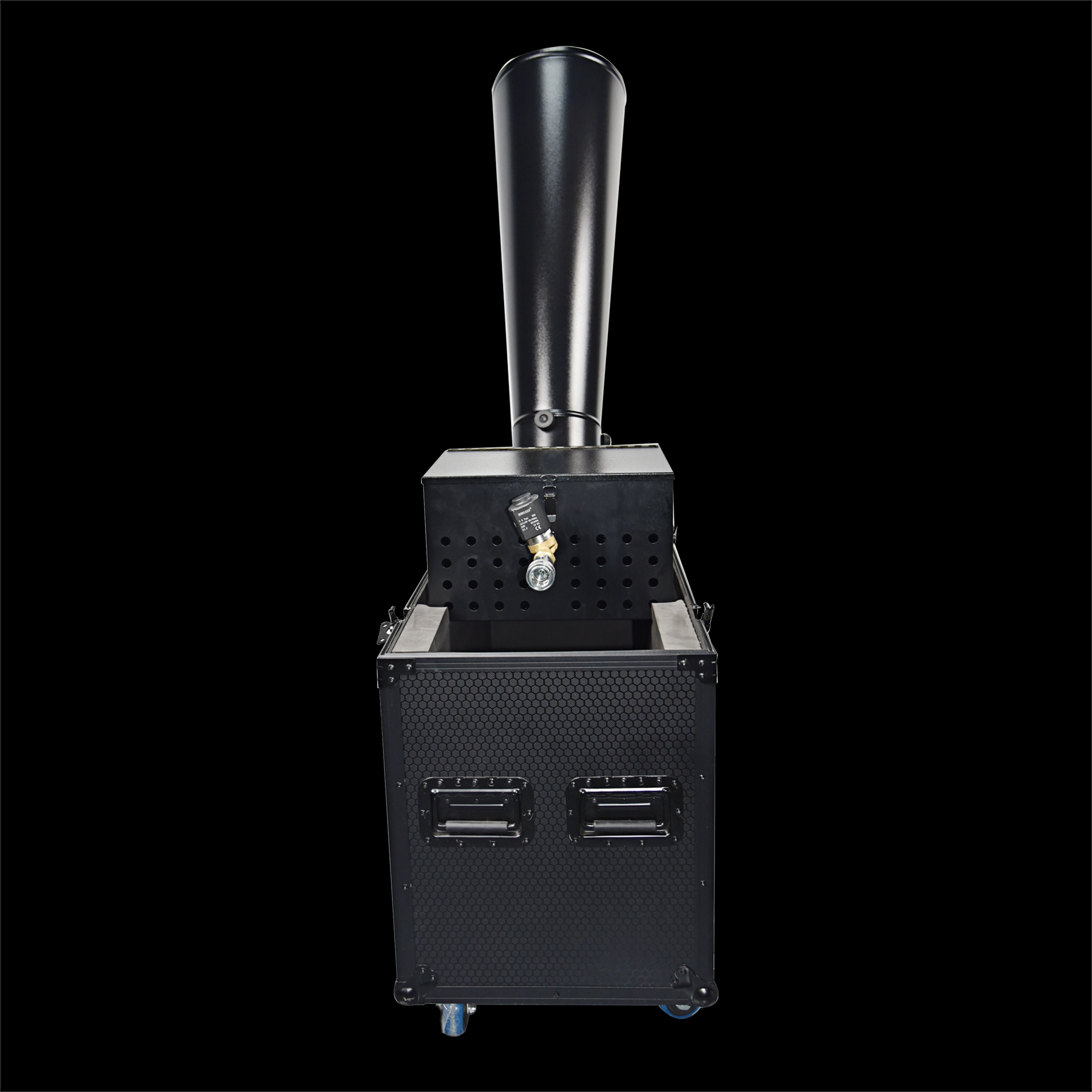
CO₂ Mini Rainbow Confetti Machine Manual Control with Durable Black Wheeled Flight Case
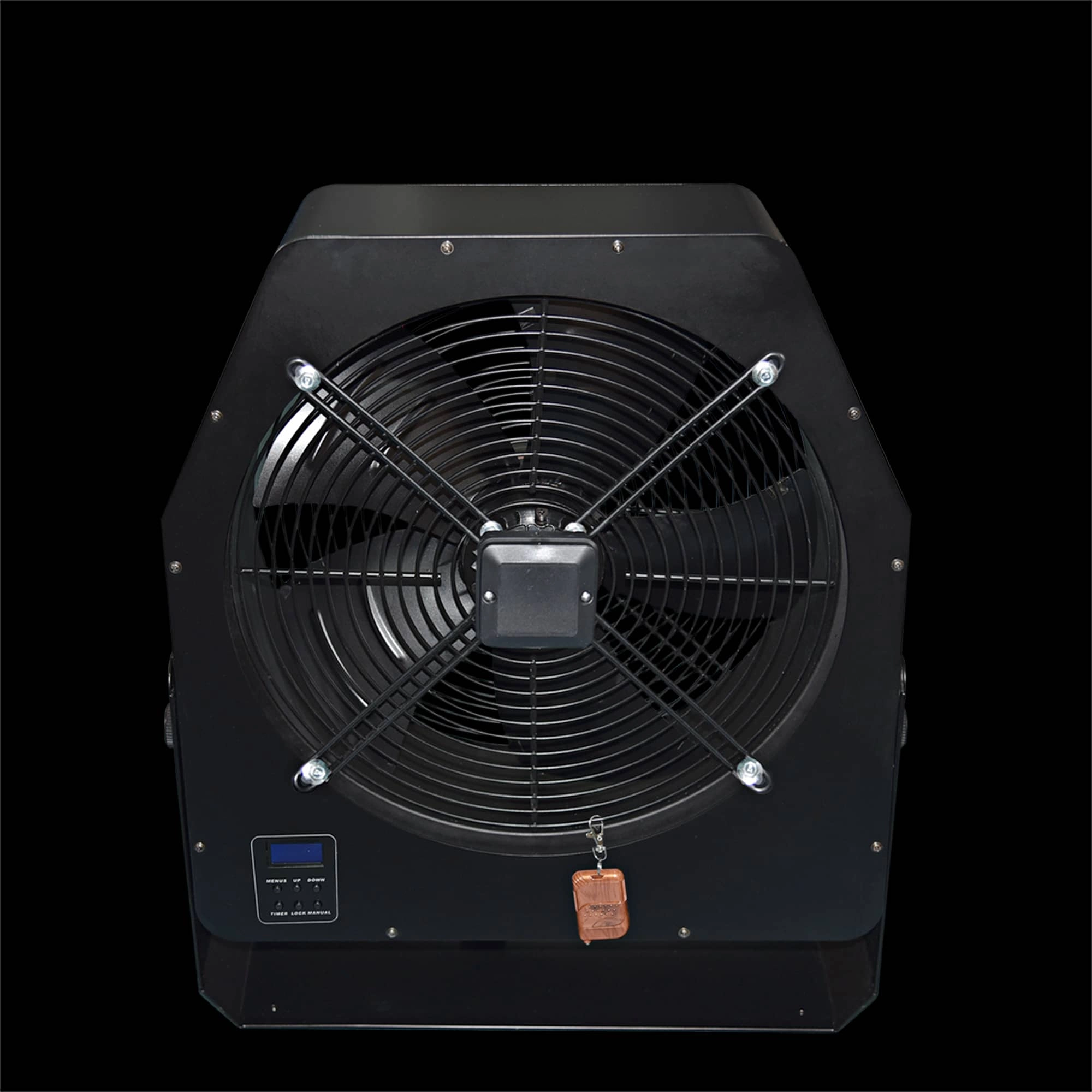
Professional Stage Big DMX Fan | High-Power Event Fan for Stage Shows & Celebrations
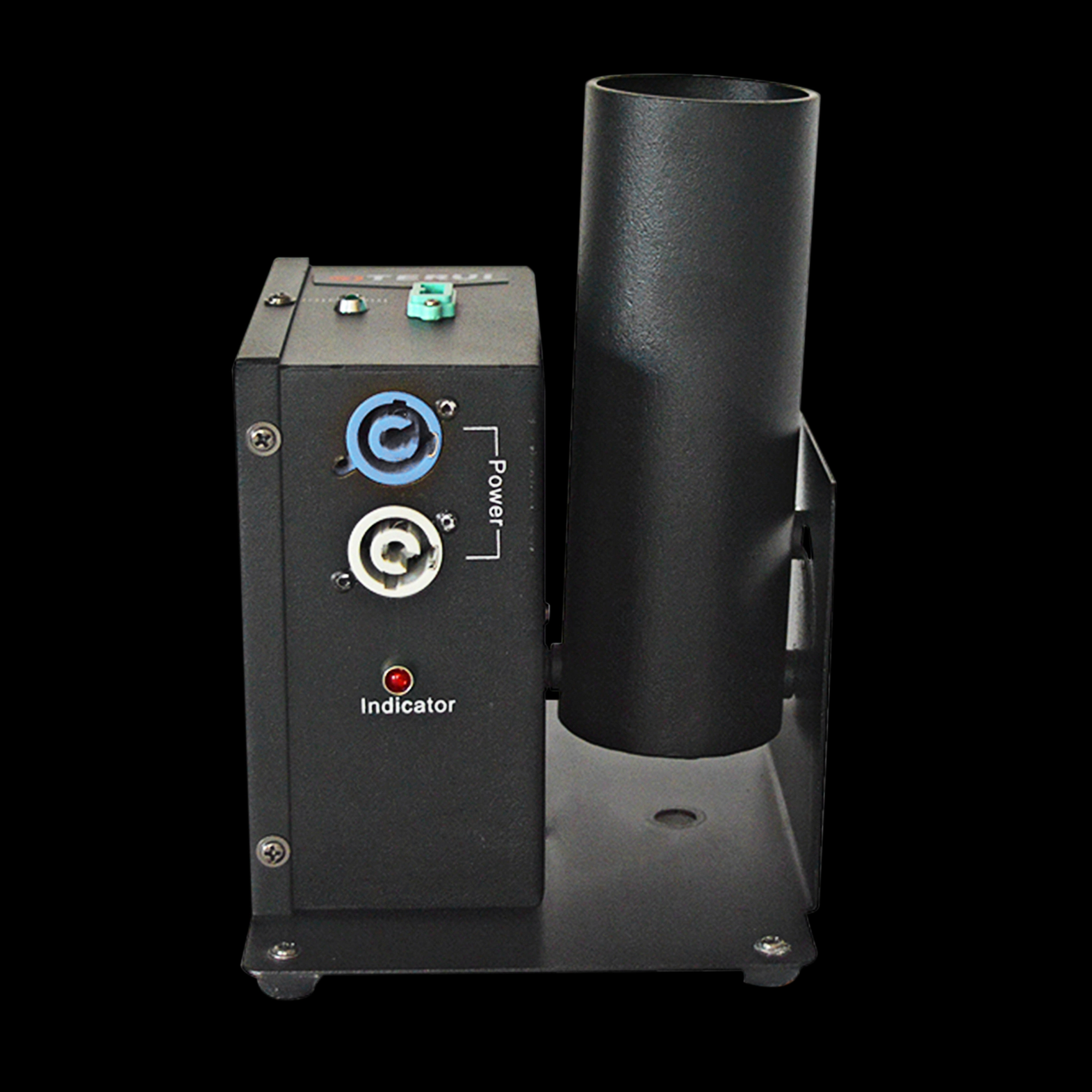
Single Shot Confetti Machine - Premium Confetti Launcher for Weddings & Stage Celebrations
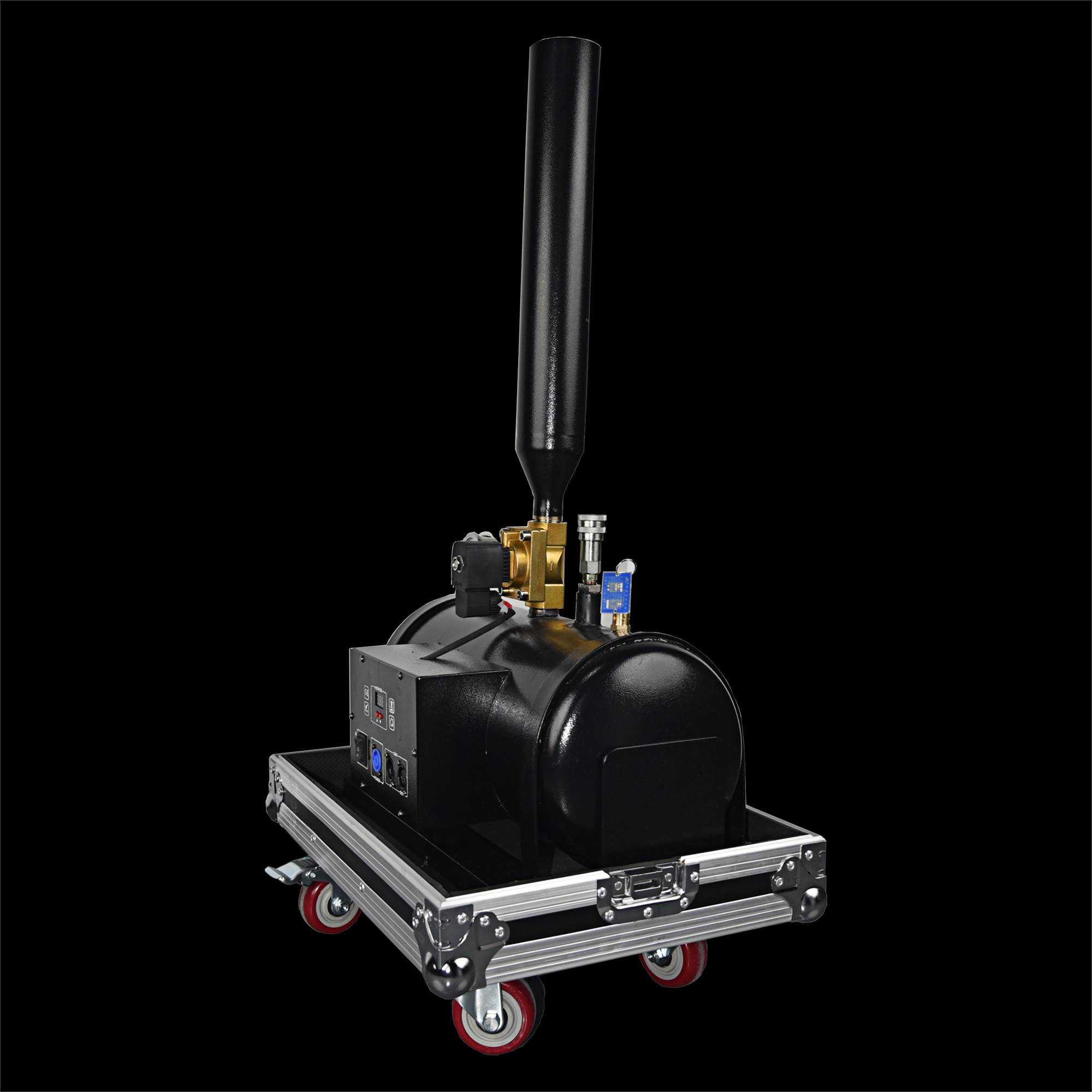
High-Altitude Confetti Cannon - Professional Confetti Blaster for Stage, Party & Celebration Events
Email: sales01@strlighting.com
WhatsApp: +86 189 2232 4800
© 2025 Siterui SFX All Rights Reserved.
 Scan QR Code
Whatsapp: +8618922324800
siteruisfx_stage_equipment
Siterui
SITERUI-SFX
STRlighting
@siterui.sfx