
DMX and Remote Control Setup for Professional Snow Machines
- Understanding control protocols and practical choices
- What is DMX512 and why it matters for snow machines
- Networked alternatives: Art-Net and sACN
- Remote control alternatives: RF, IR, and app-based Wi‑Fi
- Planning your snow machine control architecture
- Assessing venue, load, and control objectives
- Addressing, channel mapping, and naming conventions
- Power, grounding and physical routing
- Step-by-step DMX setup for snow machines
- 1) Device configuration and addressing
- 2) Cabling, termination, and topology
- 3) Controller programming and cueing
- Remote control, wireless DMX, and redundancy strategies
- Comparing wired DMX, wireless DMX, and RF remotes
- Wireless DMX best practices
- Redundancy and failover strategies
- Practical troubleshooting and maintenance
- Quick checklist when a snow machine won’t respond
- Routine maintenance tips
- Safety and environmental considerations
- Siterui SFX: manufacturer capabilities and how we support DMX integrations
- Competitive advantages and technical strengths
- Frequently Asked Questions (FAQ)
- 1. How many DMX channels does a typical snow machine require?
- 2. Can I run snow machines on wireless DMX reliably for outdoor concerts?
- 3. What termination and cable type should I use for DMX runs?
- 4. How do I synchronize multiple snow machines to fire together?
- 5. What are common causes of intermittent DMX control failures?
- 6. Can you customize snow machines to include branded casings or different control interfaces?
As a stage special effects consultant with deep experience integrating snow machines into live-event rigs, I begin with a concise summary that helps and search engines quickly understand the page's focus: this article explains how to set up professional snow machines using DMX and remote-control systems, compare wired and wireless options, outline best practices for addressing, termination and grounding, and offer practical troubleshooting and redundancy strategies for venues, tours, and permanent installations.
Understanding control protocols and practical choices
What is DMX512 and why it matters for snow machines
DMX512 (commonly called DMX) is the long-established control protocol for lighting and many effects devices, based on RS-485 electrical signaling. It provides a single universe of 512 control channels per physical link. For snow machines, DMX lets you control parameters such as fan speed, pump, intensity, vane direction, and timed bursts with precise cues synchronized to lighting and audio systems. For technical background on DMX512 see the Wikipedia overview: https://en.wikipedia.org/wiki/DMX512.
Networked alternatives: Art-Net and sACN
When managing many devices or distributed rigs, Ethernet-based protocols like Art-Net and sACN are often preferable because they carry multiple DMX universes over standard network infrastructure. Art-Net (by Artistic Licence) and sACN (ANSI E1.31) let you stream many DMX universes for large festivals, broadcast sets, or stadium shows; more background is available here: https://en.wikipedia.org/wiki/Art-Net and via ESTA's documentation on network protocols. Using Art-Net/sACN, you typically convert Ethernet to physical DMX near the group of snow machines with a DMX node.
Remote control alternatives: RF, IR, and app-based Wi‑Fi
Not every production needs DMX. Simple handheld RF (radio frequency) or IR remotes control a single snow unit's on/off and intensity for corporate events or mobile DJs. For larger installations, professional wireless DMX solutions (CRMX, W-DMX) provide robust, low-latency wireless transport of DMX universes. When choosing between handheld RF, Wi‑Fi apps, and wireless DMX, weigh range, latency, multi-unit sync, and interference. Leading wireless DMX providers include LumenRadio (CRMX) and Wireless Solution (W-DMX): https://www.lumenradio.com/products/crmx/, https://www.wirelesssolution.se/products/w-dmx/.
Planning your snow machine control architecture
Assessing venue, load, and control objectives
Start by defining functional goals: do you need timed cues, rhythmic bursts synced to music, or simple on/off remote control? Map the number of snow machines, their placement, and expected duty cycles. Key questions: how many DMX channels per machine, distance back to the controller, and whether the installation is permanent (e.g., theme park) or temporary (touring). For a single machine at a corporate event, a handheld RF remote may suffice; for theatrical or broadcast environments, plan for DMX universes and redundancy.
Addressing, channel mapping, and naming conventions
Create a channel map before patching. A typical snow machine may use 4–8 DMX channels: master output (intensity), fan speed, pump speed, burst length, trigger, and auxiliary functions (strobe, tilt). I document the map in the showfile and on the machine. Example patch:
- Channel 1: Master intensity (0–255)
- Channel 2: Fan speed (0–255)
- Channel 3: Pump speed
- Channel 4: Burst length / multi-mode
Power, grounding and physical routing
Snow machines often draw significant current—especially those with heaters, pumps, or large blowers—so plan dedicated circuits and distribution close to each unit. Keep DMX data cables separate from high-voltage power runs to minimize interference. Use correct protective devices (GFCI where required) and test earth continuity. For permanent installs, involve a qualified electrician and follow local electrical and venue regulations.
Step-by-step DMX setup for snow machines
1) Device configuration and addressing
Set the DMX address on each snow unit using DIP switches or digital menus. Confirm the machine's DMX personality (how many channels it presents) and document it. If multiple machines share a universe, assign sequential addresses and ensure no overlapping ranges. Many controllers let you rename fixtures—use readable labels like Snow_A_stageL for clarity.
2) Cabling, termination, and topology
Use professional 3-pin or 5-pin DMX cable (120Ω characteristic impedance), not microphone cable. Maintain a daisy-chain topology (controller -> device 1 -> device 2 -> ...) and terminate the far end with a DMX terminator (120Ω resistor between pins 2 and 3). If you need more than 32 devices or longer runs, add DMX opto-splitters or use Ethernet-based distribution (Art-Net/sACN with DMX nodes). For the DMX electrical background and unit-load considerations see https://en.wikipedia.org/wiki/DMX512.
3) Controller programming and cueing
Program cues on a lighting console or show controller. For snow effects timed to music, use MIDI or SMPTE timecode sync if available. Use slow ramping for natural snowfall effects and instantaneous commands for bursts. Store and label cues clearly, and create a dedicated effects layer in the console so operators can override without disrupting lighting states.
Remote control, wireless DMX, and redundancy strategies
Comparing wired DMX, wireless DMX, and RF remotes
Below is a compact comparison table to help decide which transport suits your snow machine deployment:
| Method | Typical Range | Latency | Reliability Considerations | Best Use |
|---|---|---|---|---|
| Wired DMX (RS-485) | Up to several hundred meters (with correct cabling / nodes) | Very low | High if correctly terminated; vulnerable to cable damage; limited to 32 unit loads without splitters | Theatrical/permanent installs where reliability and low latency are essential |
| Wireless DMX (CRMX, W-DMX) | Line-of-sight up to hundreds of meters (vendor dependent) | Low (professional systems designed for live sync) | Subject to RF congestion; requires planning of frequencies and antennas | Touring, outdoor events, quick installs without long cable runs |
| Handheld RF / IR remotes | RF: tens to low hundreds of meters; IR: short, line-of-sight | Very low | Limited functionality; single-unit control or simple groups; not suitable for large synchronized setups | Small events, mobile DJs, backup onsite control |
Sources: DMX512 protocol overview and wireless DMX providers: Wikipedia DMX512, LumenRadio CRMX.
Wireless DMX best practices
When deploying wireless DMX for snow machines:
- Perform an RF site survey to identify interference and choose optimal channels.
- Use professional-grade transmitters/receivers with frequency-hopping and error correction (e.g., CRMX).
- Implement antennas with clear line-of-sight where possible; elevated antenna positions dramatically improve reliability.
- Test range with full show payload (many channels active) rather than only a single channel.
Redundancy and failover strategies
For critical shows, design redundancy into both control and power:
- Primary + backup DMX paths (splitter with redundant outputs or parallel wireless links).
- UPS for controller and network nodes to ride through brownouts.
- Local manual overrides (on/off switches, manual intensity dials) on each snow machine as last-resort control.
- Monitoring: log and monitor DMX signal or network health; some consoles and nodes provide diagnostics and alarms.
Practical troubleshooting and maintenance
Quick checklist when a snow machine won’t respond
Work through this sequence:
- Verify power to the snow machine (mains breaker, GFCI, local switch).
- Check DMX cable continuity and correct pin wiring; use a DMX tester if available.
- Confirm DMX addressing and channel mapping on the device matches the console patch.
- Ensure terminator present at the end of the chain; check for splitters or incorrect multi-drop wiring.
- For wireless, check link status LEDs and perform a site re-scan for interference.
Routine maintenance tips
Snow fluid residues can corrode or clog pumps and nozzles. Regularly flush systems according to manufacturer guidance, inspect filters, and verify fans/blowers are clean. Maintain firmware on controllers and update wireless modules when stable releases are available. Keep spare consumables (fluid, gaskets, filters) and common spare parts (fuses, power connectors) onsite for events.
Safety and environmental considerations
Always use fluids and consumables approved by the snow machine manufacturer. For public events, consider floor slip hazards in high-volume effects and coordinate with the venue for drainage and surface protection. Check local regulations regarding aerosols and liquids in enclosed spaces and follow manufacturer MSDS guides.
Siterui SFX: manufacturer capabilities and how we support DMX integrations
Siterui SFX is a professional manufacturer engaged in the research and development, production, sales, and service of professional stage special effects (SFX) equipment. With a highly skilled team and cutting-edge technology, we are committed to providing innovative, reliable, and high-performance SFX solutions for live events, theaters, concerts, film production, and entertainment venues worldwide.
At Siterui SFX, we understand that every stage, event, and creative concept is unique. That’s why we offer flexible customization services to meet your specific needs—whether it's branding, special functions, size adjustments, or complete system integration.
From custom casing and logo printing to wireless control systems and synced multi-device setups, our expert team works closely with you to design SFX solutions that align perfectly with your needs.
Our commitment to quality and innovation ensures that our clients receive cutting-edge effects that enhance the visual and sensory experience of every performance. We pride ourselves on exceptional customer service and continuous advancement, positioning Siterui as a trusted partner in the professional special effects industry.
For snow machines specifically, Siterui offers models that support DMX512, Art-Net, and wireless DMX options, plus custom channel profiles on request. Our product range includes spark machines, haze machines, CO₂ jet machines, bubble machines, snow machines, foam machines, confetti machines, fog machines, fire machines, and dry ice machines—all designed with ease of integration in mind. Learn more at https://www.siteruisfx.com/ or contact our sales team at sales01@strlighting.com.
Competitive advantages and technical strengths
Siterui differentiates on several fronts:
- In-house R&D for custom control firmware and protocols.
- Flexible manufacturing for small-batch customization and rapid prototyping.
- Field-proven reliability with quality assurance and test rigs simulating long-term duty cycles.
- Global support and spare-parts logistics for touring and permanent installations.
Frequently Asked Questions (FAQ)
1. How many DMX channels does a typical snow machine require?
Most professional snow machines use between 4 and 8 DMX channels (master intensity, fan, pump, burst, etc.). Check the specific product manual or request a DMX personality from the manufacturer. Siterui provides channel maps on request for each model.
2. Can I run snow machines on wireless DMX reliably for outdoor concerts?
Yes—professional wireless DMX systems (CRMX, W-DMX) are designed for outdoor shows; however, plan frequency allocation, antenna placement, and redundancy. Do a full-system RF test with all devices and operators in situ before showtime.
3. What termination and cable type should I use for DMX runs?
Use 120Ω DMX-rated cable and terminate the last fixture in the chain with a 120Ω terminator between data pins (usually pins 2 and 3 on 5-pin XLR). Avoid using microphone cable which does not have the correct impedance.
4. How do I synchronize multiple snow machines to fire together?
Use a single DMX universe patched to each machine with synchronized channel commands for the burst parameter, or use Art-Net/sACN with low-latency nodes. For wireless setups, ensure all receivers have stable link quality and minimal latency variance. Local hardware trigger inputs can provide sub-millisecond sync when needed.
5. What are common causes of intermittent DMX control failures?
Typical causes include missing termination, cable damage, incorrect pin wiring, exceeding 32 unit loads without splitters, or RF interference for wireless links. Follow the troubleshooting checklist earlier in this article to isolate the problem.
6. Can you customize snow machines to include branded casings or different control interfaces?
Yes. Siterui SFX provides customization services from physical branding to custom control firmware and wireless integrations. Contact sales01@strlighting.com with your requirements and we’ll provide options and lead times.
If you need consultation, onsite integration support, or a quote for custom-configured snow machines and synchronized multi-device rigs, contact Siterui SFX at https://www.siteruisfx.com/ or email sales01@strlighting.com. Our team can help with DMX personalities, Art-Net node selection, wireless DMX specification, and full-system integration.
Contact / Request a quote: https://www.siteruisfx.com/ | Email: sales01@strlighting.com
Eco-friendly smoke fluids and green alternatives
Maintenance Checklist for Commercial Fogging Machines
How to Install Snow Machines for Indoor and Outdoor Shows
Where to Buy smoke machine
2100W Morning Haze Machine
How often should I clean the machine?
Regular cleaning every 3-6 months (depending on usage) is recommended.
600W High-Quality Stainless Steel
Do you offer sample orders?
Yes, samples are available. Contact us for pricing and shipping details.
750W Move Head Cold Electronic Spark Machine
How is quality controlled?
All products undergo 100% inspection before shipment.
FAQs
How can I contact Siterui for product inquiries or support?
Single-Head CO2 Jet Machine
Can this machine be used outdoors?
Yes, but avoid extreme weather conditions to ensure longevity and performance.
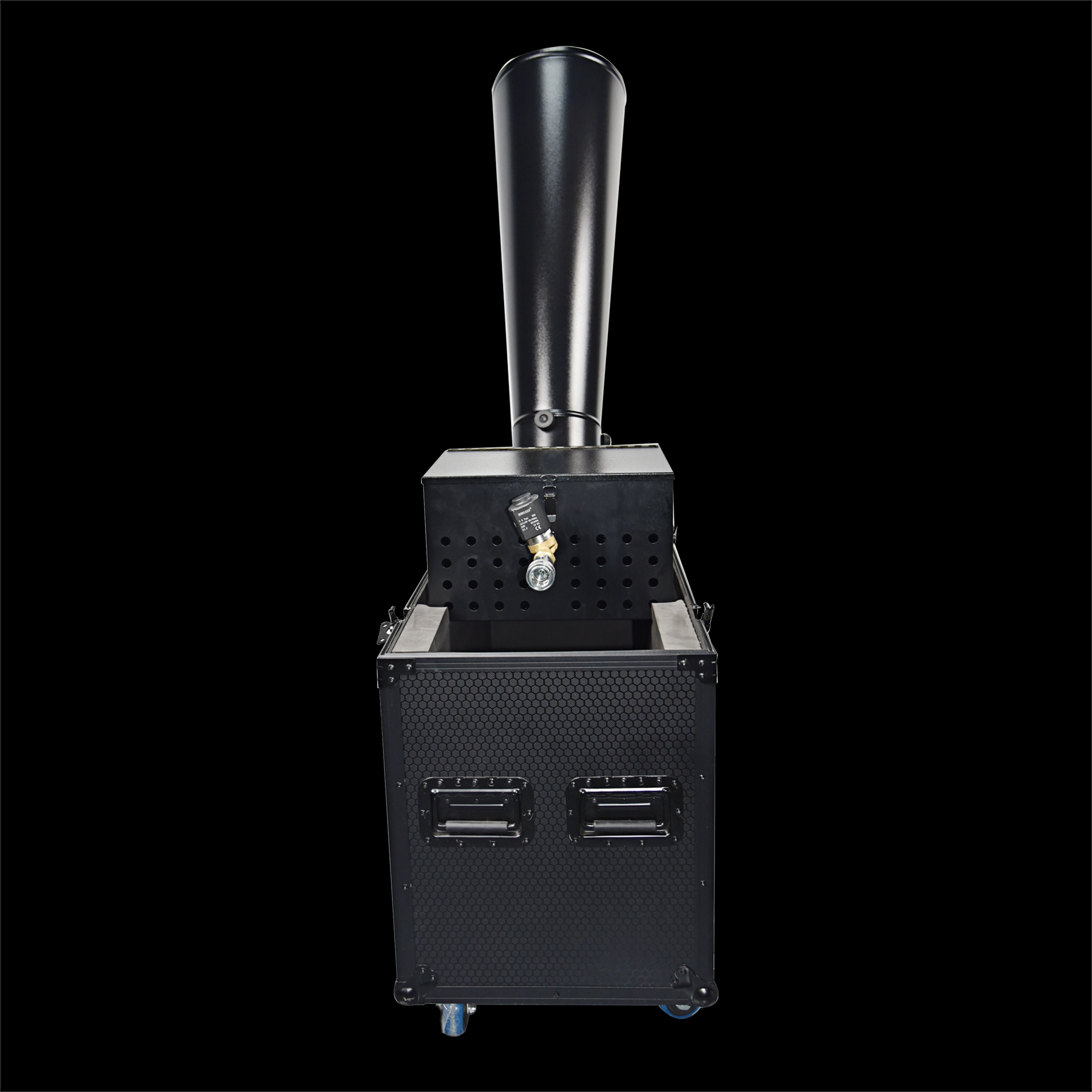
CO₂ Mini Rainbow Confetti Machine Manual Control with Durable Black Wheeled Flight Case
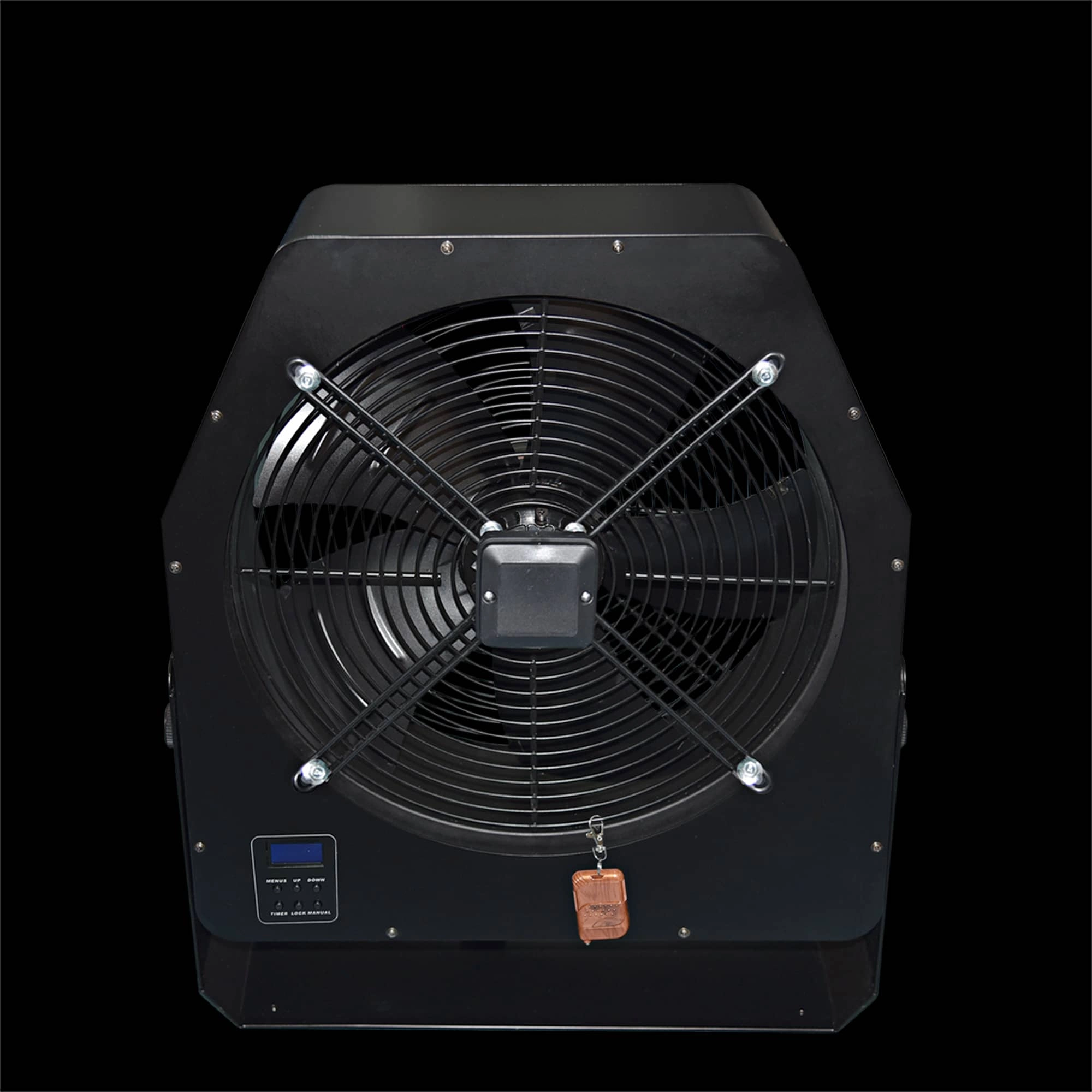
Professional Stage Big DMX Fan | High-Power Event Fan for Stage Shows & Celebrations
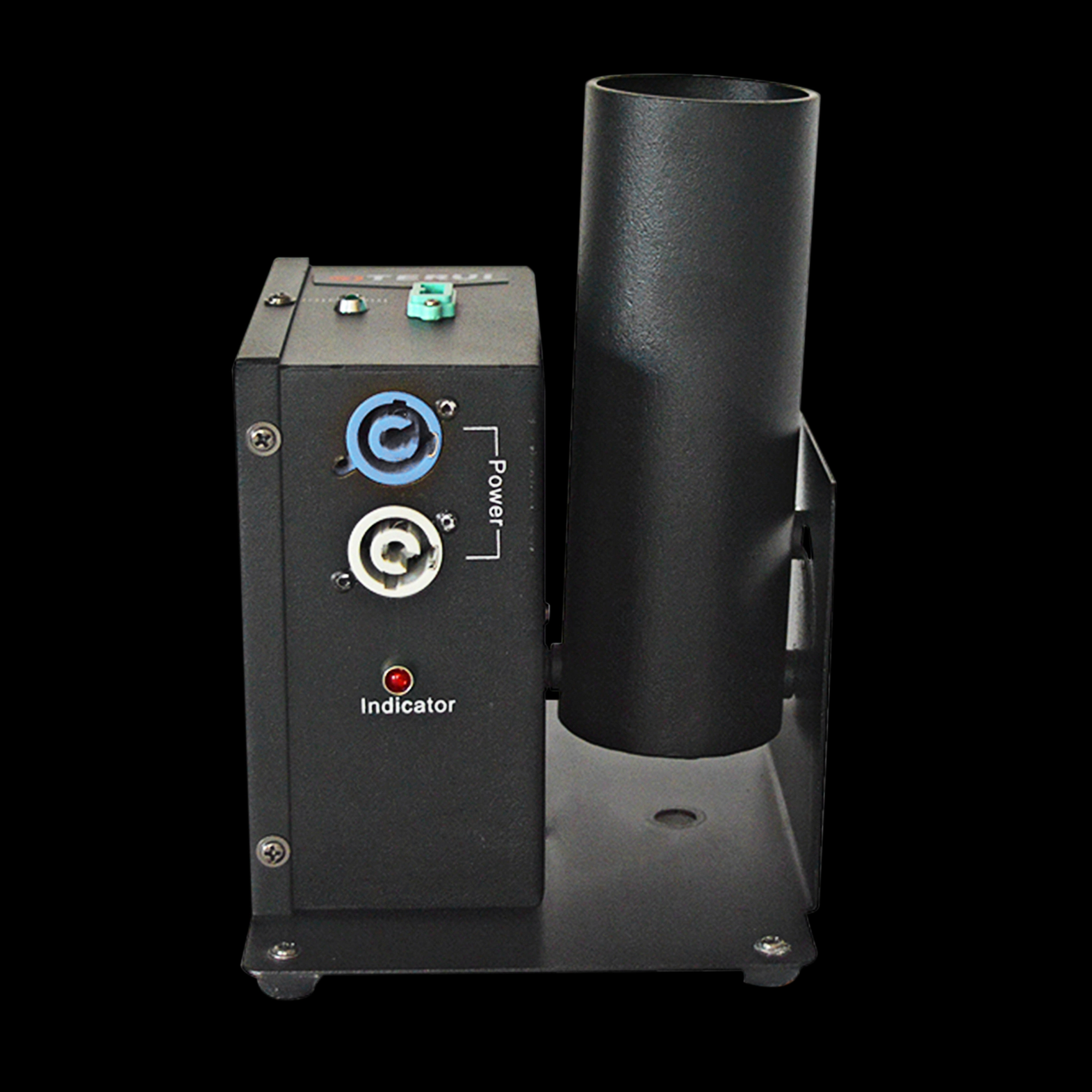
Single Shot Confetti Machine - Premium Confetti Launcher for Weddings & Stage Celebrations
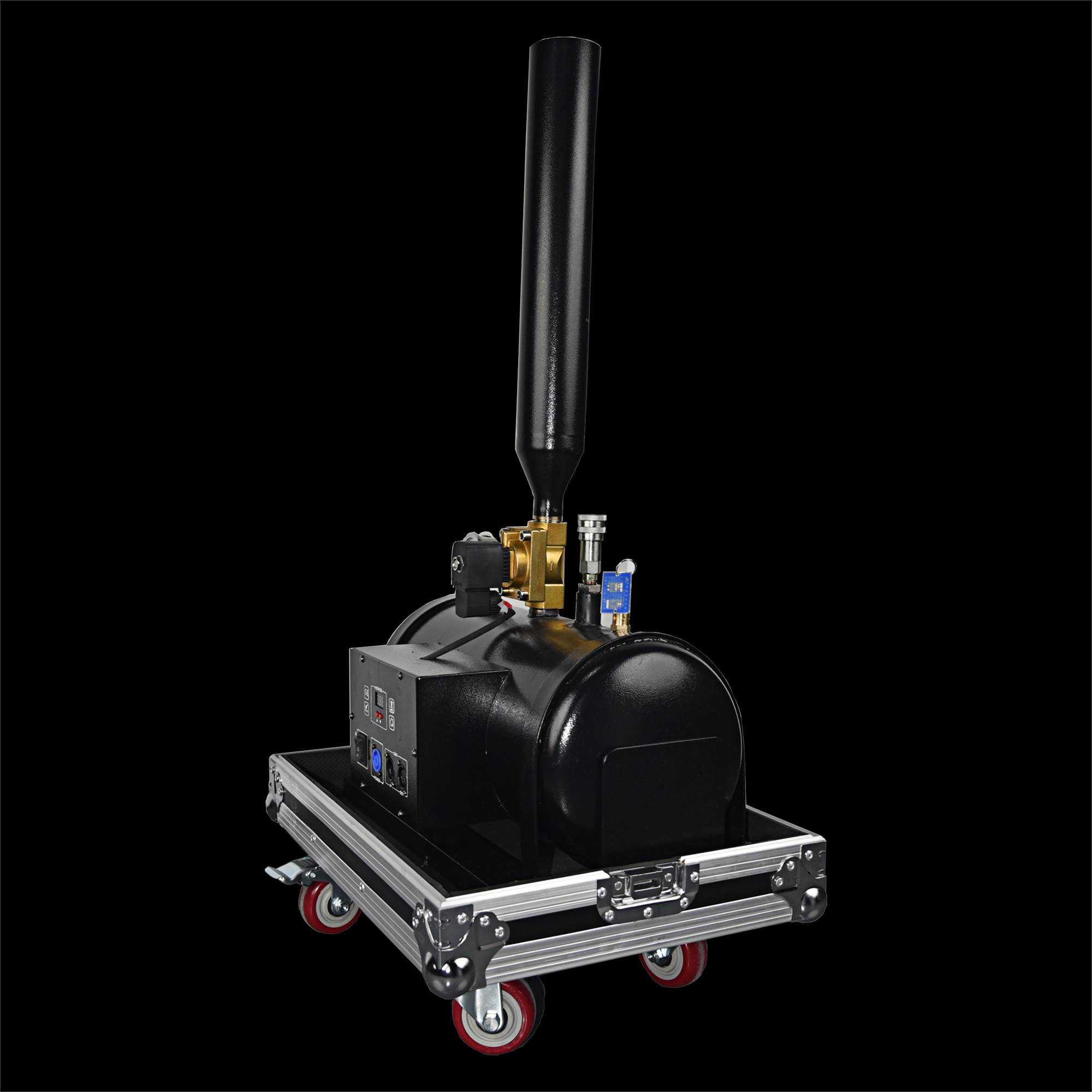
High-Altitude Confetti Cannon - Professional Confetti Blaster for Stage, Party & Celebration Events
Email: sales01@strlighting.com
WhatsApp: +86 189 2232 4800
© 2025 Siterui SFX All Rights Reserved.
 Scan QR Code
Whatsapp: +8618922324800
siteruisfx_stage_equipment
Siterui
SITERUI-SFX
STRlighting
@siterui.sfx