
Setting Up DMX Control for Your 1200W Haze Machine
- Setting Up DMX Control for Your 1200W Haze Machine
- Why DMX control matters for a haze machine
- Understanding DMX basics for haze machines
- Get to know the Siterui SFX 1200W haze machine (DMX)
- Required hardware and tools for DMX setup
- Step-by-step DMX wiring and physical setup
- Setting DMX address and channel mapping
- Example DMX channel mapping (typical)
- Recommended DMX values and scenes for common uses
- Safety, power and environmental considerations
- Troubleshooting common DMX and haze issues
- Maintenance best practices for reliable DMX operation
- Integrating the Siterui SFX 1200W haze machine into complex shows
- Siterui SFX advantages for professional users
- Frequently Asked Questions (FAQ)
- Q: What DMX channel does the Siterui SFX 1200W use?
- Q: Can I mix 3-pin and 5-pin DMX on the same line?
- Q: How often should I purge and clean the haze machine?
- Q: Will haze set off fire alarms?
- Q: What fluid should I use?
- Contact, demo and purchase CTA
- References
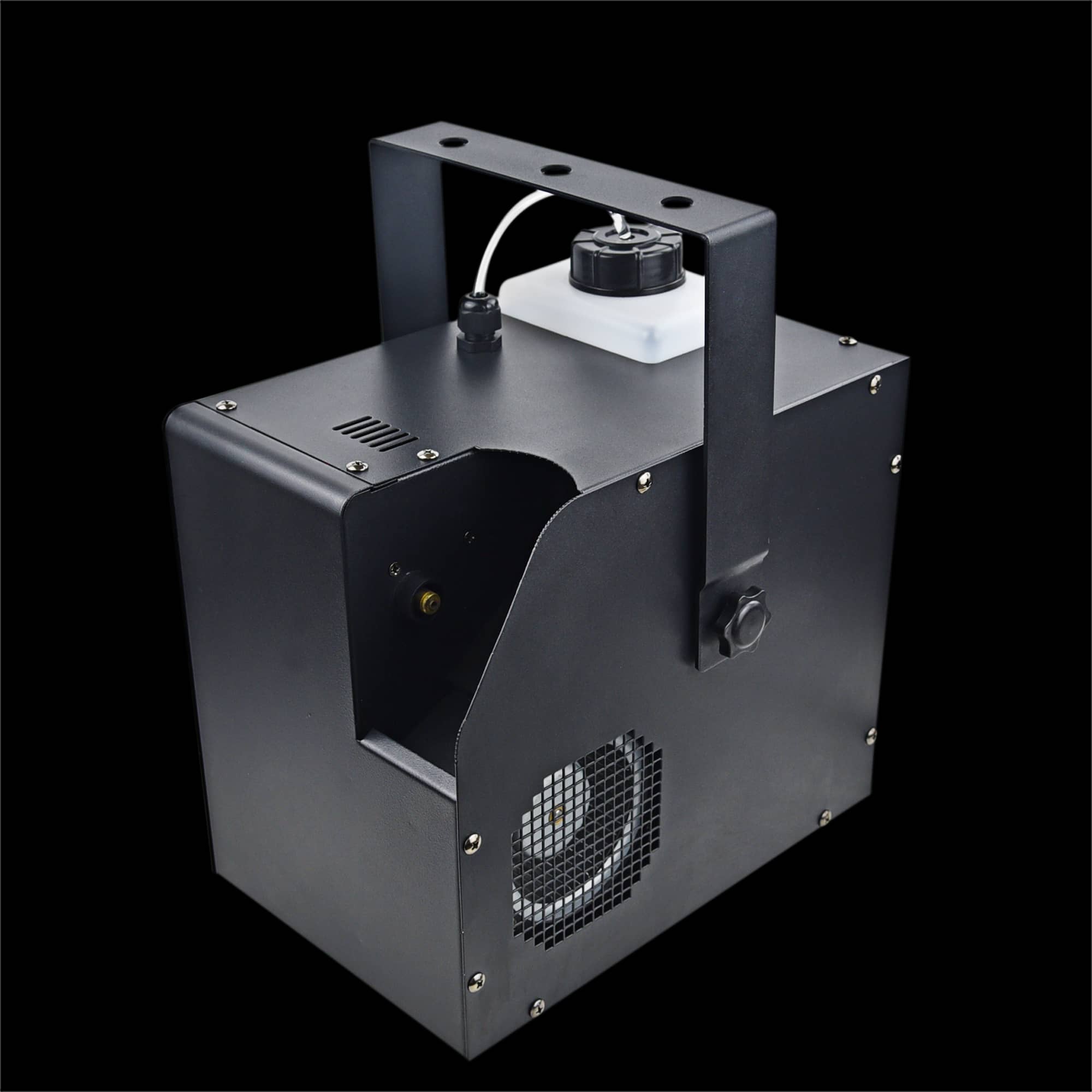
Setting Up DMX Control for Your 1200W Haze Machine
Why DMX control matters for a haze machine
Integrating DMX control with a haze machine transforms it from a simple atmospheric generator into a responsive stage tool that works in sync with lights, smoke, and show cues. The Siterui SFX 1200W haze machine (DMX) delivers smooth, long-lasting haze for concerts, theaters and film. Fast warm-up, variable output and full DMX control ensure reliable, professional 1200W atmospheric effects. In this guide you will find practical instruction—from basic DMX concepts to wiring, addressing, channel mapping, recommended settings, troubleshooting and maintenance—so you can deploy your 1200W hazer with confidence.
Understanding DMX basics for haze machines
DMX512 (commonly shortened to DMX) is a unidirectional control protocol widely used for lighting and effects. For a haze machine, DMX typically controls variables such as output intensity, fan speed, timed dosing, and purge. Key concepts to know before you begin:
- DMX universe and channels: A DMX universe contains up to 512 channels. Each fixture (or haze machine) uses one or more contiguous channel addresses.
- Addressing: You assign the starting DMX address for the haze machine so the controller knows which channels affect it.
- Termination: DMX lines must be terminated at the last fixture with a 120-ohm terminator to prevent signal reflections.
- Cabling: Use standard 3-pin or 5-pin DMX cable (five-pin preferred for professional rigs). Do not use microphone cables.
Get to know the Siterui SFX 1200W haze machine (DMX)
Before wiring anything, study the machine's control panel and connectors. The Siterui SFX 1200W haze machine (DMX) typically offers:
- DMX input and output XLR connectors (3-pin or 5-pin depending on model)
- Onboard control panel with address setting and manual output controls
- Power input with safety earth connection and internal fuse
- Fluid reservoir and fluid-level sensor or manual fill port
- Fan and pump controlled by the internal electronics
Always review the supplied user manual for exact connector types and DMX channel mapping for your unit. This guide uses typical DMX mappings and best practices that apply to most professional 1200W hazers.
Required hardware and tools for DMX setup
Make sure you have the right tools and accessories before starting:
- DMX controller or lighting desk supporting DMX512
- DMX cable (5-pin DMX cable preferred). Use only cables rated for DMX.
- DMX terminator (120-ohm resistor in a male XLR plug)
- Multimeter (for safety checks) and basic hand tools
- Appropriate haze fluid (manufacturer-recommended fluid for Siterui SFX)
- Grounded, dedicated power circuit (1200W units draw significant current during continuous use)
Step-by-step DMX wiring and physical setup
Follow these steps when connecting the Siterui SFX 1200W to a DMX network:
- Power off all devices. Never hot-plug DMX into live fixtures when possible.
- Confirm the DMX connector type on the haze machine (3-pin or 5-pin). Use matching DMX cable.
- Run DMX cable from your controller’s DMX output to the DMX input on the haze machine. If the machine is mid-line, continue the cable from its DMX output to the next fixture.
- At the final fixture in the chain, install a 120-ohm DMX terminator in the DMX output to prevent data reflections.
- Power the haze machine from a stable, grounded supply. Verify voltage and plug type match the unit’s rating.
- Fill the fluid tank with the recommended haze fluid and prime the pump if the unit requires it.
Setting DMX address and channel mapping
The first DMX address tells the controller where the machine’s channels begin. If the haze machine uses 4 channels and you set its start address to 33, it will occupy channels 33–36. Recommended approach:
- Plan your DMX universe on paper. Place higher-priority fixtures (moving lights, etc.) in one area and effects in another to avoid accidental overlap.
- Set the haze machine to an address that doesn’t conflict with other fixtures.
- Document addresses and keep a labeled patch on your console for quick recall.
Example DMX channel mapping (typical)
Below is a common example mapping for a 4-channel hazer. This is illustrative—always check your Siterui SFX manual for exact mapping.
| Channel | Function | DMX Range (0–255) | Effect |
|---|---|---|---|
| 1 | Master Output / Density | 0–255 | 0 = off, 255 = max continuous haze |
| 2 | Pump Dosing / Pulse Rate | 0–255 | Low values = short pulses; high values = continuous or long pulses |
| 3 | Fan Speed | 0–255 | 0 = off, 255 = full fan (affects haze spread) |
| 4 | Purge / Service | 0–255 | Activation of purge or maintenance functions |
Source: Typical hazer DMX mappings and manufacturer manuals. Always verify exact channel map with the Siterui SFX user manual.
Recommended DMX values and scenes for common uses
Different shows require distinct haze behaviours. Here are practical starting points to program scenes:
- Low ambient haze for concerts: Master 60–100 (soft fill), Fan 180–220 (good spread), Pump mid (120–160) for steady output.
- Theatrical cues with intermittent haze: Master 140–200 for visible beams on cue, Pump set for pulsed output and Fan 120–160 to keep haze localized.
- Film / video: Use low master (30–70) and reduce fan to 80–120 to keep haze subtle and consistent for close shots.
Tweak these values on-site: venue size, HVAC and air movement strongly influence what you’ll need.
Safety, power and environmental considerations
1200W hazers consume substantial power and produce heat. Follow these safety guidelines:
- Use dedicated circuits when possible. Avoid powering a 1200W haze machine with multiple heavy-load fixtures on the same breaker.
- Keep the machine in a ventilated area. Ensure exhaust is directed away from actors, sensitive equipment or heat-sensitive set pieces.
- Use fluid recommended by Siterui SFX. Incorrect fluids can clog pumps or create residue that damages the machine.
- Respect local safety codes—some venues limit haze/fog usage for fire alarm sensitivity. Coordinate with venue staff and local authorities.
Troubleshooting common DMX and haze issues
Typical problems and quick fixes:
- No response to DMX: Check DMX cable continuity, confirm start address, ensure controller is outputting the correct universe. Test with a DMX tester or another fixture.
- Intermittent output or stuttering: Check termination and cable quality. Replace cable with a verified DMX cable and ensure secure XLR connections.
- Weak haze output: Verify fluid level, check pump priming and inlet filter, confirm master output DMX value. Clean or replace filters if necessary.
- Persistent residue or clog: Run manufacturer-recommended cleaning cycles and use the purge channel. Do not attempt aggressive solvents unless specified by Siterui.
Maintenance best practices for reliable DMX operation
To keep your 1200W hazer reliable show after show:
- Perform a weekly visual inspection during heavy use: check fluid level, clean intake and output vents, inspect cables and connectors.
- Run routine purge cycles to clear fluid residues from the pump and nozzles—follow Siterui recommendations for frequency.
- Use fresh, manufacturer-approved haze fluid and avoid cheap substitutes. Fluid quality directly affects pump life and output consistency.
- Log DMX addresses and settings per venue—documenting what worked avoids last-minute guesswork when re-rigging.
Integrating the Siterui SFX 1200W haze machine into complex shows
For multi-device shows, coordinate haze with lighting cues, moving lights, and fog/smoke units. Tips for professional integration:
- Use dedicated DMX channels and avoid overlapping addresses.
- Create macro cues on your lighting desk for haze on/off with fade times to produce consistent atmospherics during scene changes.
- Where possible, test haze scenes in the venue before doors open to tune output and distribution for that room’s HVAC and sightlines.
Siterui SFX advantages for professional users
Why choose the Siterui SFX 1200W haze machine (DMX) for productions?
- Designed for professional use: 1200W power gives consistent, long-lasting haze suitable for large venues.
- Fast warm-up and stable output: Rapid readiness for touring or tight performance schedules.
- Full DMX integration: Enables tight synchronization with lighting and show automation systems.
- Variable output and fan control: Flexibility for concerts, theater and film without needing multiple machines.
- Robust build and serviceability: Easier maintenance and lower downtime when used and maintained properly.
Frequently Asked Questions (FAQ)
Q: What DMX channel does the Siterui SFX 1200W use?
A: Channel mapping can vary by model or firmware. Many hazers use a 1–4 channel map (master output, pump/pulse, fan, purge). Always confirm exact channel assignments in your Siterui SFX user manual before patching.
Q: Can I mix 3-pin and 5-pin DMX on the same line?
A: You can mix them physically if you use proper adapters, but consistent use of 5-pin DMX cable is recommended for professional installations. Avoid using microphone cable; use cables rated for DMX512.
Q: How often should I purge and clean the haze machine?
A: For heavy daily use, run a purge or cleaning cycle weekly and inspect filters and nozzles monthly. For lighter use, monthly maintenance may be sufficient. Follow Siterui's maintenance schedule for best results.
Q: Will haze set off fire alarms?
A: Haze typically uses glycol- or glycerin-based fluids that disperse more uniformly and less densely than fog. However, some detectors are sensitive—coordinate with venue staff, inform local fire authorities, and test detectors if necessary. Always comply with local regulations.
Q: What fluid should I use?
A: Use only Siterui-recommended haze fluids or fluids specified in the product manual. Using low-quality or incompatible fluids can cause clogging, residue, and reduced lifespan of the pump and heater assembly.
Contact, demo and purchase CTA
If you’re setting up for a concert, theatrical run or film production and want reliable atmospheric results, the Siterui SFX 1200W haze machine (DMX) is built to deliver. For product demos, detailed channel maps tailored to your show, or to purchase a unit, contact our sales and technical team or view full product details on our site. Our technicians can pre-configure DMX addresses and provide on-site setup support to ensure a smooth show-day experience.
Once your system is set up, it’s worth reading “Haze vs Fog 1200W Haze Machine” — it explains the differences between haze and fog effects and helps you choose what’s best for your venue or show.
References
- DMX512-A / USITT standard and guidelines — ESTA Technical Standards Program (DMX512 reference): https://tsp.esta.org/
- Manufacturer haze and fog machine manuals (typical mappings and maintenance procedures) — Chauvet, ADJ product manuals and support pages: https://www.chauvetdj.com/ and https://www.adj.com/
- General haze vs. fog operational guidance — lighting & rigging industry resources and venue operation guides (trade publications and user manuals)
- Siterui SFX product documentation and technical datasheet — Siterui product page or supplied manual (consult your Siterui SFX manual for exact channel mappings and safety data).
Note: The channel mapping table and recommended DMX values in this article are typical examples intended to help you plan and test. Always verify exact DMX channel assignments and safety instructions with the official Siterui SFX 1200W haze machine manual supplied with your unit.
Safety Guidelines for Using Fog Machines Indoors
Smoke machine accessories every tech should own
Maintenance Checklist for Commercial Fog Machines
Safety Standards and Compliance for Haze Machines
large 300W Silver Iron Case Bubble Machine
How could l get a sample?
if you can not buy our product in your local area, we will ship a sample to you.You will be charged a sample priceplus all related shipping costs.Express delivery charge depends on the quantity of the samples.
About us
How does the team collaborate on projects?
Cross-functional collaboration ensures seamless execution from design to delivery.
Solutions
Can you customize the products based on our brand? Do you support OEM/ODM?
Absolutely. With our in-house design team, we provide full OEM/ODM customization from product appearance, color, function, logo branding, to packaging and complete equipment.
3000W fog machine
What is the price of shipping?
Depending upon the port of delivery, prices varies.
600W High-Quality Stainless Steel
Can the spray height be adjusted mid-performance?
Absolutely! Use the remote control or DMX interface for real-time adjustments.
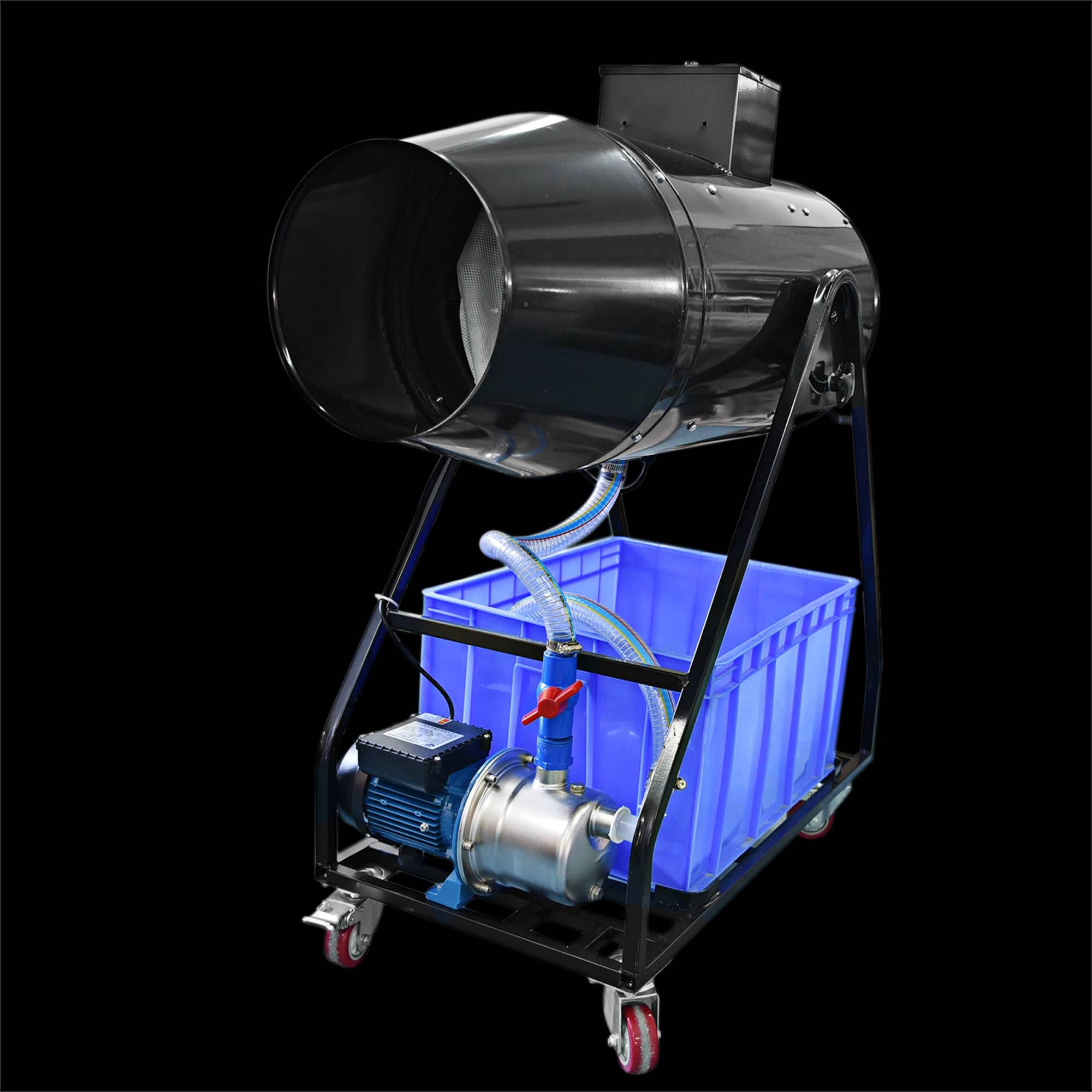
Siterui SFX 1800W Spraing foam machine High Power Professional Foam Party Maker
Elevate your event with the Siterui SFX 1800W Spraing Foam Machine. This high-power, professional foam party maker creates dense, vibrant bubbles—perfect for weddings and celebrations. Reliable and easy to use, it’s the foam and bubble machine for unforgettable moments.
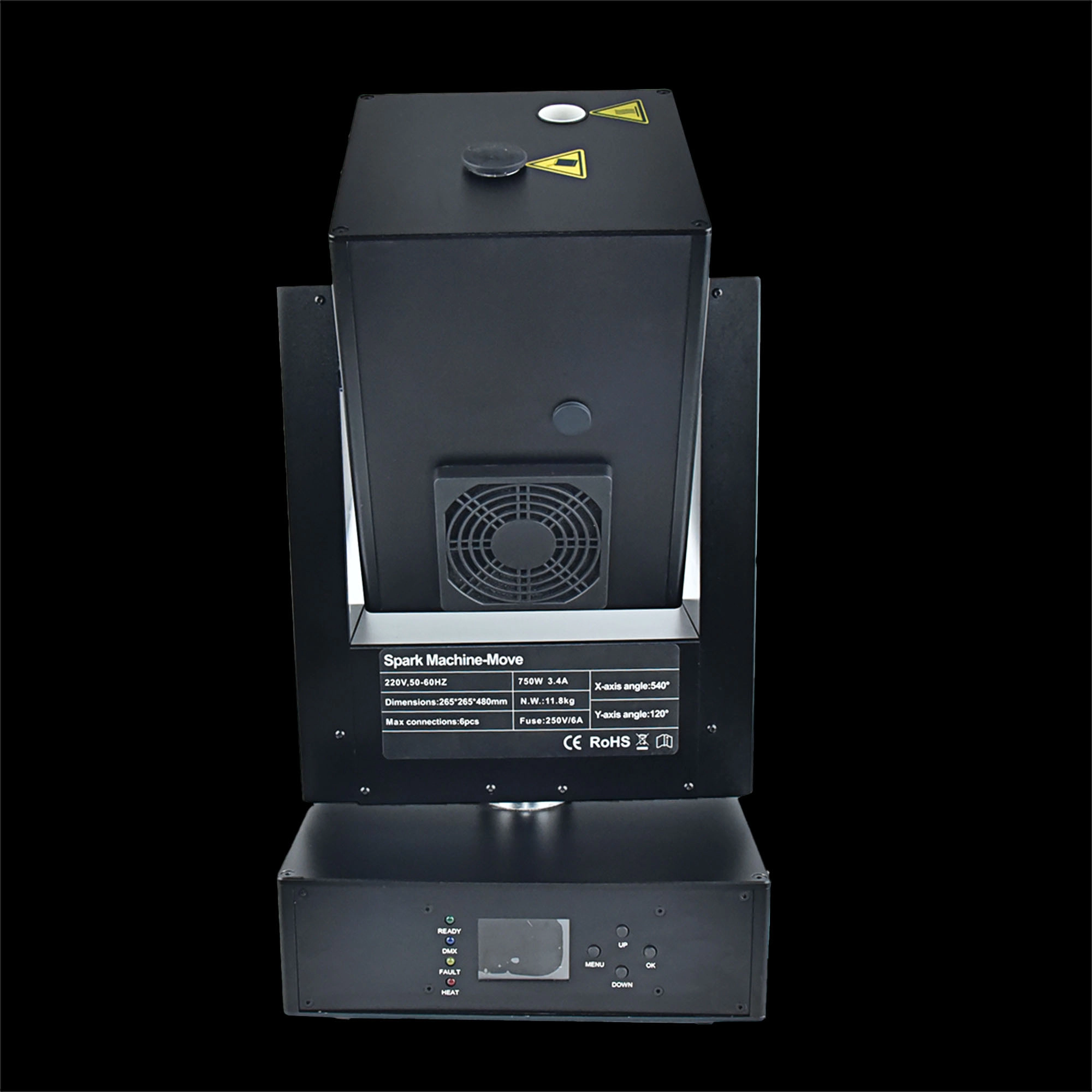
750w moving head spark machine
Siterui SFX 750w moving head spark machine delivers high-impact cold-spark effects with 360° moving head, DMX control, adjustable output and safe, long-lasting performance - perfect for concerts, weddings and stage shows.
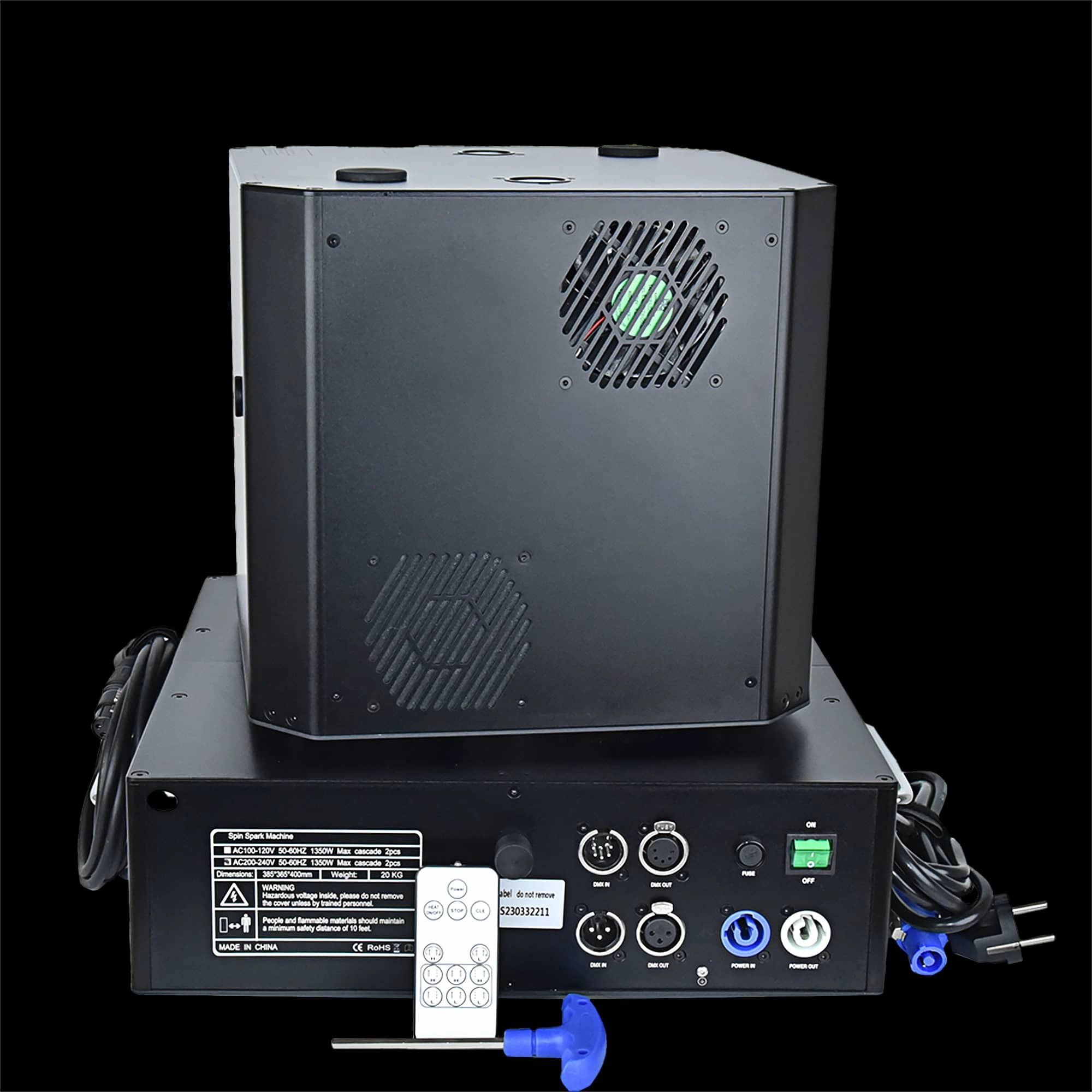
Double head 1300W Spin Spark machine DMX+Remote control
Double head 1300W Spin Spark machine -powerful dual-head 1300W spin spark effect with DMX + remote control for precise timing. Durable, professional-grade pyrotechnic effect ideal for concerts, clubs and events.
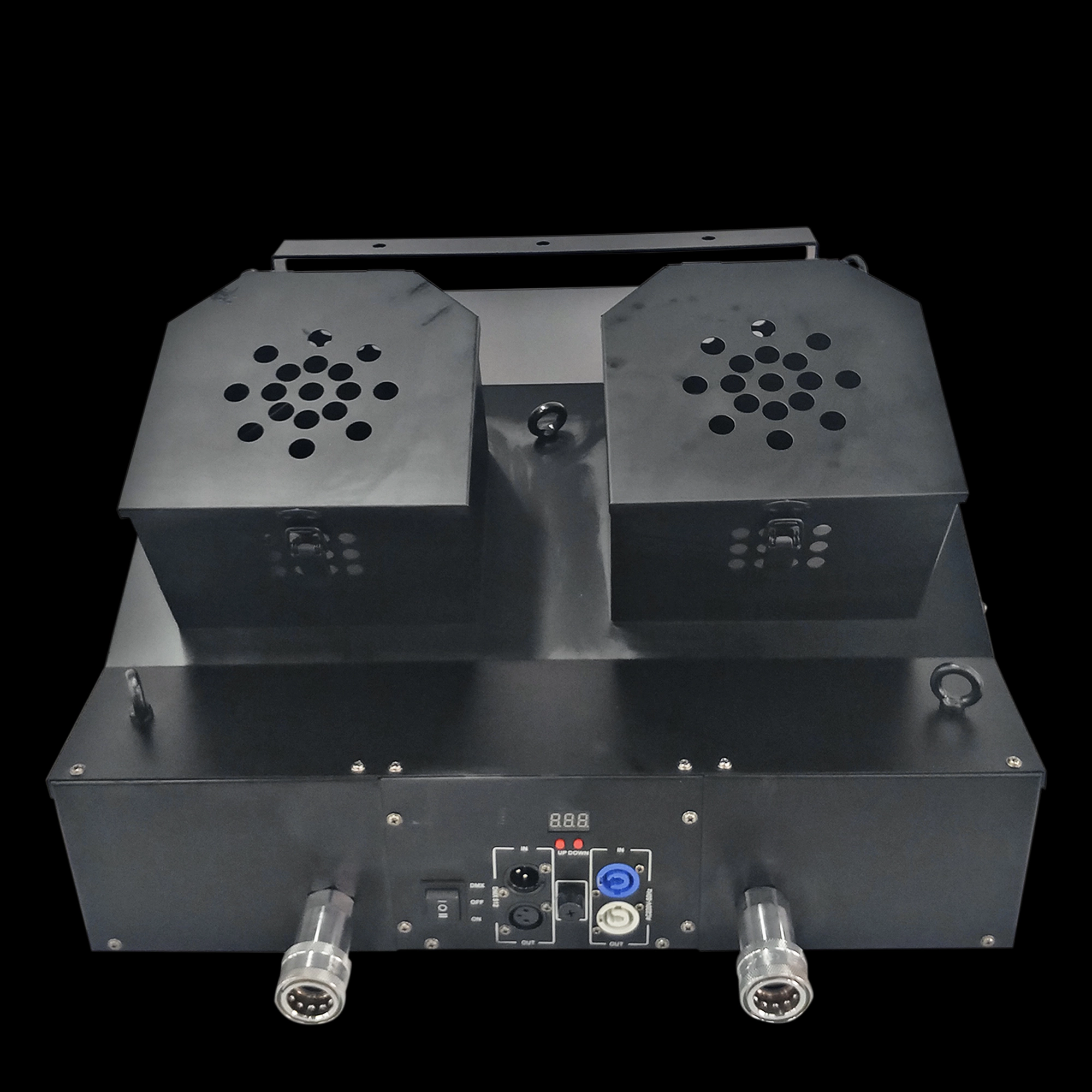
Snowstorm Paper Machine Double outlet sprayer snowstorm paper machine dual nozzle sprayer
Email: sales01@strlighting.com
WhatsApp: +86 189 2232 4800
© 2025 Siterui SFX All Rights Reserved.
 Scan QR Code
Whatsapp: +8618922324800
siteruisfx_stage_equipment
Siterui
SITERUI-SFX
STRlighting
@siterui.sfx