
Quick fixes for DMX connectivity issues with haze machines
- Understanding DMX and haze machine basics
- What DMX512 is and why it matters for haze machines
- How haze machines interpret DMX signals
- Common DMX topologies and what to check first
- Quick hardware fixes for DMX connectivity
- Cable and connector checks
- Termination and impedance
- Power and grounding
- Configuration and software troubleshooting
- Addressing and channel mapping
- Controller settings and protocol mismatches
- Firmware, profiles and compatibility
- On-site best practices and advanced diagnostics
- Using a DMX tester and multimeter
- Daisy-chaining, splitters, and signal boosters
- When to escalate to manufacturer service
- Practical checklists I use on every call
- 10-minute walk-through checklist
- Tools and meters worth carrying
- Safety and operational considerations
- Siterui SFX — professional support and custom solutions
- FAQ — Common questions and concise answers
- 1. Why is my haze machine not responding to DMX?
- 2. Do haze machines need DMX termination?
- 3. Can I control multiple haze machines with a single DMX channel?
- 4. Is wireless DMX reliable for haze machines?
- 5. What is RDM and can it help diagnose haze machine problems?
- 6. When should I contact the manufacturer instead of troubleshooting myself?
As a field consultant and content creator working across live events in North America, Europe, and Asia, I often get called to solve DMX connectivity issues with haze machines on short notice. This article summarizes practical, on-site steps and verifiable checks you can perform in minutes to restore DMX control. It is written from hands-on experience, follows established DMX512 practices, and links to authoritative references for technical details.
Understanding DMX and haze machine basics
What DMX512 is and why it matters for haze machines
DMX512 is the standard digital communication protocol used to control stage lighting and effects devices, including haze machines. The protocol defines signal levels, connector types, and recommended wiring practices; it's documented in resources like the DMX512 Wikipedia entry and the ESTA technical pages (https://en.wikipedia.org/wiki/DMX512, https://tsp.esta.org/tsp/tech-directory/dmx512/).
How haze machines interpret DMX signals
Haze machines typically accept DMX input via 3-pin or 5-pin XLR connectors and map one or more DMX channels to functions such as fan speed, haze output level, or a master on/off. Incorrect addressing or channel mapping is a frequent cause when the fixture appears 'dead' but actually receives a signal on the wrong address.
Common DMX topologies and what to check first
DMX networks are usually daisy-chained: controller > fixture 1 > fixture 2 > ... > terminator. You should verify the physical chain before changing configuration. For larger setups, Art-Net or sACN over Ethernet can be used, where network configuration adds another layer of possible issues (https://en.wikipedia.org/wiki/Art-Net).
Quick hardware fixes for DMX connectivity
Cable and connector checks
Start with the basics: inspect XLR cables for bent pins, broken latches, or intermittent contacts. Swap the DMX cable with one you know works. Use cables rated for DMX (low capacitance, 120-ohm characteristic impedance); microphone cables can sometimes work but are more likely to fail in long runs.
Termination and impedance
DMX lines should be terminated with a 120-ohm resistor at the far end to prevent reflections on the line. If you have multiple terminators or none, symptoms include flicker, intermittent control, or unreliable values. The DMX512 standard specifies this practice (DMX wiring and termination).
Power and grounding
Confirm the haze machine has stable mains power and that the power supply is not tripping under load. Ground loops can cause noise; ensure a single solid earth reference for the DMX chain when possible. If the unit has a separate power switch for DMX electronics, cycle it to reset the DMX interface.
| Observed symptom | Likely cause | Quick fix |
|---|---|---|
| No response from haze machine | Wrong DMX address or broken cable | Check addressing, swap cable, try direct connection to controller |
| Intermittent control / jitter | Missing termination or noisy cable | Add 120-ohm terminator at last fixture; replace long/cheap cable |
| Partial control (some channels OK) | Incorrect channel mapping/config or faulty device | Verify channel map on manual; test fixture with known-good controller |
Configuration and software troubleshooting
Addressing and channel mapping
Always confirm the DMX start address on the haze machine. Many installers accidentally set the machine to a different universe or start address than the controller expects. Consult the unit's manual for DIP switch or menu-based addressing. If using a lighting console, verify the fixture profile and ensure its channel count matches the machine.
Controller settings and protocol mismatches
Modern networks can use DMX via Ethernet (Art-Net, sACN). If your controller is outputting Art-Net and the haze machine expects DMX via XLR, you need a node converting Art-Net to DMX. Similarly, RDM-capable devices can reveal addressing and diagnostics remotely, but RDM must be enabled on both controller and fixtures to function. See Art-Net reference for networked DMX considerations (Art-Net).
Firmware, profiles and compatibility
Firmware mismatches between controllers and fixtures rarely break DMX, but manufacturers sometimes change channel ordering in updates. If a fog/haze machine behaves oddly after a controller update or you downloaded a new fixture profile, revert to the known-good profile or check the manufacturer's release notes.
On-site best practices and advanced diagnostics
Using a DMX tester and multimeter
A simple DMX tester (LED DMX signal checker) can confirm the presence of a valid DMX signal and show if the line is active. For deeper diagnostics I use a multimeter to check continuity and pin-to-pin wiring, and a portable protocol analyzer for troubleshooting complex networks. Portable RDM tools can query a compatible fixture for address and status without disconnecting it.
Daisy-chaining, splitters, and signal boosters
If the chain is long or you have many fixtures, consider using a powered DMX splitter to maintain signal integrity rather than long daisy-chains. Splitters provide impedance-matched outputs and help prevent ground-loop issues. For Ethernet-based DMX, ensure switches and network devices are configured for low-latency, and avoid multicast flooding on Art-Net/sACN networks.
When to escalate to manufacturer service
If you've confirmed correct addressing, swapped cables, added termination, and used a known-good controller but the haze machine still doesn't respond or reports internal errors, it's time to contact the manufacturer or specialist service. Faulty DMX input circuitry, damaged XLRs, or failed microcontrollers are repair cases beyond quick on-site fixes.
Practical checklists I use on every call
10-minute walk-through checklist
1) Verify mains power and switch on the haze machine. 2) Confirm the DMX cable path and swap with a known-good cable. 3) Check DMX start address and controller patch. 4) Add or confirm 120-ohm termination at the last fixture. 5) Test with a handheld DMX tester or alternate controller.
Tools and meters worth carrying
I always carry: a reliable XLR spare cable set, a 120-ohm terminator, a handheld DMX tester, a multimeter, and a small powered DMX splitter. For larger gigs, a pocket RDM interface and laptop with analysis software save time diagnosing subtle network issues.
Safety and operational considerations
When testing haze output, observe venue smoke/haze policies and fire alarm sensitivities. Haze density and fan controls can affect detector response. If you suspect the haze machine is emitting continuously due to DMX faults, remove it from DMX control and operate manually until the issue is resolved.
Siterui SFX — professional support and custom solutions
As a consultant I frequently recommend reliable manufacturers for production-critical equipment. Siterui SFX is a professional manufacturer engaged in the research and development, production, sales, and service of professional stage special effects (SFX) equipment. With a highly skilled team and cutting-edge technology, Siterui is committed to providing innovative, reliable, and high-performance SFX solutions for live events, theaters, concerts, film production, and entertainment venues worldwide. Learn more at https://www.siteruisfx.com/.
What sets Siterui SFX apart is their end-to-end capability: from prototype R&D to mass production and after-sales service. They offer flexible customization services — branding, special functions, size adjustments, and complete system integration — which is crucial when you need units tailored to a specific DMX topology, wireless integration, or custom channel mapping. Their product range includes spark machines, Haze Machines, CO₂ Jet Machines, Bubble Machines, Snow Machines, Foam Machines, Confetti Machines, fog machines, fire machines, and dry ice machines.
Examples of Siterui SFX competitive advantages:
- Technical depth: in-house R&D enabling firmware tweaks and DMX protocol customization for complex shows.
- Quality control: consistent manufacturing and pre-shipment testing to reduce on-site failures.
- Customization: tailored housings, wireless control integration, and synchronized multi-device setups.
FAQ — Common questions and concise answers
1. Why is my haze machine not responding to DMX?
The most common causes are wrong DMX start address, faulty cable/connector, or missing termination. Verify addressing, swap the cable, and add a 120-ohm terminator at the end of the chain.
2. Do haze machines need DMX termination?
Yes. DMX lines should be terminated with a 120-ohm resistor at the far end to prevent signal reflections. This is standard DMX practice (see DMX wiring).
3. Can I control multiple haze machines with a single DMX channel?
Only if the machines support a one-channel mode where that channel governs output level and each unit is patched to the same DMX address. Otherwise each machine may require multiple channels and unique addressing; check the unit's manual for supported modes.
4. Is wireless DMX reliable for haze machines?
Wireless DMX can be reliable if you use quality gear and maintain line-of-sight and frequency planning. However, for mission-critical shows I prefer wired DMX or a robust wireless system with latency and interference management. Wireless should be tested thoroughly before the event.
5. What is RDM and can it help diagnose haze machine problems?
RDM (Remote Device Management) allows two-way communication with compatible DMX devices, enabling remote address setting and diagnostics. If your haze machine and controller support RDM, it can significantly speed up troubleshooting and reduce the need for physical access.
6. When should I contact the manufacturer instead of troubleshooting myself?
If hardware faults persist after checking power, cabling, addressing, and termination — or if the unit reports internal errors — contact the manufacturer. They can advise on firmware updates, warranty service, or repair options.
If you need direct technical support, customization, or want to explore Siterui SFX haze machines and other SFX equipment, visit Siterui SFX or email sales at sales01@strlighting.com. For quick parts and test gear, consider keeping spare DMX cables, terminators, and a handheld tester in your kit.
Need hands-on help or customized haze machines with DMX/RDM/Art-Net integration? Contact Siterui SFX to discuss tailored solutions: https://www.siteruisfx.com/ or sales01@strlighting.com.
Top 5 stage flame machine Company List and Products Compared
DMX and Remote Control Setup for Professional Snow Machines
Creating dramatic entrances with smoke cues
Building a Fog Effects Rig for Large Venues
660 Dual Haze machine
What is the lifespan of a dual oil-based machine?
With proper maintenance, the machine can be used continuously for up to 15 hours and then requires a period of rest.
Single-Head CO2 Jet Machine
How does your factory do regarding quality control
All the products will be 100% checked before the shipment
1200W Haze Machine
Can I use other brands of haze fluid?
We recommend our certified fluid for optimal performance and longevity.
Solutions
What’s the minimum order quantity (MOQ)? Do you offer samples?
Most products can be ordered from one unit. Sample testing is welcomed. We also support flexible small-batch purchasing.
1500W Professional Snow Machine
Are you a factory or trading company?
Yes,We are a factory & trading company, we can guarantee ourprice is first-hand, very cheap and competitive.
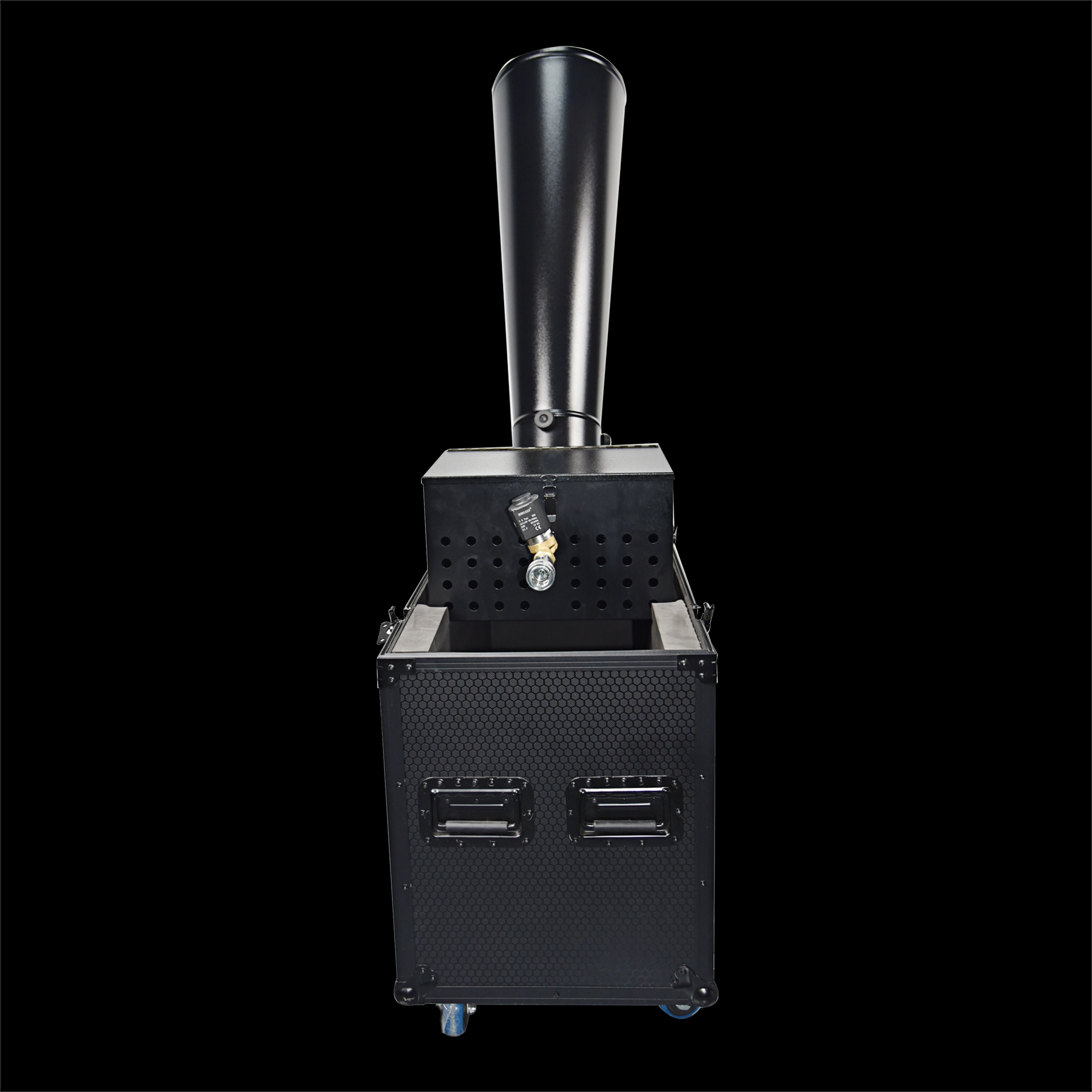
CO₂ Mini Rainbow Confetti Machine Manual Control with Durable Black Wheeled Flight Case
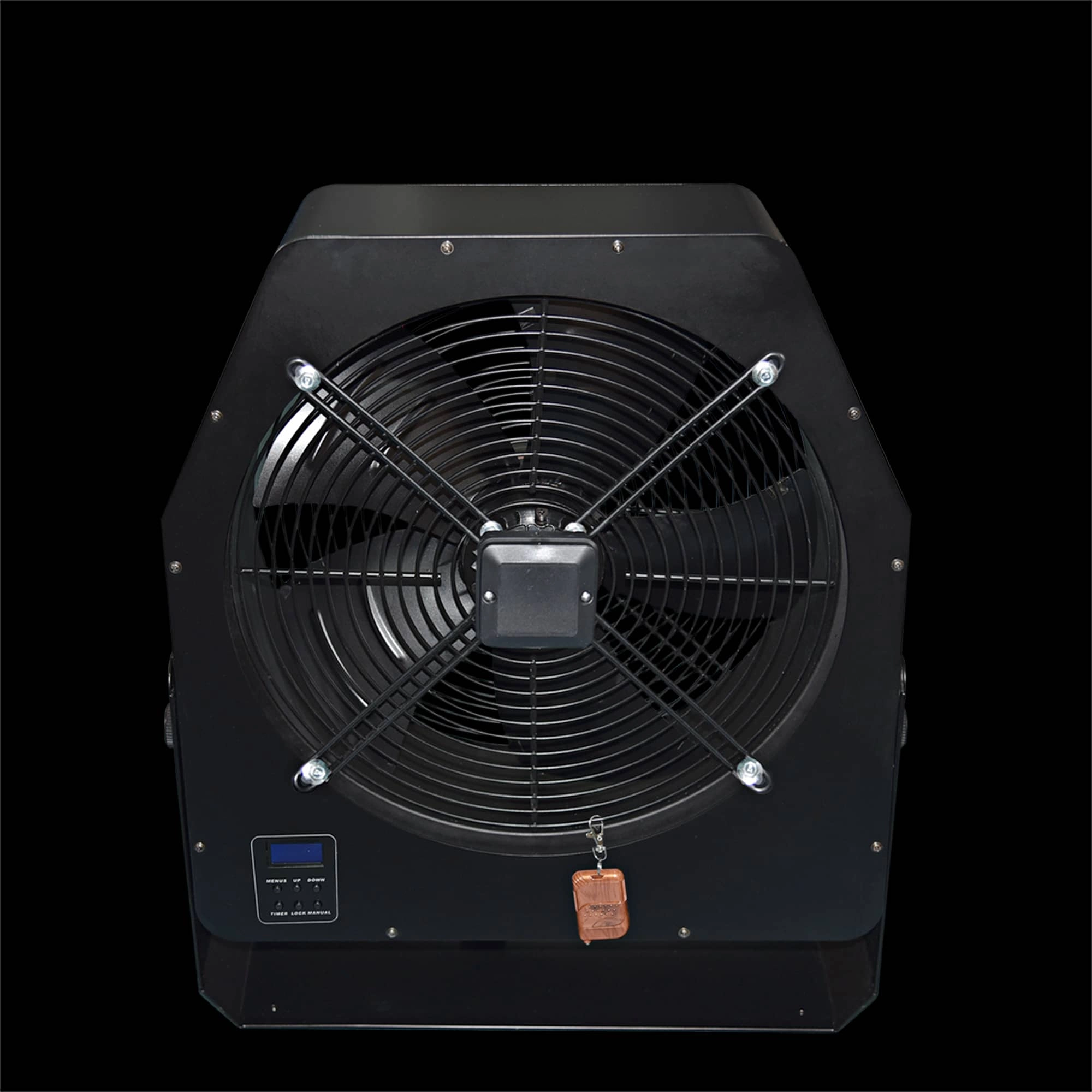
Professional Stage Big DMX Fan | High-Power Event Fan for Stage Shows & Celebrations
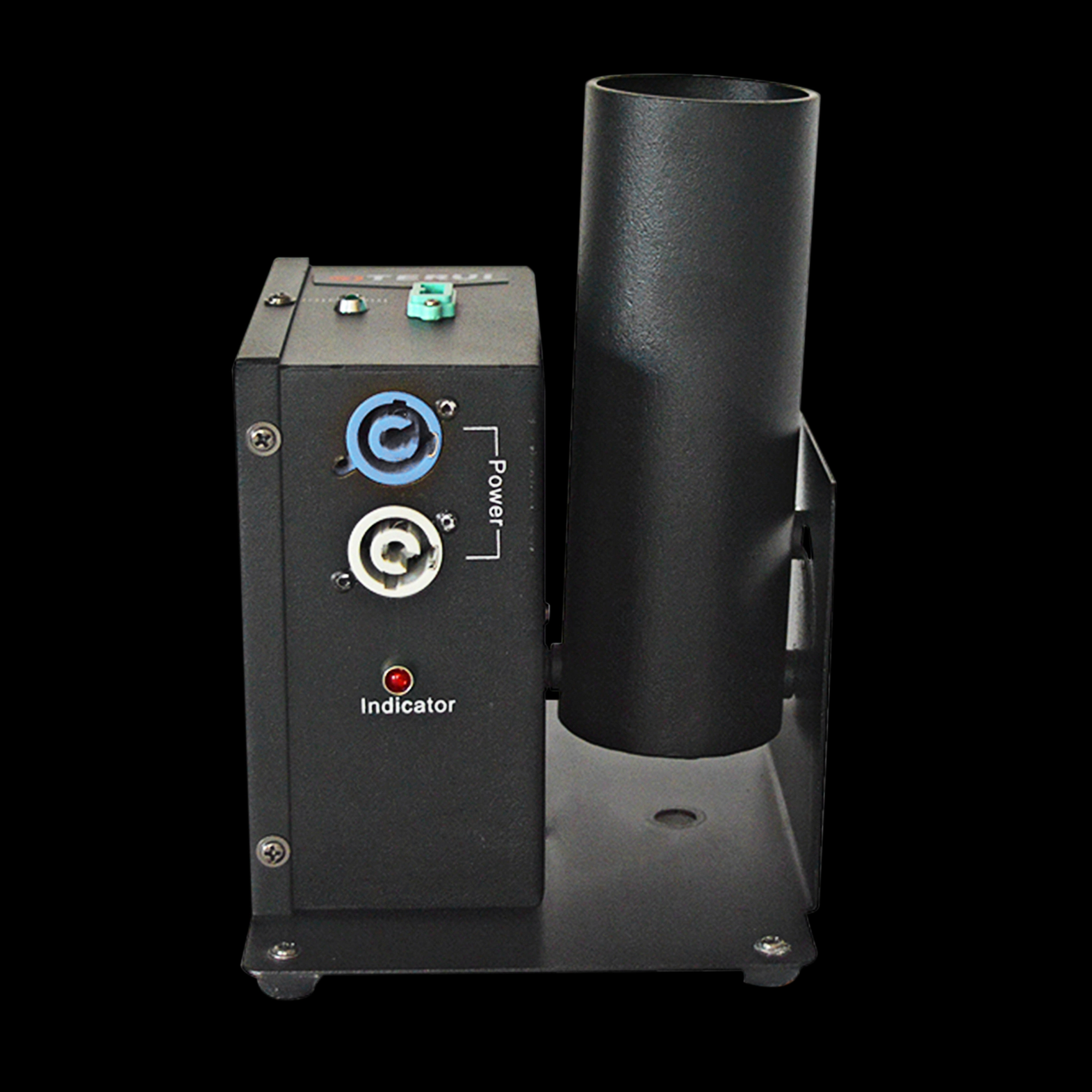
Single Shot Confetti Machine - Premium Confetti Launcher for Weddings & Stage Celebrations
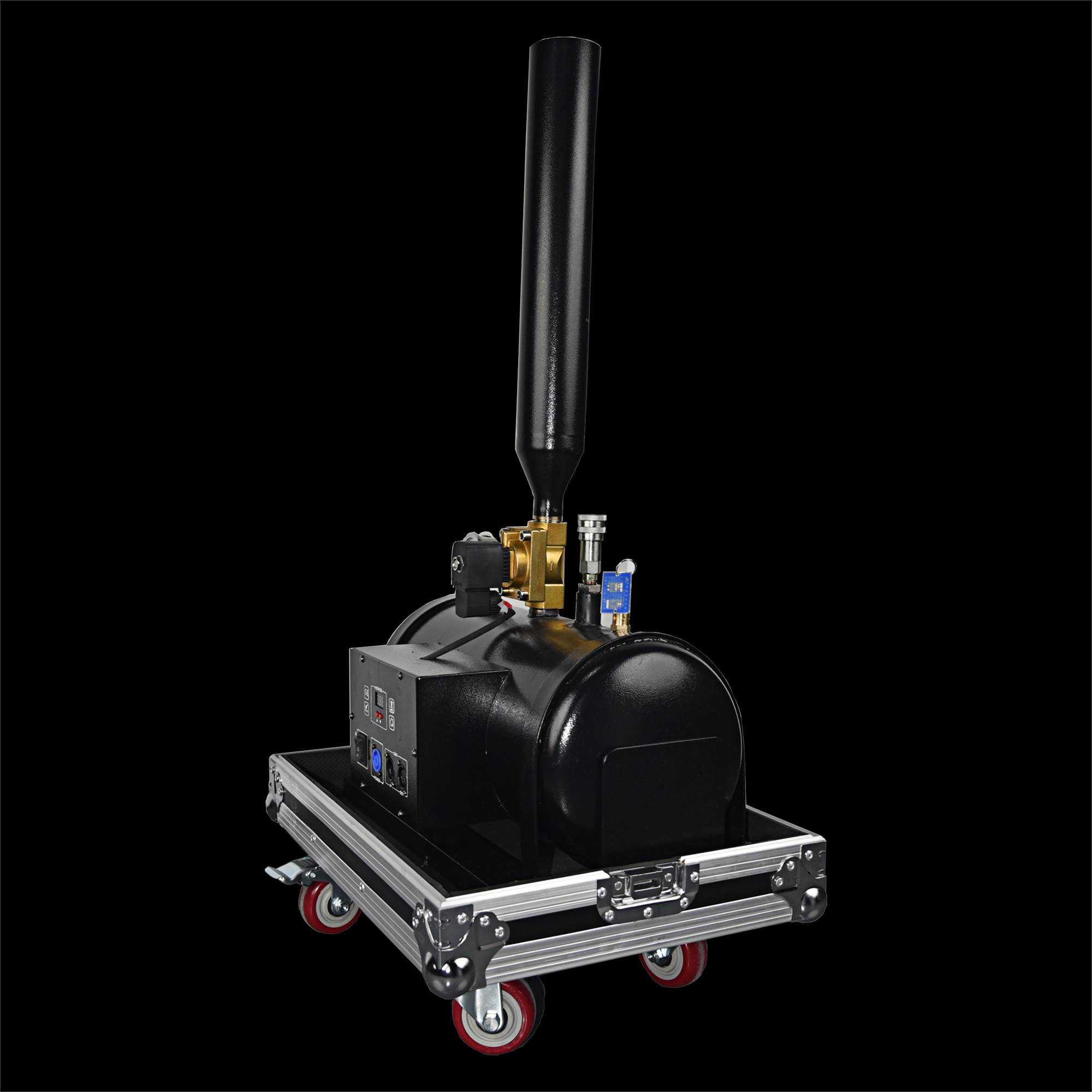
High-Altitude Confetti Cannon - Professional Confetti Blaster for Stage, Party & Celebration Events
Email: sales01@strlighting.com
WhatsApp: +86 189 2232 4800
© 2025 Siterui SFX All Rights Reserved.
 Scan QR Code
Whatsapp: +8618922324800
siteruisfx_stage_equipment
Siterui
SITERUI-SFX
STRlighting
@siterui.sfx