
Troubleshooting DMX Issues on 1200W Haze Machines
- Troubleshooting DMX Issues on 1200W Haze Machines
- Why DMX reliability matters for a 1200W haze machine
- Understanding DMX basics for haze machine control
- Key DMX facts every operator should know
- Common DMX failure modes on haze machines
- Typical symptom and likely cause
- Step-by-step physical layer checks
- 1. Power and local control
- 2. Cables and connectors
- 3. Termination and line length
- Addressing and channel mapping checks
- How to verify and set DMX address
- Controller and software diagnostics
- Checks to perform on the console or software
- Advanced diagnostics: tools and techniques
- Using a DMX tester
- Using a USB-DMX interface and PC software
- Interference, grounding, and environmental causes
- How to reduce interference
- When the haze machine's DMX receiver is at fault
- Repair vs replacement considerations
- Best practices to prevent future DMX problems
- Deployment checklist
- Siterui SFX 1200W haze machine: product-specific tips and brand advantages
- Brand advantages to rely on
- FAQ — Troubleshooting DMX Issues on 1200W haze machines
- Q: The haze machine powers on and local control works but it ignores DMX. What's the first thing to check?
- Q: How do I know if I need a terminator?
- Q: Can long cable runs cause problems with DMX to the haze machine?
- Q: The haze machine's channels behave strangely only when other fixtures are active. Why?
- Q: My venue uses Art-Net/sACN. What special checks are needed?
- Contact support and view the product
- Sources
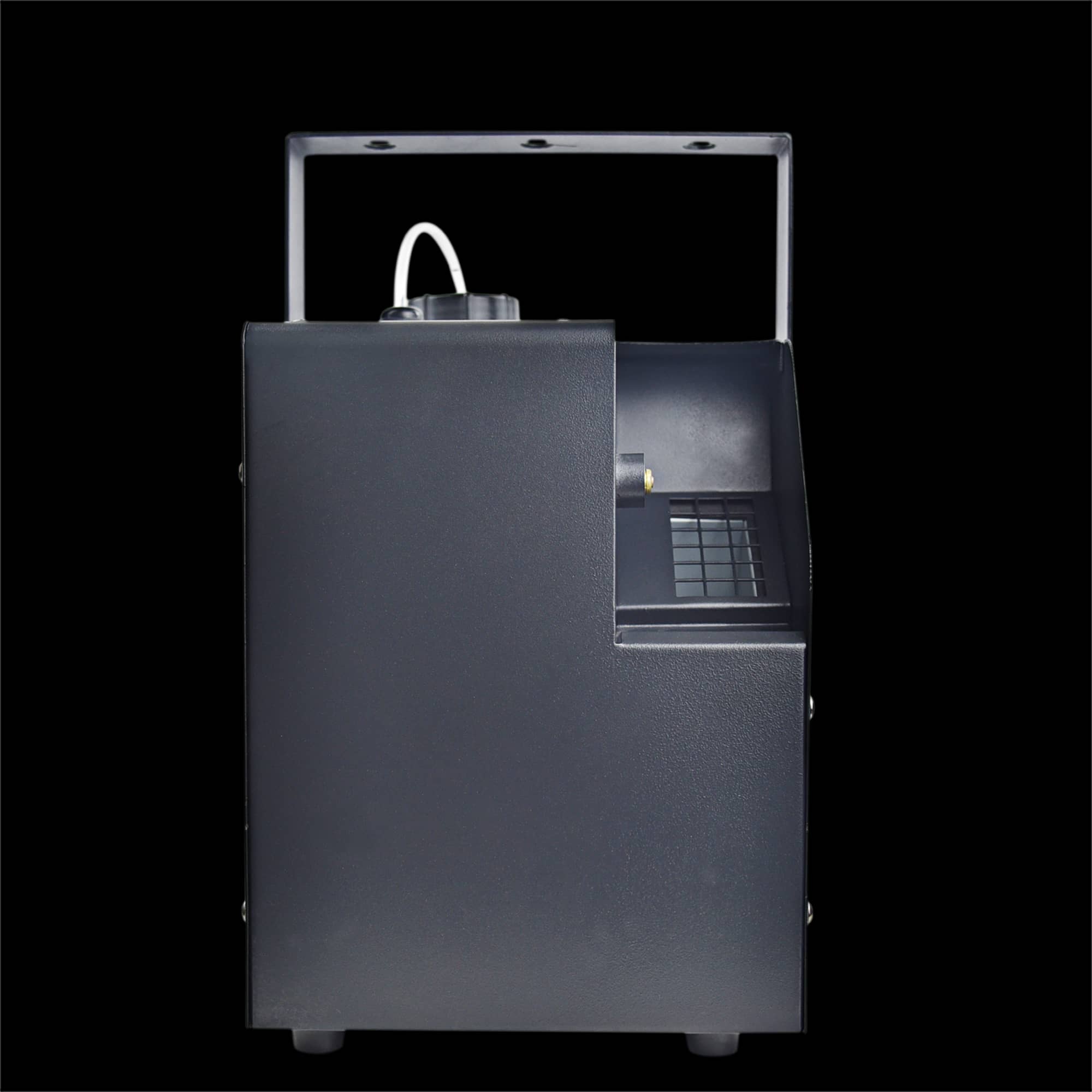
Troubleshooting DMX Issues on 1200W Haze Machines
Why DMX reliability matters for a 1200W haze machine
The Siterui SFX 1200W haze machine is designed to deliver smooth, long-lasting haze with full DMX control for concerts, theatres and film. When DMX control fails, you risk losing precise output levels, timed cues, or full remote control during a show. This guide focuses on practical, field-tested troubleshooting steps tailored to haze machine use, with clear checks and fixes you can carry out without specialist repair equipment.
Understanding DMX basics for haze machine control
DMX512 is the industry standard protocol used to control stage devices, including haze machines. For the Siterui SFX 1200W haze machine, DMX typically controls output level, fan speed or ready-state and sometimes machine presets. Knowing the DMX chain basics helps you isolate problems faster: one controller (console or software) sends data down a single DMX line to one or more devices, each device must have a unique starting address, and the line should be properly terminated and wired.
Key DMX facts every operator should know
- DMX runs over an RS-485 differential pair and expects proper shielding and impedance.
- Up to 512 channels are available per universe; devices use one or more channels depending on their functionality.
- Physical issues (cables, connectors, termination) are the cause of most DMX failures.
Common DMX failure modes on haze machines
Recognizing symptoms helps you pick the right diagnostic path. Typical issues for a 1200W haze machine include: no response to DMX, intermittent response, incorrect behavior (levels jumping or stuck), and partial functionality (e.g., local control works but DMX does not).
Typical symptom and likely cause
| Symptom | Likely Cause | Quick Fix |
|---|---|---|
| No response to DMX | Power off, wrong address, cable fault, broken controller output | Confirm power, check address, swap cable, test controller output |
| Intermittent response | Poor connector, damaged cable, loose termination, grounding issue | Reseat connectors, replace cable, add terminator, check grounding |
| Incorrect levels/jitter | Address conflicts, corrupted data, interference | Verify unique addresses, isolate interference sources, use shielded cable |
| Partial functionality | Channel mapping wrong, mode set to local or auto | Check machine mode and channel mapping in manual |
Step-by-step physical layer checks
Start with the simplest, most common problems. The majority of DMX problems are physical: cable, connectors, or termination.
1. Power and local control
Confirm the haze machine powers up and local controls (manual knob or onboard menu) function. If the machine doesn't run locally, address mechanical or power faults before troubleshooting DMX.
2. Cables and connectors
Inspect DMX cables for breaks, kinks, or crushed sections. Use industry-standard DMX cable (110-ohm, stranded twisted pair with shield). Replace suspect cables. Check XLR connectors for bent pins or poor solder joints—these are common failure points in touring gear.
3. Termination and line length
Always fit a DMX terminator (120-ohm resistor) at the end of the DMX chain. An unterminated line often produces reflections and corrupted data. Keep single-run length to reasonable limits—long runs and many devices increase the chance of signal degradation.
Addressing and channel mapping checks
Wrong starting addresses or incorrect channel mapping are common causes of 'weird' behavior. Haze machines may use one or multiple DMX channels depending on manufacturer design and selected mode.
How to verify and set DMX address
- Consult the Siterui SFX 1200W haze machine manual to find the DMX channel map and addressing procedure.
- Set the starting address using the onboard menu or dipswitches (depending on model), and then confirm the controller is sending data to that address.
- If multiple modes exist (1-channel, 2-channel, etc.), ensure the controller is programmed for the correct mode.
Controller and software diagnostics
With physical layer and addressing verified, check the controller and software. Incorrect patching, reversed polarity, or controller output failure are common software-side issues.
Checks to perform on the console or software
- Verify the fixture is patched with the correct channel count and starting address.
- Confirm the controller's DMX output is enabled and not muted or filtered.
- If using Art-Net, sACN or other network-to-DMX converters, verify universe and IP settings and ensure converters map to the correct DMX universe.
Advanced diagnostics: tools and techniques
When basic checks don't find the issue, use diagnostic tools: a DMX tester, USB-to-DMX interface and monitoring software, or even an oscilloscope if available. These tools show signal presence, timing, and corruption.
Using a DMX tester
A handheld DMX tester can confirm presence of signal and show channel values on the line without requiring a full console. Connect the tester between controller and fixture to see if the expected channels are transmitting. If the tester shows normal data but the haze machine does not respond, the issue is likely in the fixture's DMX receiver or internal wiring.
Using a USB-DMX interface and PC software
Software such as QLC+, LightFactory or manufacturer tools can output controlled DMX values and monitor universes. This helps rule out the console as the problem. Set fixed values for the haze machine channels and watch the haze machine response.
Interference, grounding, and environmental causes
Electromagnetic interference (EMI) from lighting, motors, power dimmers, radio gear and wireless devices can corrupt DMX. Ground loops and improper grounding exacerbate problems.
How to reduce interference
- Run DMX cable away from mains power, dimmer racks and high-current devices.
- Use high-quality shielded DMX cable and maintain connector integrity.
- Ensure a single point of earth where possible to minimize ground loops.
- Fit ferrite cores on cables when in RF-heavy environments.
When the haze machine's DMX receiver is at fault
If you've ruled out cables, controller output and interference, the internal DMX receiver or PCB in the haze machine might be failing. Symptoms include no response to known-good DMX signals while local controls still work, or random stuck behaviours despite correct DMX being present.
Repair vs replacement considerations
Before opening the machine, check warranty status and contact Siterui SFX support for authorized service. If you have the skills and documentation, inspect for obvious damage to connectors, burned components or loose wiring. For field repairs, replace the DMX input board or the entire PCB only with manufacturer-approved parts to preserve safety and performance.
Best practices to prevent future DMX problems
Prevention saves time and reduces risk during a live event. Implement a simple checklist as standard operating procedure when deploying a 1200W haze machine.
Deployment checklist
- Use quality DMX cable and store it properly to avoid damage.
- Label both ends of each DMX run and maintain a clear patch list.
- Fit a terminator at the end of every DMX line and use splitters where multiple branches are needed (avoid daisychaining long runs).
- Pre-test fixtures and patch them in a dry run before the event.
- Keep spare cables, a spare DMX terminator and a handheld DMX tester in your toolkit.
Siterui SFX 1200W haze machine: product-specific tips and brand advantages
The Siterui SFX 1200W haze machine combines fast warm-up, variable output and full DMX control to meet professional production needs. When troubleshooting, remember key Siterui design points: the unit supports flexible DMX modes, and robust internal safety systems protect fluid and heating elements. These features make it reliable in live environments, and they simplify diagnostic steps—if local control works, the unit itself is likely healthy and the issue is in the DMX chain.
Brand advantages to rely on
- Built for touring: durable connectors and practical service access reduce downtime.
- Clear DMX modes: documented channel maps reduce patching errors.
- Support and documentation: Siterui SFX provides manuals and support channels for quicker resolution.
FAQ — Troubleshooting DMX Issues on 1200W haze machines
Q: The haze machine powers on and local control works but it ignores DMX. What's the first thing to check?
A: Verify the DMX starting address and the controller patch. Then test the DMX cable with a handheld tester or substitute with a known-good cable. Make sure the DMX controller output is active and not muted.
Q: How do I know if I need a terminator?
A: If the machine is the last device on a DMX chain and you experience flicker or corrupted data, fit a 120-ohm terminator to the output XLR. This is standard practice to prevent signal reflections.
Q: Can long cable runs cause problems with DMX to the haze machine?
A: Yes. Long runs, many devices and poor-quality cable increase the chance of signal degradation. Use the shortest effective runs and split universes with proper DMX distribution when necessary.
Q: The haze machine's channels behave strangely only when other fixtures are active. Why?
A: This indicates possible data collisions, address conflicts, or interference. Confirm unique addresses and ensure your controller's patch matches each fixture's expected channel count. Also check physical wiring and termination.
Q: My venue uses Art-Net/sACN. What special checks are needed?
A: Verify that the network-to-DMX node maps the correct universe to the physical DMX output. Check IP and universe settings on the node and ensure the node's DMX output is healthy with a tester.
Contact support and view the product
If you need further assistance diagnosing DMX issues with your Siterui SFX 1200W haze machine, contact your Siterui SFX service representative or official support channel. For product details and specifications, view the product page: View Siterui SFX 1200W haze machine. For direct technical help, reach out to your vendor or the manufacturer for authorized service options.
If you’re still deciding which haze machine suits your setup, you might also want to read the “1200W Haze Machine DMX Buying Guide” — it covers key specs and buying considerations to help you choose wisely.
Sources
- DMX512 protocol overview and practical notes — Wikipedia: https://en.wikipedia.org/wiki/DMX512
- USITT/ESTA DMX512-A standard and guidelines — ESTA (Entertainment Services and Technology Association): https://tsp.esta.org/tsp/standards
- Practical DMX cabling and termination guidance — Lighting industry technical notes and manufacturer manuals
Top Quiet Stage Haze Machines for Theater and Film Production
Pairing Snow Machines with Lighting and Fog Effects
LED Stage Lights: Benefits and Energy Savings
Portable smoke machines for mobile DJs and clubs
large 300W Silver Iron Case Bubble Machine
Can I use homemade bubble solution?
We recommend non-toxic commercial solutions for optimal performance.
Single-Head CO2 Jet Machine
Can this machine be used outdoors?
Yes, but avoid extreme weather conditions to ensure longevity and performance.
About us
How does Siterui ensure product quality?
Rigorous inspections at every stage—production, assembly, and final QA—guarantee flawless devices.
Solutions
Is it difficult to install? What if I don’t know how to use it?
Most devices are plug-and-play. We provide manuals, video tutorials, and remote technical support. On-site or live guidance is also available for customized setups.
CO2 Mini Rainbow Confetti Machine
What’s the shipping cost to [country]?
Costs vary by destination and method. We’ll provide a quote upon order confirmation.
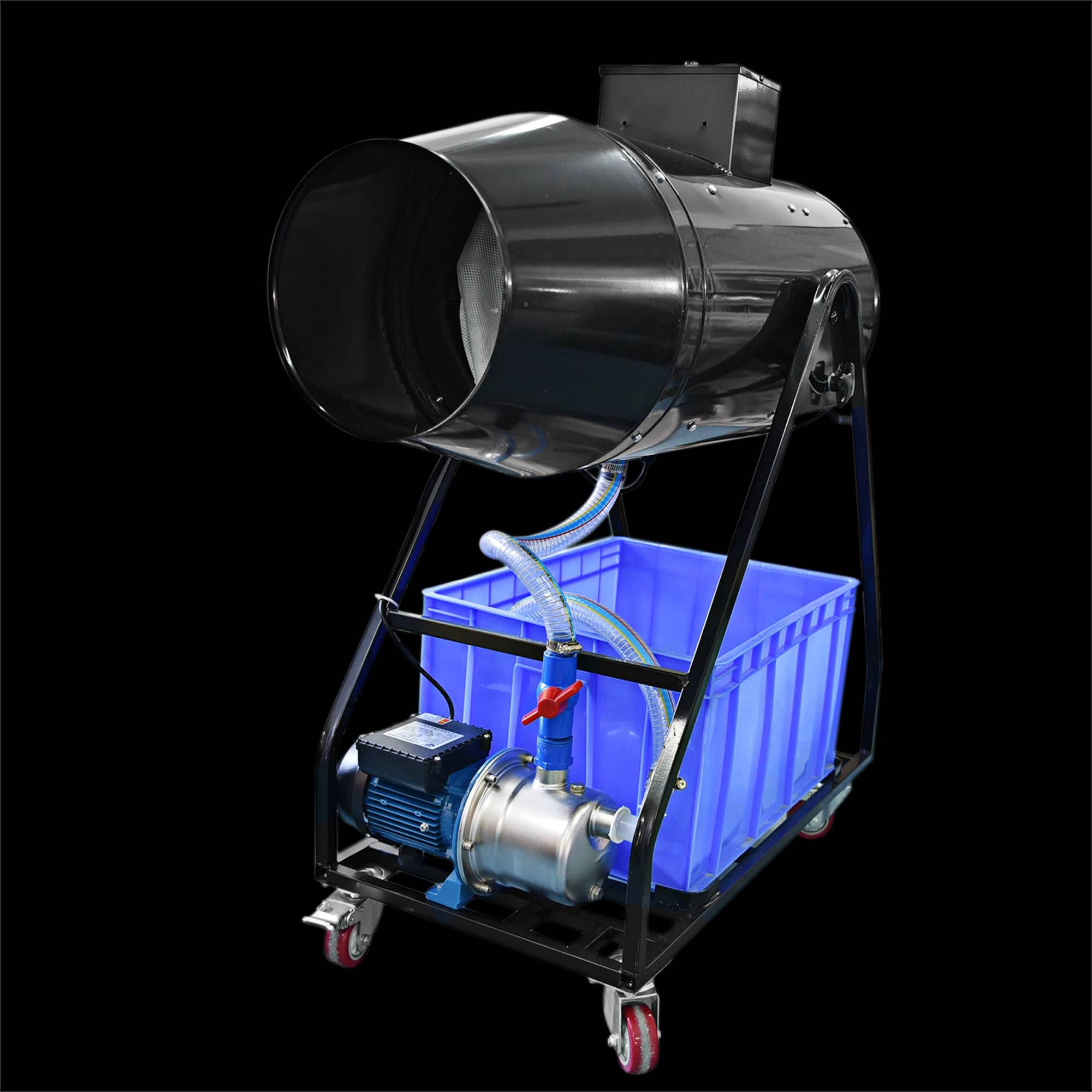
Siterui SFX 1800W Spraing foam machine High Power Professional Foam Party Maker
Elevate your event with the Siterui SFX 1800W Spraing Foam Machine. This high-power, professional foam party maker creates dense, vibrant bubbles—perfect for weddings and celebrations. Reliable and easy to use, it’s the foam and bubble machine for unforgettable moments.
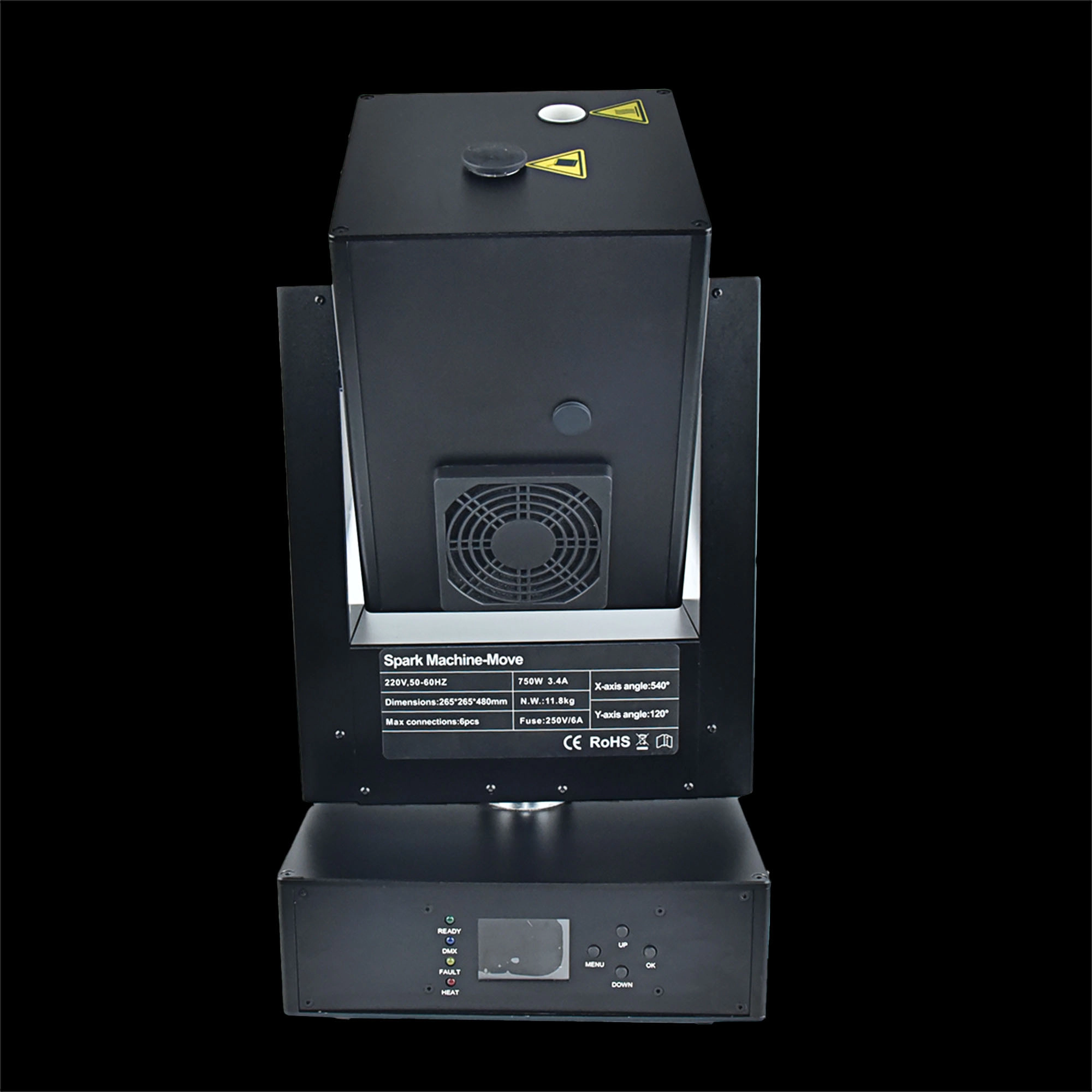
750w moving head spark machine
Siterui SFX 750w moving head spark machine delivers high-impact cold-spark effects with 360° moving head, DMX control, adjustable output and safe, long-lasting performance - perfect for concerts, weddings and stage shows.
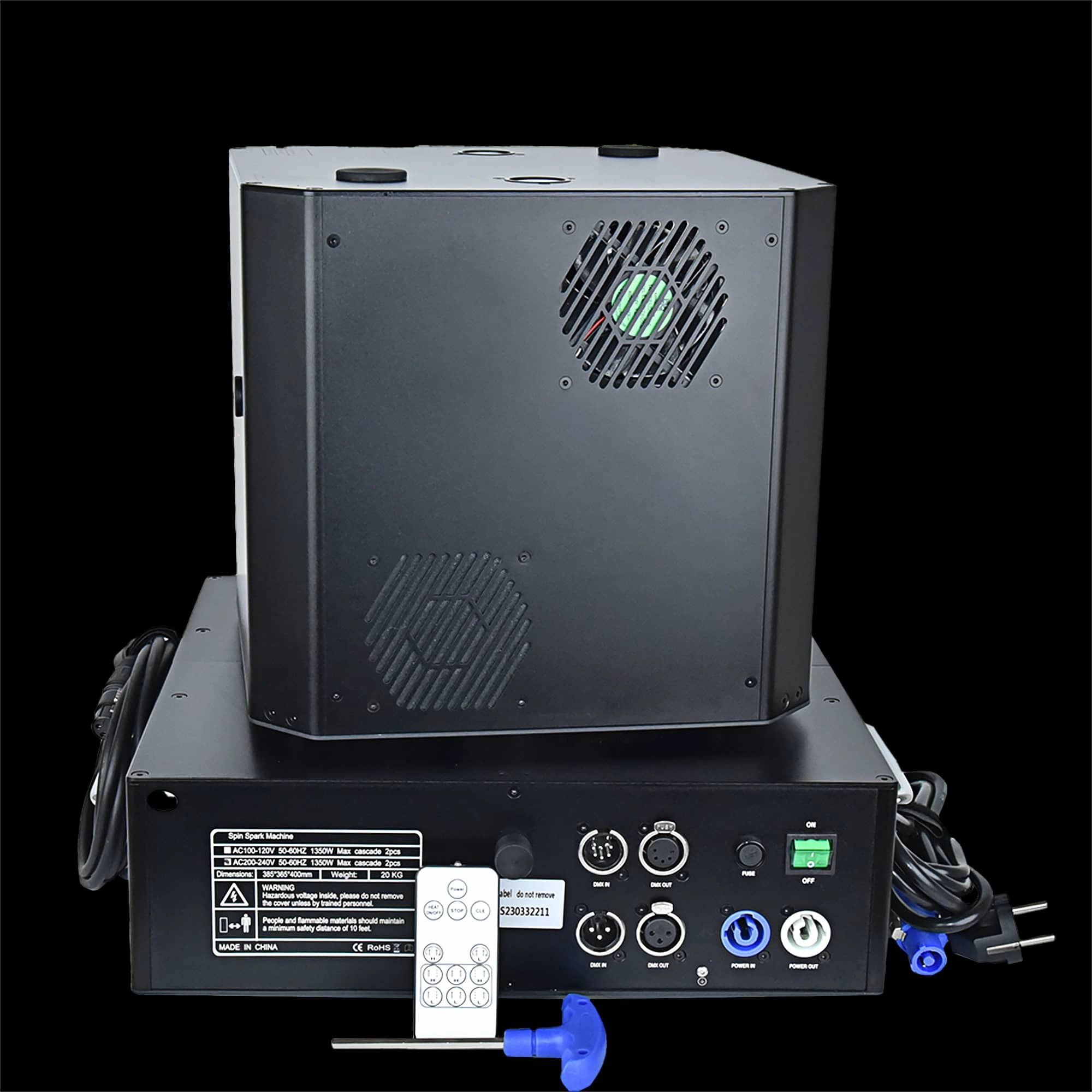
Double head 1300W Spin Spark machine DMX+Remote control
Double head 1300W Spin Spark machine -powerful dual-head 1300W spin spark effect with DMX + remote control for precise timing. Durable, professional-grade pyrotechnic effect ideal for concerts, clubs and events.
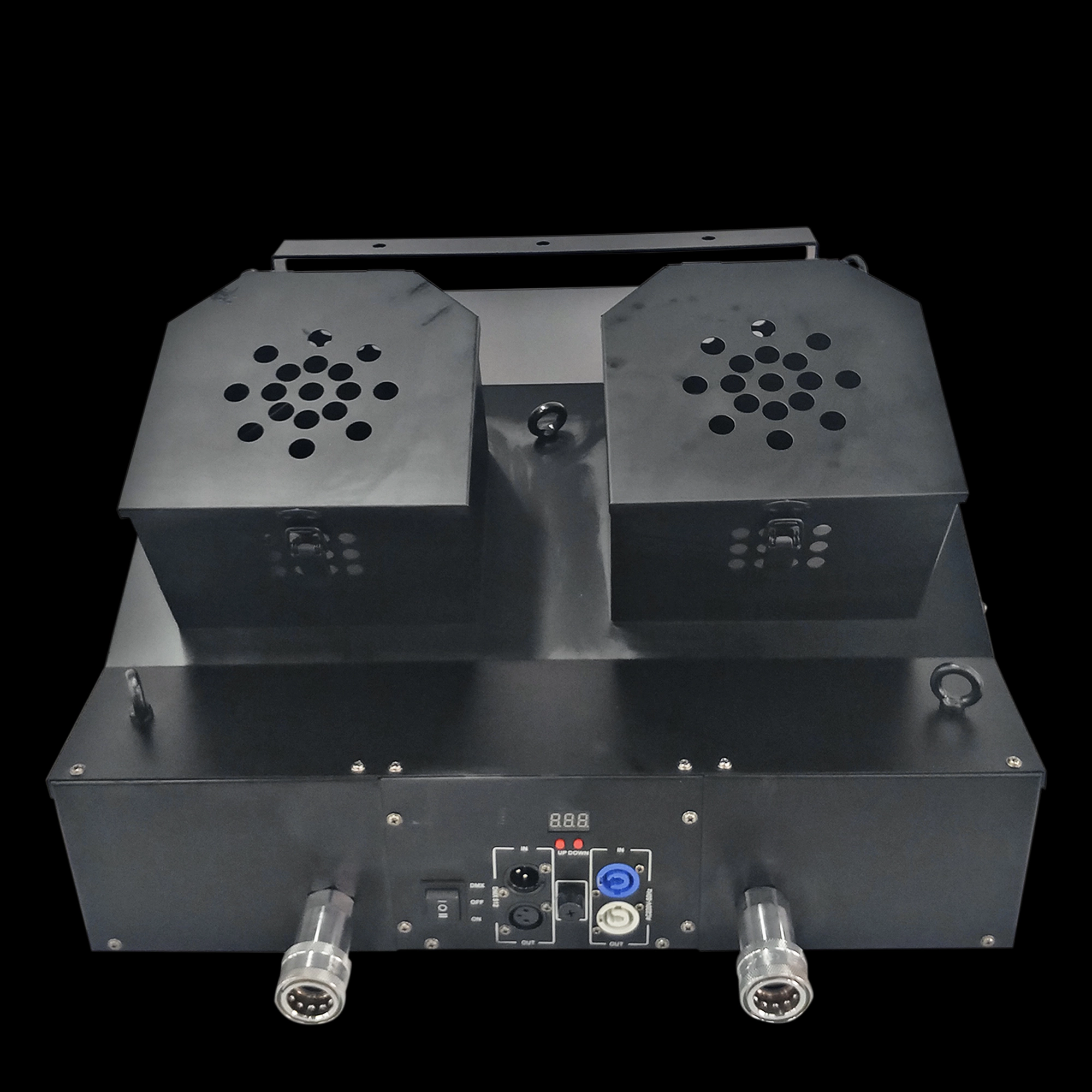
Snowstorm Paper Machine Double outlet sprayer snowstorm paper machine dual nozzle sprayer
Email: sales01@strlighting.com
WhatsApp: +86 189 2232 4800
© 2025 Siterui SFX All Rights Reserved.
 Scan QR Code
Whatsapp: +8618922324800
siteruisfx_stage_equipment
Siterui
SITERUI-SFX
STRlighting
@siterui.sfx