
How to integrate a snow machine with stage lighting cues?
How to Integrate a Snow Machine with Stage Lighting Cues: 6 Practical Solutions
Integrating a snow machine with stage lighting cues requires more than flipping a switch. This guide answers six specific, technical beginner pain points—timing, DMX addressing and power, fluid and particle choice for camera-friendly results, equipment protection and cleanup, pre-trigger programming to compensate for mechanical lag, and selecting the right snow style for televised or touring productions.
1) How do I precisely time snow bursts to match lighting cues when snow machines have variable pump response and travel time?
Problem: Snow machines have internal latencies (pump spin-up, valve opening) and the particles take measurable time to travel from nozzle to target area. If you trigger the machine at a cue, the snow can arrive early or late relative to a lighting hit on camera.
Solution (step-by-step):
- Measure device latency: On a quiet day, instrument one machine. Trigger it from your console or controller while recording high-frame-rate video (120–240 fps) of the nozzle. Start the trigger at t=0, then count milliseconds until first visible flakes exit the nozzle. Repeat 5–10 times, take the mean and standard deviation. Typical small machines: 150–500 ms; larger cannons: 300–1000+ ms.
- Measure travel time to target: Place a marked target area (for example, center stage) and record when flakes cross that plane. Travel time = distance / average fall speed. Snow flake terminal velocities vary: small foam flakes ~0.5–1.5 m/s, larger flakes 1.5–3 m/s. For a 6 m nozzle-to-stage distance with 1.2 m/s fall speed, travel ≈ 5.0 s. Always measure under show HVAC conditions—air currents change travel time significantly.
- Calculate trigger offset: Cue trigger time = desired visual hit time − (device latency + travel time + safety margin). Example: Desired hit at 00:01.000, device latency 0.300 s, travel time 0.800 s → trigger 1.100 s earlier (00:−00.100). In practice, program the console to trigger the snow macro 1.1 s before the lighting cue and test.
- Use pre-triggers and macro groups: Modern lighting consoles (ETC, GrandMA, Hog) support macros or cue pre-triggers. Implement a reusable macro that triggers the snow machine with the calculated offset and include a variable delay parameter so you can fine-tune per venue.
- Account for variability: Add a conservative jitter buffer (e.g., ±100–300 ms) for live shows. If timing must be sample-accurate (broadcast), synchronize triggers to a master timebase (SMPTE LTC or MTC) and use feedback/testing runs to lock offsets into the cue stack.
- Automate adaptive timing (advanced): Use a small optical sensor / IR break-beam near the nozzle to sense first-emitted flakes. Feed that signal into a PLC or show controller to produce a TTL pulse to the lighting console, closing the loop and enabling precise synchronization. This requires custom wiring and safety approvals but yields sub-100 ms repeatability.
2) What's the correct DMX/Art‑Net addressing, cabling and power plan when running multiple snow machines without signal drop or ground loops?
Problem: DMX-related dropouts, phantom triggers, and tripped circuits on shows with multiple snow machines can ruin a cue stack and create safety hazards.
Best practices:
- Choose the right control protocol: If you have fewer than ~32 DMX devices and short runs, DMX512 (RS‑485) is adequate. For >32 devices, long distances, or integration into networking infrastructure, use Art‑Net or sACN on Ethernet and an appropriate node at each machine.
- DMX limits: Standard DMX512 recommends a maximum of 32 receivers per universe and cable runs ideally under 300 meters (984 ft). Use active splitters/optical isolators to exceed receiver limits or to isolate noisy power grounds.
- Addressing: Allocate dedicated channels per machine and document channel maps in your paperwork. Typical snow machines use 1–4 channels for on/off, intensity, fan speed, or mode select. When using Art‑Net/sACN, label nodes with human-readable names and use static IP assignment for predictability.
- Termination and polarity: Put a 120‑ohm terminator at the last DMX device. Maintain consistent cable polarity. For DMX over XLR, use industry-standard DMX cables (not microphone cable) and keep runs away from high-current power runs.
- Power distro and circuits: Check manufacturer-rated current. Typical small stage snow machines draw 2–6 A on 120 V; medium units 8–12 A; large snow cannons or heaters may require 20 A or higher and often run on 230–240 V. Always use dedicated circuits for high-load machines and GFCI protection when there’s water or moisture nearby.
- Ground loops and isolation: Use opto‑isolated DMX splitters where long distances or multiple power sectors are involved. For Ethernet-based control, manage ground potential with isolated PoE injectors or ensure proper rack grounding per venue regulations.
- Cable logistics: Stage snake runs, labelled distro boxes, and colour-coded cabling reduce human error. Keep control cables separate from heavy power lines—cross at 90° where necessary.
- Redundancy: For critical shows, use a second control path: a backup console or a local machine-trigger relay wired to both the console and a show ops station, so snow can be executed locally if network control fails.
3) Which snow fluid and particle size produce the best backlit snow on camera without bloom or overexposure?
Problem: Many beginners choose a fluid that produces oversized, reflective flakes which bloom when backlit by LED moving lights or create sensor glare on cameras.
Recommendations:
- Choose water-based, biodegradable snow fluid specifically formulated for theatrical snow. These fluids are designed to create consistent bubble-film flakes that break into small particles in air. Avoid oil-based or solvent-based mixtures—these can leave residue and damage fixtures.
- Particle size matters: For broadcast-camera-friendly results, target smaller flakes (nominal sizes around 0.5–2.0 mm equivalent diameter). Smaller particles scatter less light and are less likely to create bloom on camera. Foam-based snow machines tend to create smaller, more consistent flakes than some large mechanical shredders.
- Nozzle and machine selection: Machines with finer dispersion nozzles and variable fan speeds let you tune particle size and spread. Use a narrower fan when you want denser, camera-friendly columns; widen the fan for audience-filling flurries.
- Lighting technique: Backlighting at angles between 20°–60° from camera axis highlights flakes without washing the scene. Use narrow beam angles on moving lights or followspots for rim-lighting, and reduce front key intensity during snowfall hits to avoid bloom on small reflective droplets.
- Camera exposure: Coordinate with video ops—slightly faster shutter speeds (1/100–1/250) freeze flakes and reduce motion blur; higher ISO increases noise but controls exposure. Use flags and barn doors on fixtures to avoid direct hits on camera lenses.
- Testing: Conduct camera tests with your chosen fluid, machine, lighting rig, and camera settings. Record under the same lens, aperture, shutter, and gain you'll use during the show and adjust fluid concentration and fan speeds until you hit the desired look.
4) How do I prevent snow residue from damaging LED fixtures, lenses, and stage flooring—and what are the correct cleanup and maintenance steps?
Problem: Snow fluids and fragments can leave residues on LED lenses, gobos, and stage floors, causing optical degradation, slip hazards, or corrosion over time.
Preventive measures:
- Equipment protection: Position snow machines away from critical LED lens faces and moving parts. Use deflectors or install machines on overhead truss with downward angles that avoid direct spray on fixtures. Where proximity is unavoidable, apply temporary protective covers (clear acrylic shields) over fixtures while allowing ventilation.
- Filtration and pumps: Use the manufacturer's recommended inline strainers and replace pump tubing per schedule. Many machines include a coarse filter—clean it weekly during heavy use to avoid particulate buildup that can change particle size and cause clogging.
- Floor protection and drainage: Lay non-slip runner mats, stage carpets, or specialized theatrical floor protection in high-snow zones. Ensure stage drainage and mopping teams are on standby; use quick‑response absorbent pads to remove pooled fluid and reduce slip hazard.
- Post-show cleaning: Rinse stage and affected fixture surfaces with clean water shortly after the show if the fluid is water-soluble. For LED lenses and gobo housings, follow the fixture manufacturer's cleaning guidelines—typically a damp lint-free cloth and approved lens cleaner. Avoid solvents unless explicitly allowed.
- Machine maintenance: After shows, purge lines with clean water, run a flush cycle, and allow complete drying. Replace peristaltic pump tubing at intervals recommended by the manufacturer (often every 250–500 hrs depending on fluid). Regular lubrication of moving parts and inspection of seals prevents leaks.
- Health and safety: Provide crew with appropriate PPE when handling fluids (nitrile gloves, eye protection). Keep Material Safety Data Sheets (MSDS) for all fluids accessible and follow local disposal regulations.
5) How do I program lighting pre-triggers to compensate for mechanical lag and venue environmental drift (HVAC, wind) during a live show?
Problem: Environmental conditions change during a run—doors opening, HVAC cycling, or audience drafts alter snow travel time, making fixed offsets unreliable.
Strategies:
- Baseline calibration per show: Before the performance, run three to five calibration bursts at different cue times and measure arrival at the target plane. Use these samples to generate a cue-by-cue offset table rather than a single global offset if environmental conditions vary by stage area.
- Use cue pre-trigger functions: Most lighting desks allow you to set pre‑time or to call a macro one or more cues earlier. Implement per-cue pre-triggers stored in the cue list. For example, store a macro that triggers the snow machine 1.2 s before the lighting level change.
- Employ sensors for automation: For mission-critical shows, deploy anemometers and an IR/optical detector near the nozzle and target. Feed this telemetry into your show control system (e.g., QLab, MA-net) and create conditional logic (if wind > X m/s then adjust pre-trigger by Y ms). This method adds complexity but increases repeatability in variable venues.
- Operator training and manual override: Give stage ops a manual trigger button (hardwired or via a redundant network) and train them to anticipate weather-driven drift. Ensure intercom and visual confirmations for last-second adjustments, especially on outdoor events.
- Plan cue stacks with tolerance: For sequences with tight timing, choreograph simpler lighting moves that can mask slight snow timing drift (e.g., strobe or light sweep that makes small arrival variances less noticeable).
6) How do I choose between airborne snow machines and low-lying snow and integrate those effects with moving lights and followspots for televised productions?
Problem: The aesthetic and camera requirements for airborne flakes (falling snow) differ dramatically from low-lying ground fog/ground snow effects. Selecting the wrong approach can block sightlines, cause glare, or ruin camera focus.
Decision factors:
- Artistic intent and camera coverage: For wide establishing shots and audience immersion, airborne snow machines are appropriate—ensure particle size and backlighting are TV-friendly. For a “winter ground” look (snow bank or rolling low snow), low-lying snow effects or ground-blown snow (combined with chilled glycol fog) may be better. Low-lying effects are often achieved with chilled fog or low-lying snow generators rather than airborne snow blowers.
- Camera and lens considerations: Airborne snow can create depth and motion. Use backlight and narrow key to prevent bloom. For tight camera shots, low-lying snow is more controllable and minimizes foreground obstruction. Test all camera angles in a tech rehearsal to catch sightline issues with moving lights and followspots.
- Integration with moving lights and followspots: Map snow machine coverage onto your rig plot and avoid placing moving head fixtures where output may coat lenses. If moving heads must cross snow zones, use an automated cover or add a dwell/park position during heavy snowfall hits. For followspots, train operators to feather or shift angle to reduce direct illumination of snow blowing into the lens.
- Venue HVAC and wind: For indoor televised productions with stable air, airborne snow can be consistent. For outdoor or drafty spaces, wind will scatter flakes unpredictably—choose heavier particles or partial low-lying options to maintain illusion on camera.
- Operational logistics: Low-lying snow often requires chilled glycol systems, ice chests, or dry ice methods that bring extra hazards and logistics. Airborne snow machines are simpler operationally but need more cleanup and slip mitigation. Budget and crew skillset also influence decision.
- Compliance and permits: For TV and touring, verify local venue regulations and broadcast standards about liquids, slippery surfaces, and residues. Obtain written approval and include cleanup, protection, and insurance considerations in your production paperwork.
Concluding summary: Integrating a snow machine with stage lighting cues delivers powerful visual impact when planned professionally. Advantages include precise, repeatable timing via pre-trigger offsets and show-control protocols (DMX, Art‑Net, SMPTE/MTC), improved camera-friendly snowfall through correct fluid and particle selection, safe and reliable shows via proper power and cabling practices, and reduced equipment risk with protective and maintenance procedures. When you follow the measurement-driven, test-first workflow outlined above, you gain predictable results across venues and broadcasts.
For a custom quote, machine recommendations, and show-control integration services, contact us at www.siteruisfx.com or sales01@strlighting.com.
Top 10 Cold Spark Machines for 2026: A Deep Dive into Performance, Powder Life, and Durability
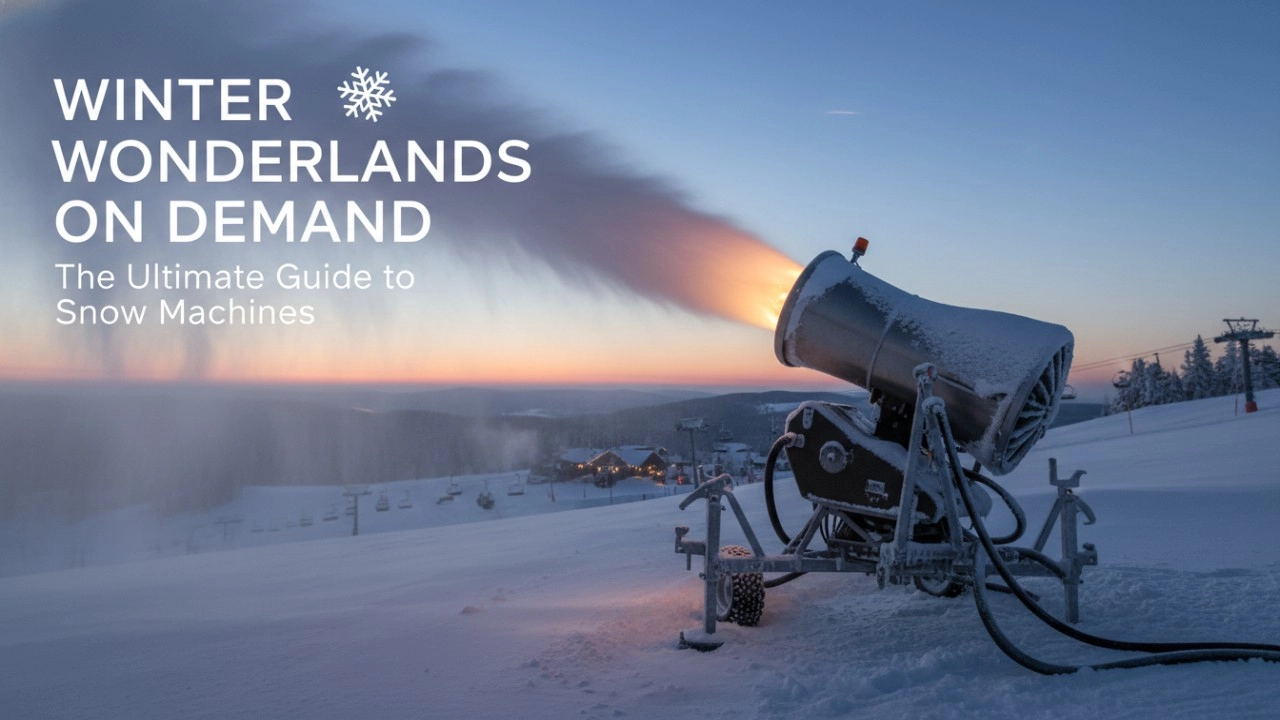
How to Choose a Snow Machine: The Definitive Checklist to Avoid Costly Mistakes (2026 Guide)
Fog Machines Explained: Technology, Control Systems, and Modern Stage Applications
Haze Machines Explained: The Definitive 2026+ Guide to Effects, Selection & Future Innovations
Recommended for you
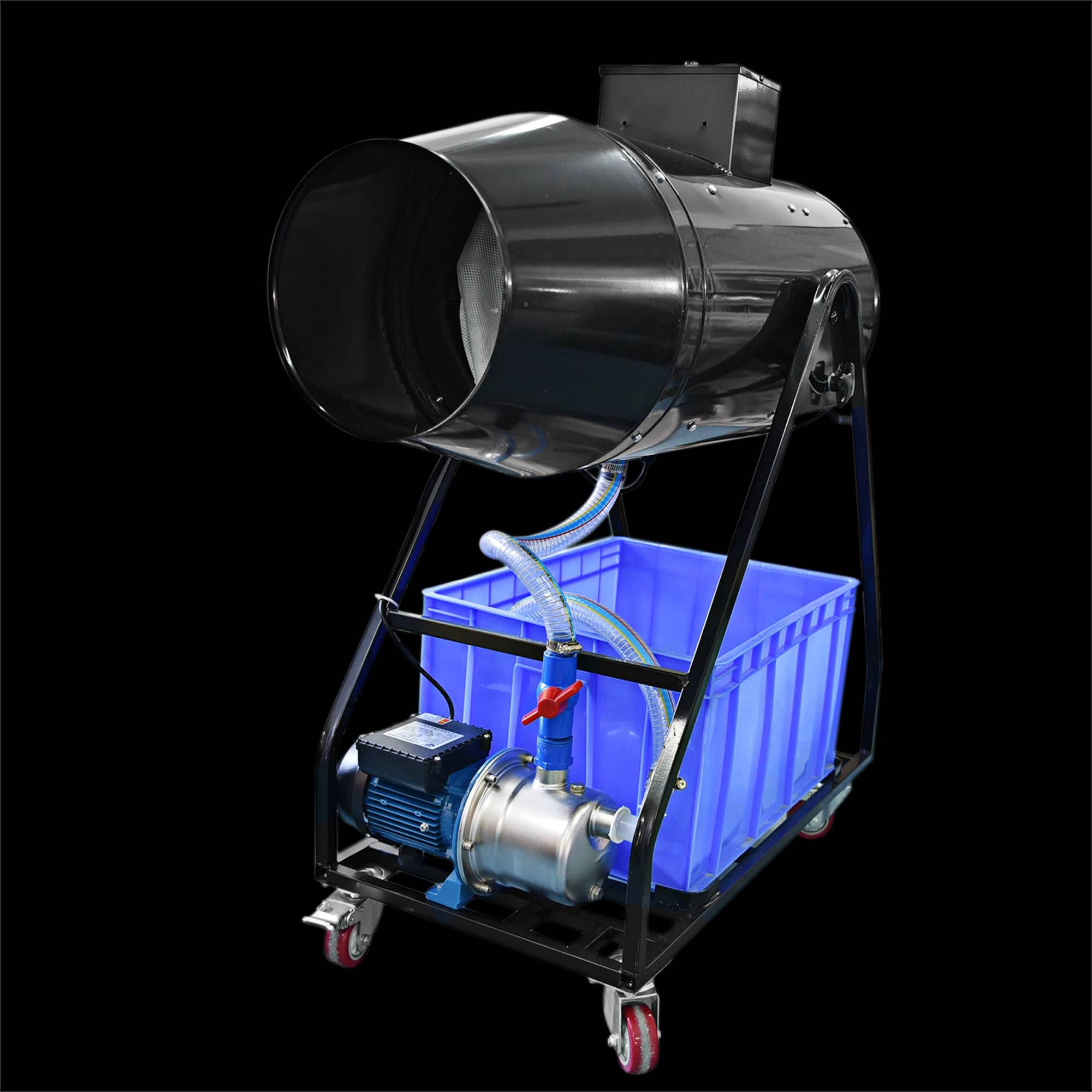
Elevate your event with the Siterui SFX 1800W Spraing Foam Machine. This high-power, professional foam party maker creates dense, vibrant bubbles—perfect for weddings and celebrations. Reliable and easy to use, it’s the foam and bubble machine for unforgettable moments.
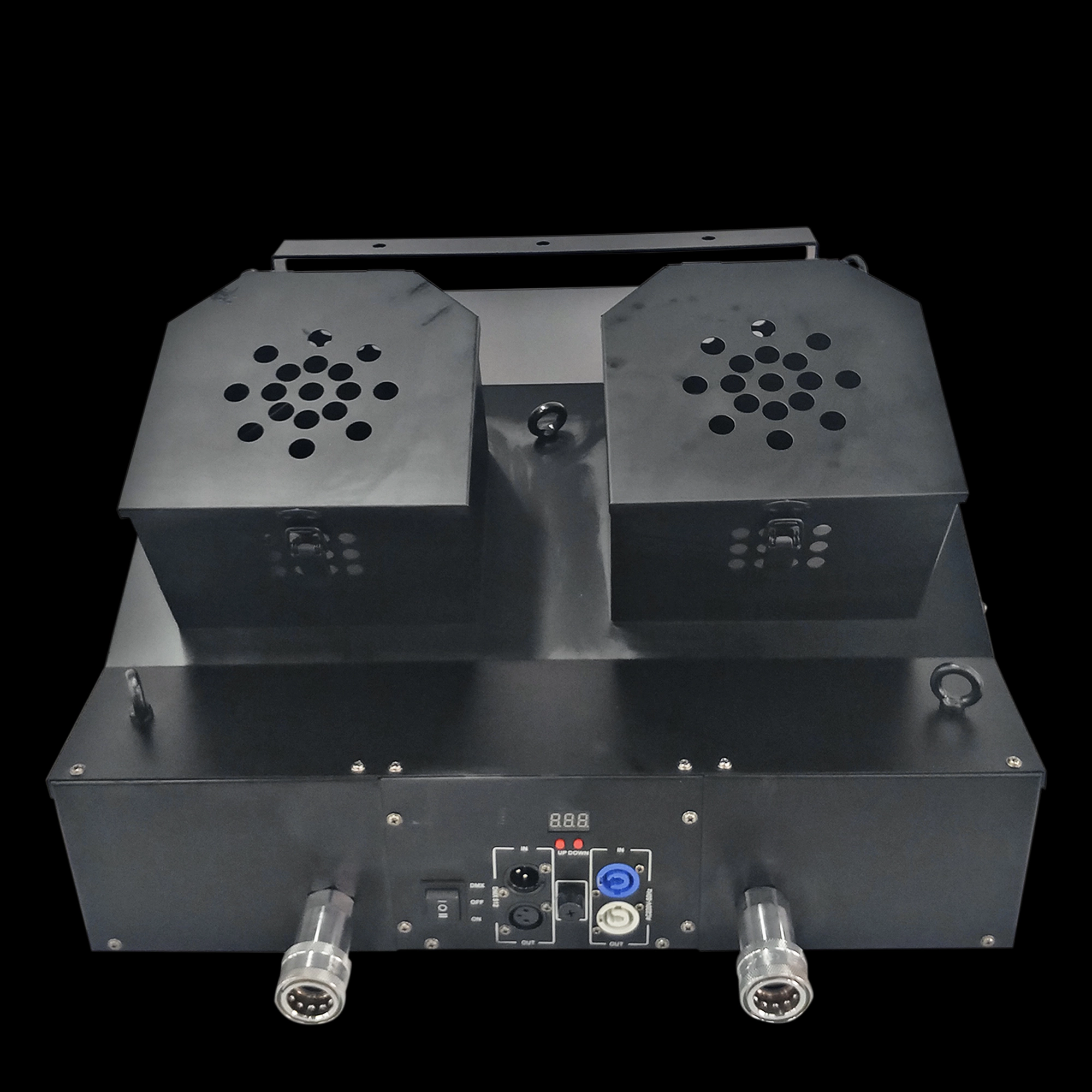
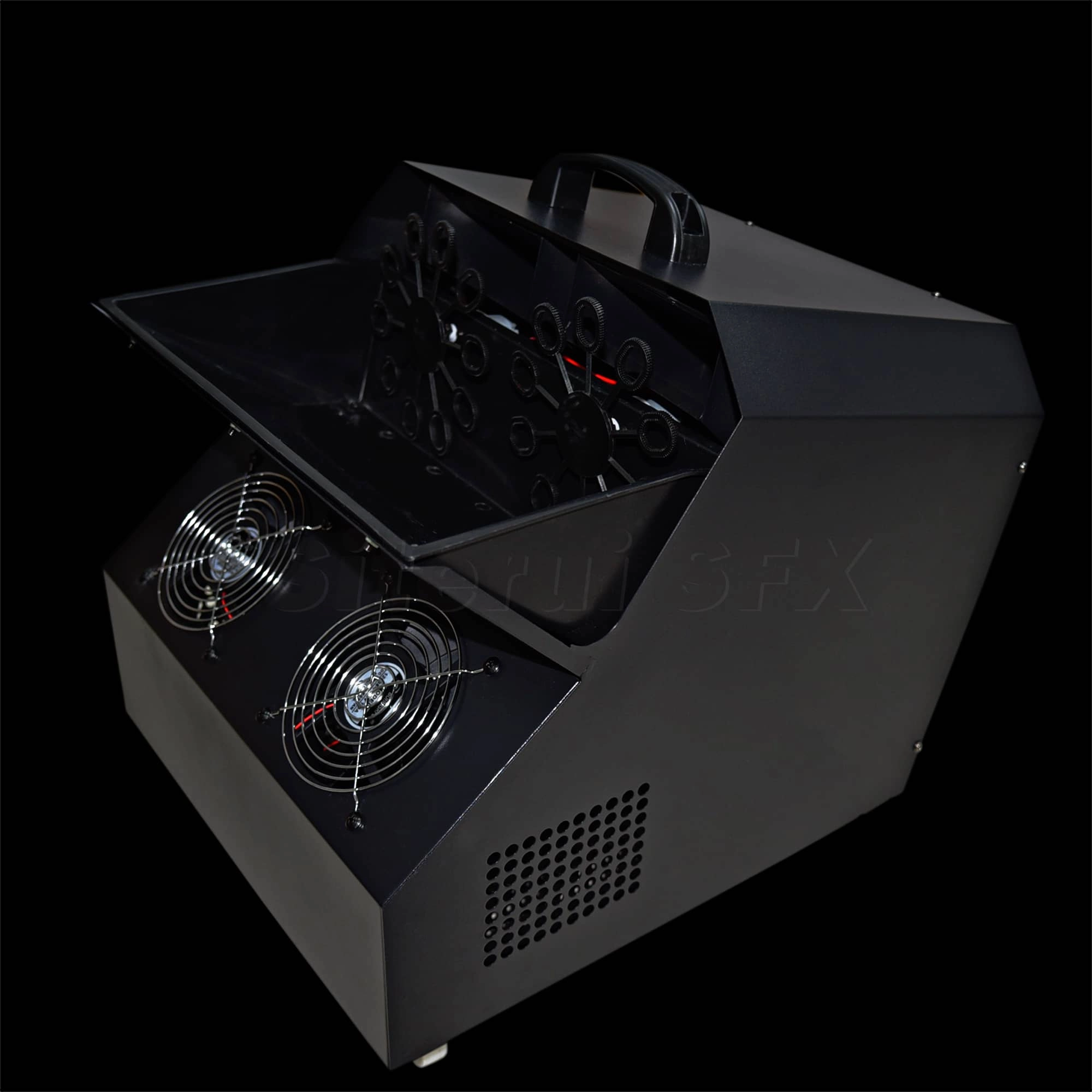
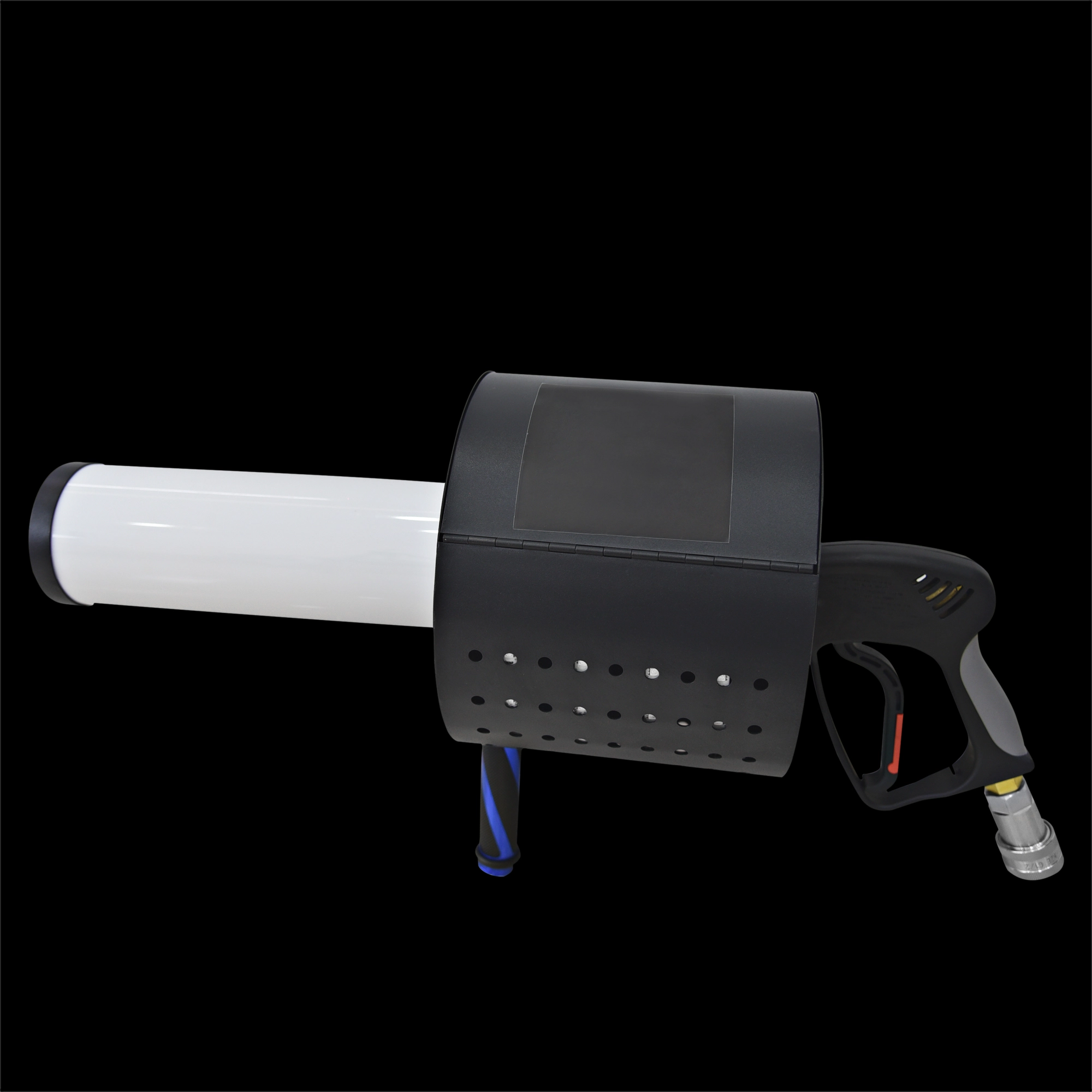
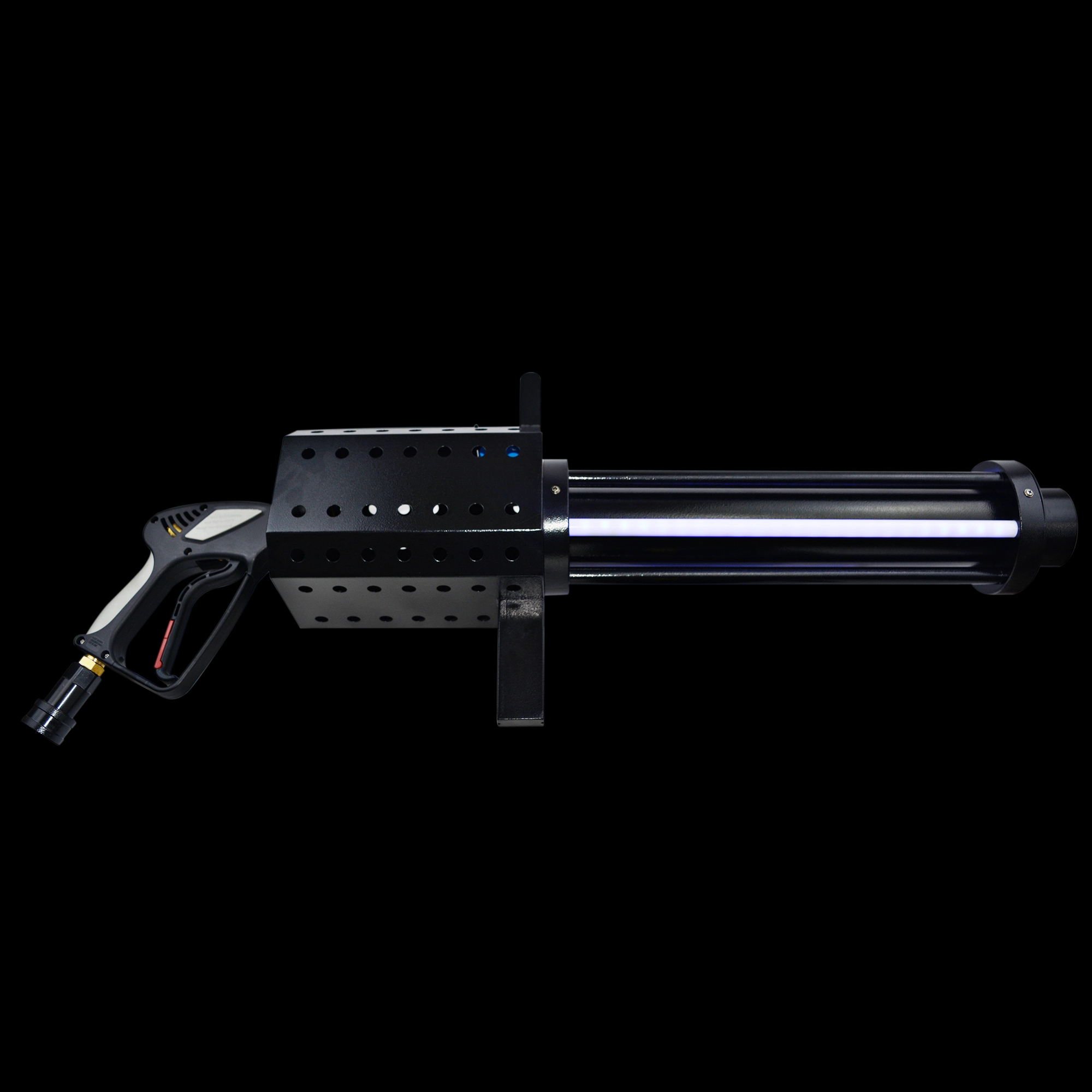
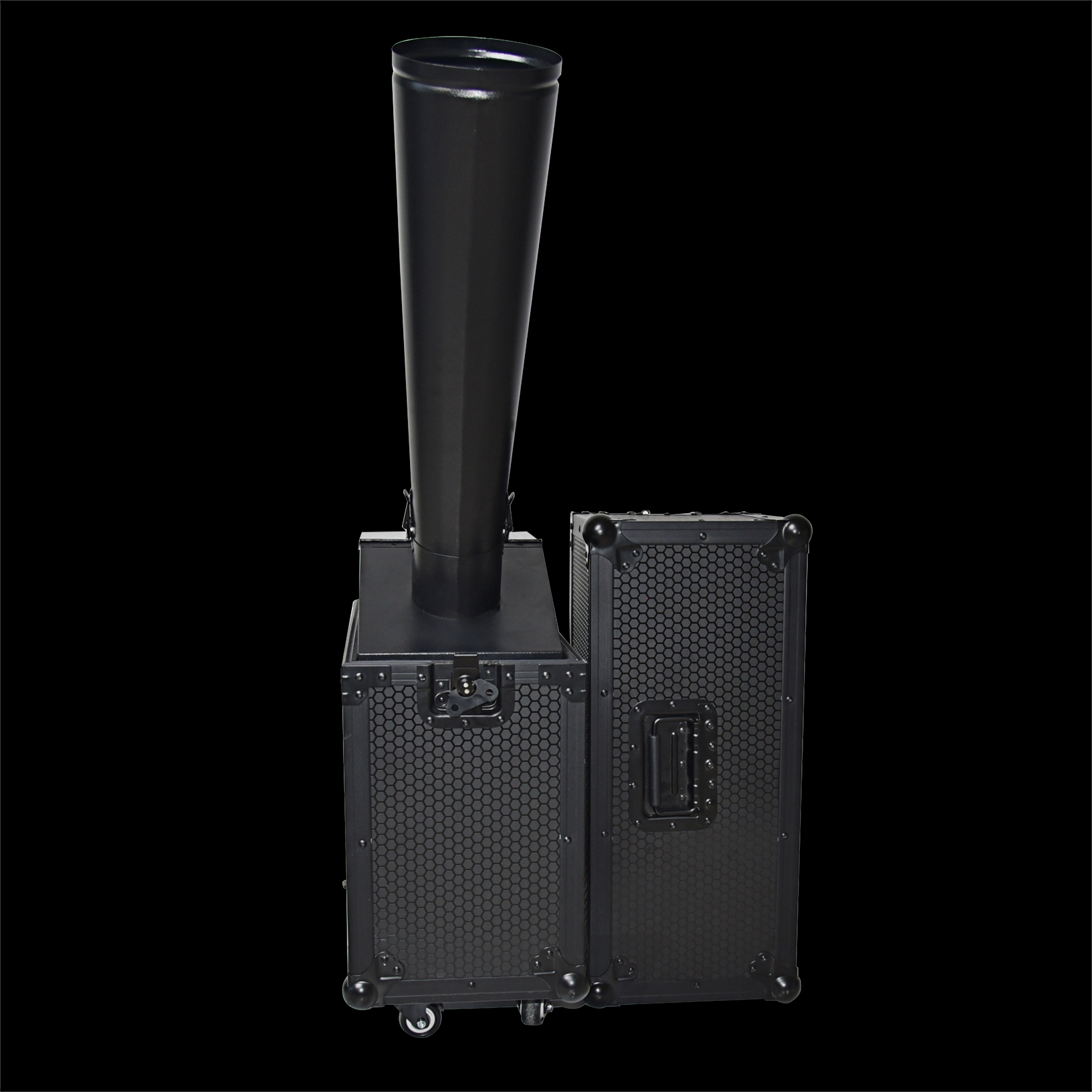
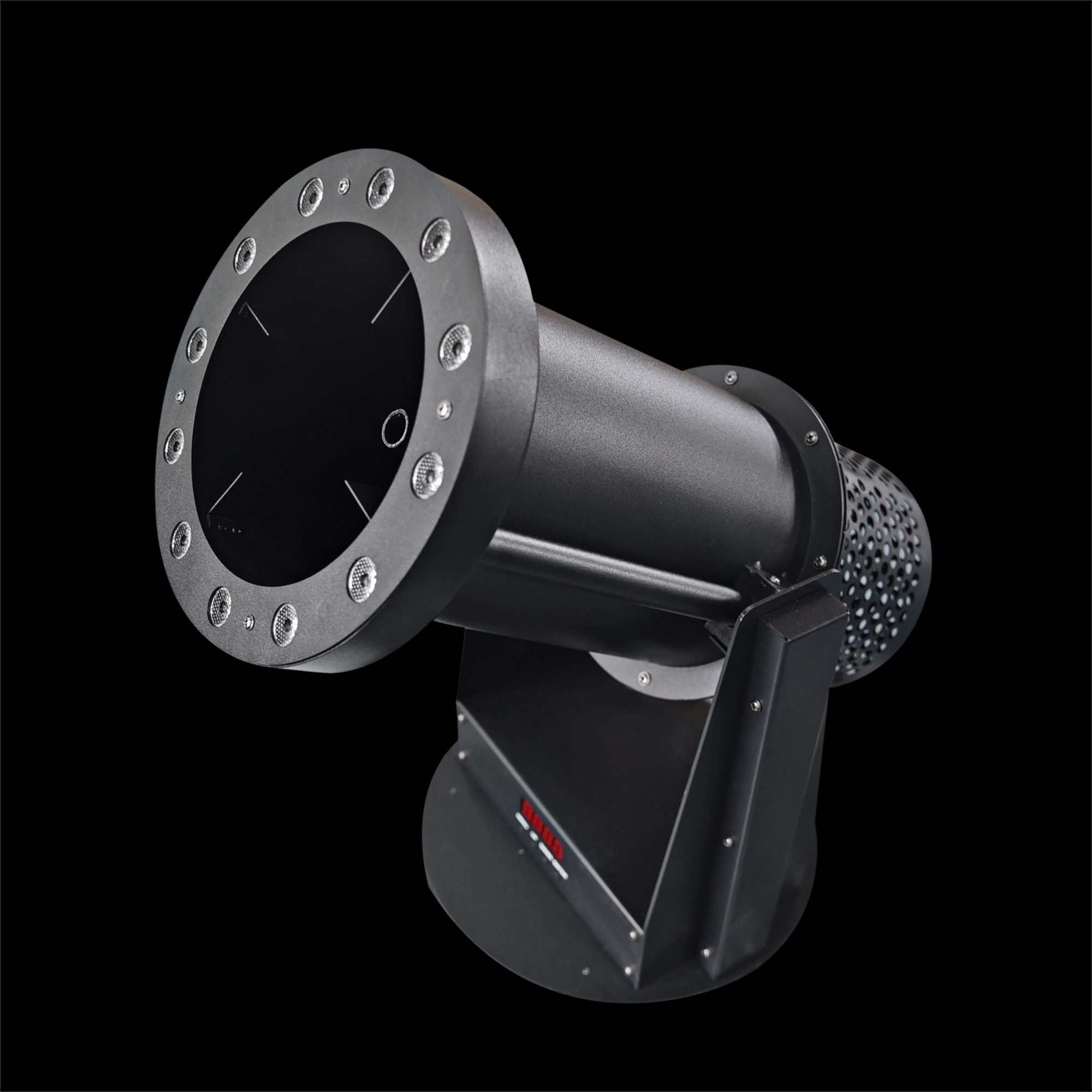
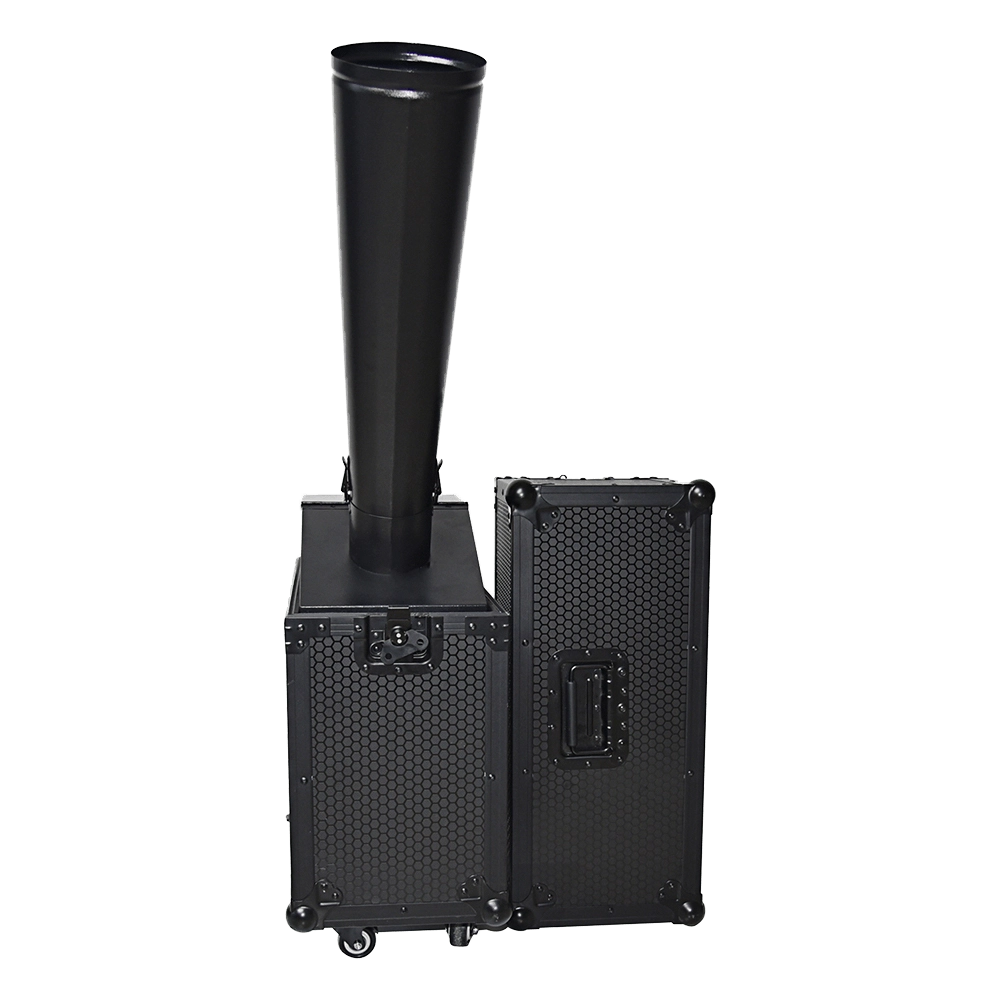
Compact and portable, the CO₂ Mini Rainbow Confetti Machine delivers vibrant bursts of rainbow-colored confetti for unforgettable events. Equipped with a manual control option and coming in a sturdy black flight case with wheels, this machine ensures hassle-free transportation and operation. Key features include instant CO₂-powered confetti bursts, adjustable spray intensity, and a leak-proof design. Perfect for stage shows, weddings, and celebrations!
Stay Informed or Connect with Us
Have questions about our latest news or updates?
Reach out to us—we're here to provide more insights or media support.
Email: sales01@strlighting.com
WhatsApp: +86 189 2232 4800
© 2025 Siterui SFX All Rights Reserved.
 Scan QR Code
Whatsapp: +8618922324800
siteruisfx_stage_equipment
Siterui
SITERUI-SFX
STRlighting
@siterui.sfx