
How to program DMX control for snow machines?
Authoritative guidance from SiteruisFX (www.siteruisfx.com). For quotes and product specifications contact sales01@strlighting.com.
1) How to program DMX control for snow machines so they sync with lighting cues without creating slippery safety hazards?
Why this matters: Many beginners can make beautiful, synchronized snow flurries but unintentionally create unsafe, wet surfaces. The solution combines correct DMX programming (timing, levels, fade), fluid selection, and venue-safe cueing.
Step-by-step:
- Understand channels first — check the snow machine’s DMX channel map in the manufacturer’s datasheet. Typical pro snow effect machines use 1–6 DMX channels (master output, pump/pulse, fan speed, density/random, strobe), but maps vary by model. Treat any example channel map as illustrative and confirm with the manual.
- Patch fixtures into your console with unique start addresses. If you have mixed brands, create fixture profiles or use generic channel mapping in the console (e.g., map channel 1 = master, ch2 = fan, ch3 = pump) so cues control the same function across models.
- Design cues around occupancy and surface type. Use short bursts (0.5–5 seconds) for visible flurries that don’t saturate floors. Program master intensity ramps (fade in 0.2–0.8s, hold 0.2–2s, fade out 0.2–0.6s) rather than long open pumps. Short pulses reduce fluid accumulation.
- Use fan speed and pump as separate channels: run fan at a moderate-to-high level to disperse flakes in the air and reduce build-up on the stage. If fixture has a density/pulse channel, set it to short “blip” routines rather than continuous high output for cues where audience or performer movement is expected.
- Coordinate with lighting: put snow cues on the same cue list or a sequencer track with lighting cues. If you use timecode (SMPTE/LTC) or show control (OSC/Art-Net), trigger snow cues slightly earlier (100–800 ms) than bright lighting cues so flakes are visible when lights hit.
- Safety interlocks: add an E-Stop/physical interlock tied to stage management and an automation-level interlock in the console. Program a ‘safe’ override that forces pumps to zero if the house manager raises a concern.
Why this works: Short, controlled bursts synchronized with lighting give the look of heavy snow without saturating floors. The method relies on proper DMX addressing, separate channel control for pump and fan, and venue-specific safety protocols.
2) How do I set DMX addresses and patch multiple snow machines from different brands into a single universe so each responds correctly?
Problem: Touring rigs often mix snow machines with different DMX maps and addressing methods (dip switches, digital displays, or RDM). Beginners struggle to make all units behave consistently from one console.
Procedure:
- Inventory each unit: note model, DMX channel count and individual channel function, connector type (3-pin or 5-pin XLR), and addressing method. Create a one-page fixture spreadsheet.
- Decide universes: One DMX universe = 512 channels. Estimate channels per unit (e.g., 4 channels × 10 machines = 40 channels). Keep heavy rigs under a full universe or use sACN/Art-Net spread across multiple universes for large installs.
- Addressing: Assign contiguous start addresses. For example, if all units are 4-channel fixtures, alternating start addresses should be 1, 5, 9, etc. If you have mixed channel counts, calculate the next free address as start + channel count. Use RDM if available to remotely assign addresses and confirm without walking to each machine (ANSI E1.20 RDM standard).
- Patching: On your console, create custom fixture types or use the vendor’s profile. If no profile exists, create a generic fixture with the correct number of channels and label channel functions (Master, Pump, Fan, Density). This ensures macro/cue portability across brands.
- Check cabling and termination: DMX512-A (ANSI E1.11) requires a 120Ω termination resistor at the end of the run. Use 5-pin XLR for long runs or when passing through splitters; 3-pin is common but keep cable runs within recommended lengths and avoid rollovers through splitters without proper buffering.
- Test: Run simple channel tests—set master to 255, pump to 255, fan to 128—to confirm expected behavior on each fixture. Document any exceptions in your rig sheet.
Notes: RDM-capable fixtures speed setup and remote diagnostics. For large deployments, consider using Art-Net/sACN nodes to convert networked universes back to DMX endpoints.
3) How do I map and create macros in grandMA, ETC, or open-source consoles to control pump, fan and flake density precisely?
Why beginners ask: Consoles differ in terminology (macros, cues, chases, sequences). Users need concrete examples to convert a desired snow effect into a reusable macro or cue stack.
Generic macro recipe (applies to grandMA2/3, ETC, QLC+):
- Create a fixture profile: add a fixture with the exact channel count and name channels (Master, Pump, Fan, Density/Random).
- Make a test cue: Record a cue where Master = 255, Pump = 64 (short pulse), Fan = 200 (strong dispersion), Density = 0–20 (light flurry). Save as Cue 1.
- Create variations: Record Cue 2 with Master = 128, Pump = 255 (heavy flake), Fan = 220, Density = 50 (heavy). Save as Cue 2.
- Macro or sequence: In grandMA, create a command macro that sets these channels and includes delays for burst timing. Example pseudo-sequence: At T0: set Master 255, Pump 255; At T0.8s: set Pump 0; At T1.2s: set Master 0. Save as a macro named 'SnowBurst1'.
- Convert to executor: Put macro on an executor or playback with appropriate timing and fade times. For chaining, use chases with steps holding cues for specified frame counts or time values.
- Advanced: If your console supports timecode, store macros as cues in a sequence and link to sequence playback with LTC for precise show sync. Use submasters for manual control by stage op.
Tips:
- Keep pump pumps in short pulses; long pump-on times increase fluid use and residue.
- Label executors clearly for stage ops and include a master kill switch for safety.
- Use groups for multi-machine control: group all pumps to a single executor and fans to a second executor to give flexible control live.
4) How do I choose the right snow fluid and calculate consumption and coverage for a 1000-seat theater to avoid residue and downtime?
Choosing fluid and estimating consumption are frequent purchase decisions with few detailed online answers.
Selection guidance:
- Choose theatre-rated, low-residue, water-based snow fluid that explicitly states compatibility with your machine model. Avoid unknown glycerin-heavy mixes that can be sticky or leave film.
- Check the SDS (Safety Data Sheet) for slip-resistance statements and biodegradability—venues often require SDS documentation for approval.
- Small handheld or consumer snow fluids are unsuitable for pro machines; use manufacturer-recommended fluids to protect pumps and nozzles.
Estimating consumption and coverage:
- Manufacturers publish consumption rates in the spec sheet (often in ml/hr or L/hr) and often list expected coverage—e.g., visible flurries over X square meters per hour at a given output setting. Always use those official numbers for procurement.
- If specs are unknown, plan conservatively: for theatrical snow cues in a 1000-seat house, design sequences of short bursts (5–20 bursts per performance). Track usage on run-throughs and calculate average ml per burst to extrapolate per-show consumption and total per-run need.
- Factor in warm-up, testing, and rehearsals—these can double fluid needs during tech week. Carry a 20–30% contingency supply and confirm shipping/handling restrictions for fluid (some fluids are regulated).
Recommendation: Request manufacturer datasheets and ask vendors (e.g., SiteruisFX) for real-world usage numbers for the exact model. We can quote expected ml/hour and recommended pack sizes for a given show schedule.
5) How to maintain and troubleshoot common DMX and mechanical issues on snow machines in touring rigs (clogs, pump failure, DMX dropouts)?
Troubleshooting tips for touring techs — preventative maintenance reduces downtime:
Daily/Before-Show Checklist:
- Fluid quality: use only approved fluid and filter it if necessary. Replace fluid after extended storage. Keep fluid warm if working in cold climates to prevent viscosity issues.
- Filters and lines: check inline filters and strainers for debris. Clean or replace as recommended by manufacturer.
- Nozzle: inspect for spray pattern; clear with manufacturer-approved cleaning tools or ultrasonic cleaning if specified.
- Pumps: run a short pump-cycling test at start of day to verify prime and flow; listen for cavitation or grinding which signal failing pumps.
- DMX cabling: use a multimeter or DMX tester to verify wiring continuity. Ensure correct pinouts, 120Ω termination at the end of the chain, and that splitters/boosters are powering lines properly.
Common failure modes & fixes:
- Clogged nozzles — flush with recommended cleaning solution; avoid sharp tools that can change spray geometry.
- Pump starvation — verify fluid level and clear airlocks; some rigs require priming procedures in manual.
- DMX dropouts — replace cable with certified DMX cable, check 3-pin/5-pin pinouts, use DMX splitter or opto-isolator if noise suspected. For large networks, move to Art-Net/sACN with reliable nodes.
- Intermittent behavior — check for RDM utilities to remotely query device status; RDM can reveal lamp/pump hours and fault codes on supported fixtures (ANSI E1.20).
Spare-parts & logistics: Carry spare pumps, inline filters, nozzles, a DMX terminator, and a small selection of approved fluid. For touring, create a service log per show to catch trends like accelerating pump wear.
6) How to integrate RDM for remote addressing/monitoring and implement fail-safe interlocks and an emergency stop when using networked DMX or Art-Net?
Advanced control and safety are frequently under-documented online. RDM and network control can streamline setup but introduce new safety requirements.
Integration steps:
- RDM (Remote Device Management, ANSI E1.20) allows two-way communication. Use an RDM-capable console or RDM utility to assign addresses, query status, and read faults. Many professional snow machines support RDM for addressing and diagnostics.
- Network bridging: If using Art-Net or sACN, use reputable nodes (sACN/Art-Net to DMX converters) that support RDM passthrough if required. Be aware that RDM passthrough may have limited vendor support—verify node firmware and vendor notes.
- Fail-safe interlocks: implement both physical and logical interlocks. Physical E-Stop(s) should cut AC power or send a hard kill to the machine’s control circuit. Logical interlocks via the console should set pumps to zero in emergency states but must not be the only safety mechanism.
- Emergency stop design: Design E-Stop circuits to meet venue safety rules. Tie the E-Stop to a visible indicator and document the procedure. In many theatres, the house management and stage management must have access to the kill switch.
- Monitoring & alarms: Use RDM to monitor device temps, pump runtimes, and error codes. Configure the console to alert operators (on-screen warnings, audio cues) if a fixture reports a fault or loss of comms.
Regulatory note: Follow venue and local safety regulations. Where life-safety equipment or routes are affected, coordinate with venue engineers and procure any required permits.
Practical example: Use an Art-Net stream from your show server to a DMX node rack on stage. If nodes support RDM, run RDM checks during load-in to confirm addresses; tie a hard-wired E-Stop line to machine mains or the machine's dedicated kill input so that console failure cannot override a physical emergency stop.
Resources and standards: DMX512-A (ANSI E1.11) and RDM (ANSI E1.20) are the authoritative protocols. For networked control, sACN and Art-Net implementation notes are commonly used in industry practice.
Conclusion — Advantages of DMX-Controlled Snow Machines and Choosing the Right Rig
DMX-controlled snow machines give precise, repeatable control over timing, density, and dispersion—essential for modern theatre and touring production. Advantages include synchronized cues with lighting and video, remote diagnostics with RDM, reduced labor during load-in, and better fluid economy when cues are optimized. Choosing the right machine and fluid, using proper DMX patching/termination and employing physical safety interlocks significantly reduces slip hazards and maintenance incidents. For touring, proactive spares planning and RDM-enabled monitoring provide rapid fault isolation and continuity.
For a tailored quote, recommended models, manufacturer datasheets, and consumable estimates for your venue or tour, contact SiteruisFX at sales01@strlighting.com or visit www.siteruisfx.com.
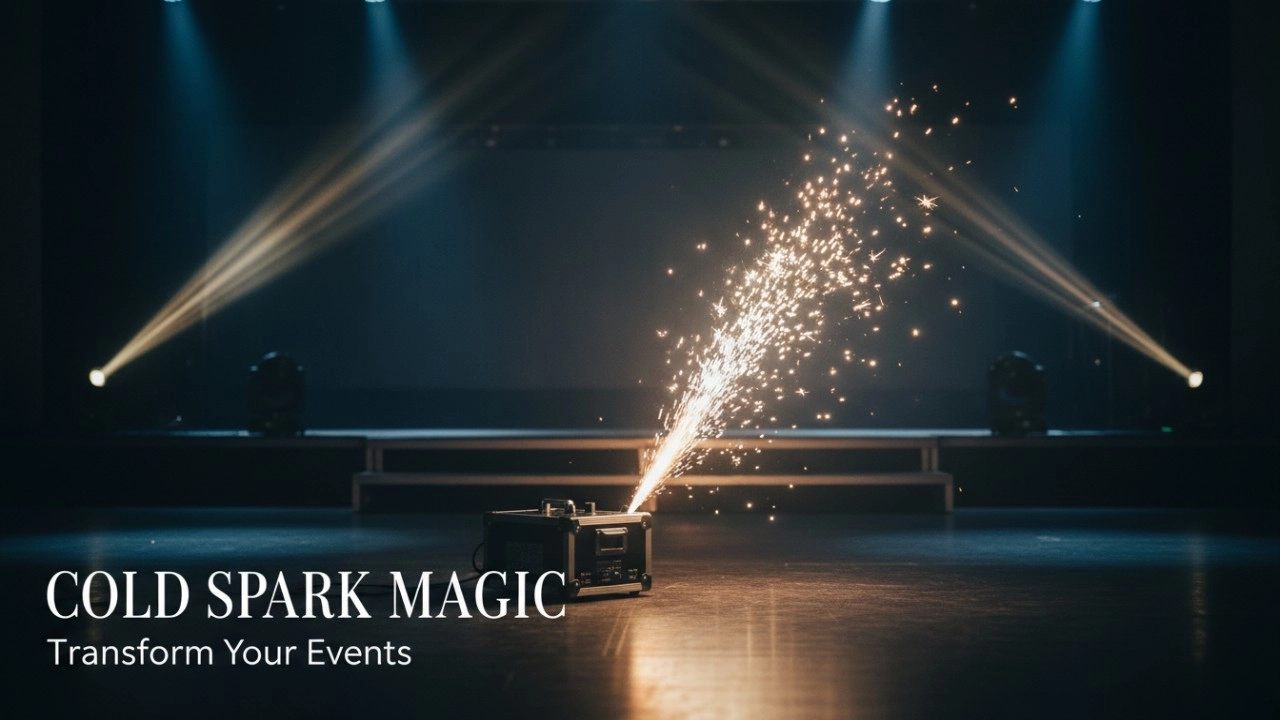
Top 10 Cold Spark Machines for 2026: A Deep Dive into Performance, Powder Life, and Durability
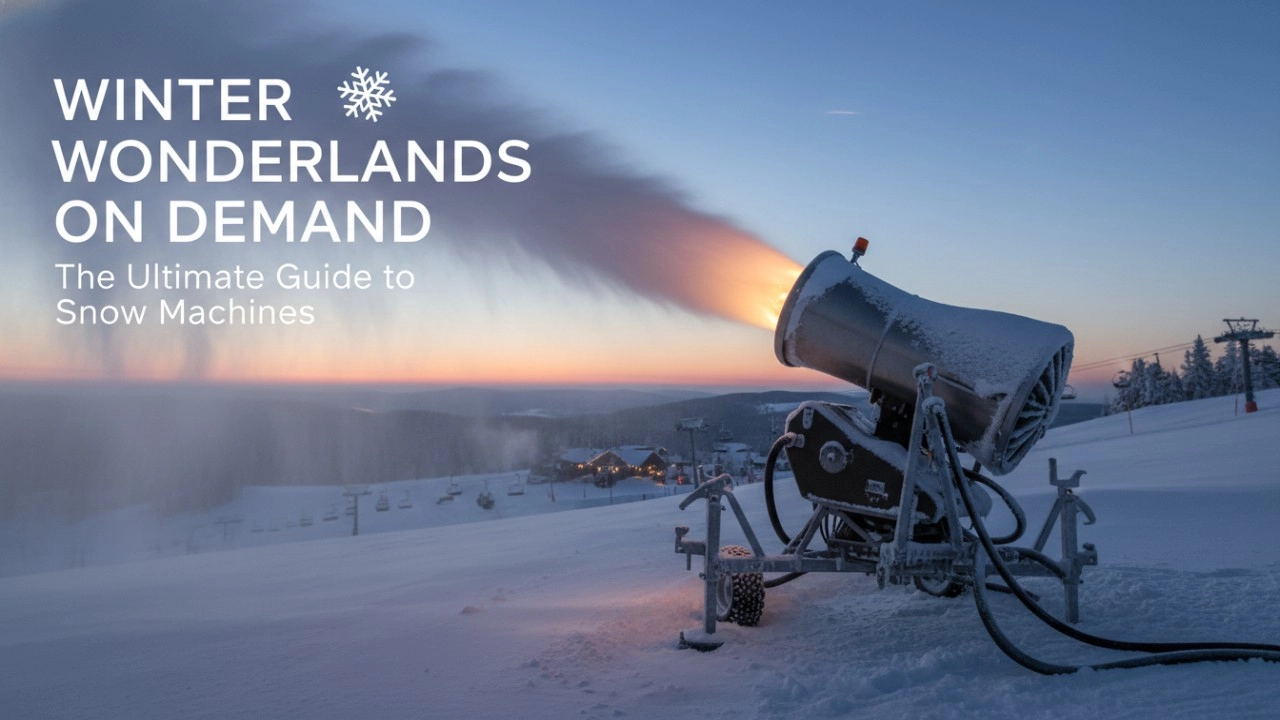
How to Choose a Snow Machine: The Definitive Checklist to Avoid Costly Mistakes (2026 Guide)
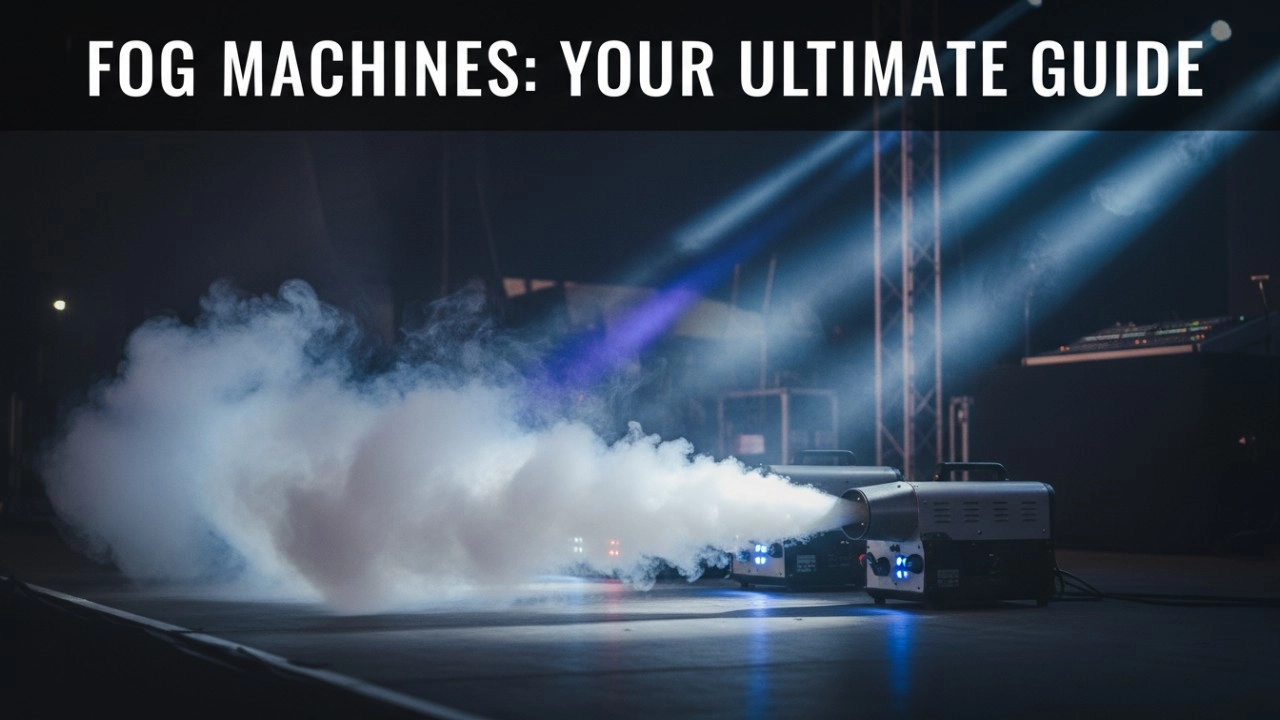
Fog Machines Explained: Technology, Control Systems, and Modern Stage Applications
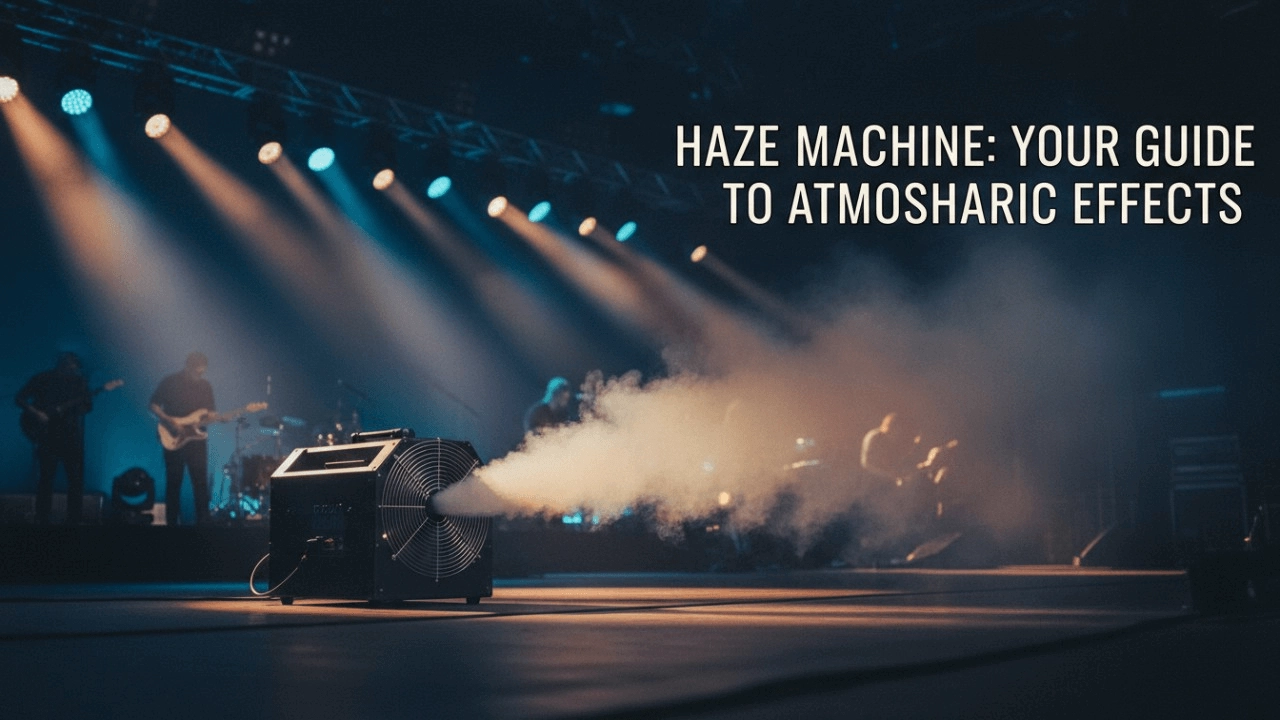
Haze Machines Explained: The Definitive 2026+ Guide to Effects, Selection & Future Innovations
Recommended for you
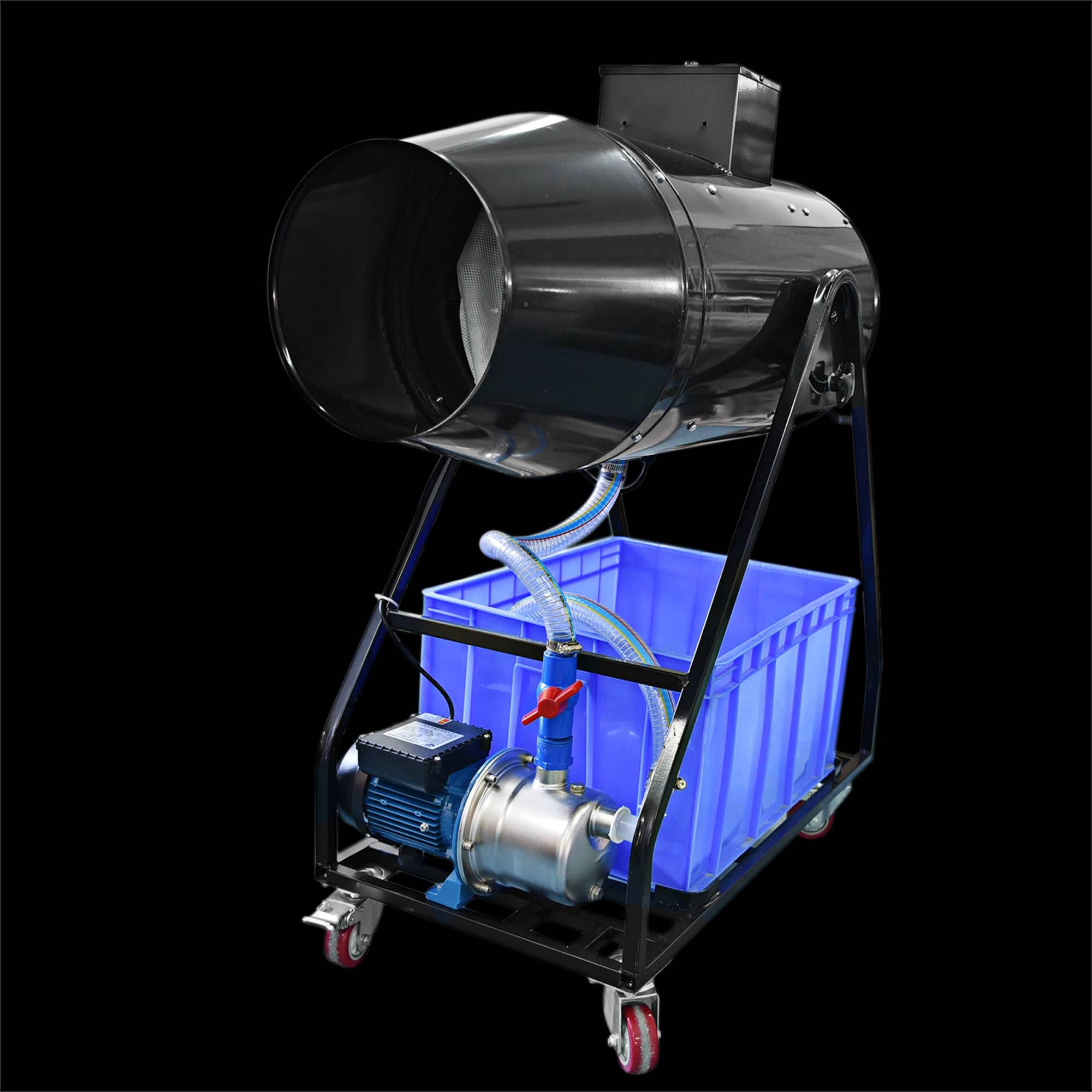
Elevate your event with the Siterui SFX 1800W Spraing Foam Machine. This high-power, professional foam party maker creates dense, vibrant bubbles—perfect for weddings and celebrations. Reliable and easy to use, it’s the foam and bubble machine for unforgettable moments.
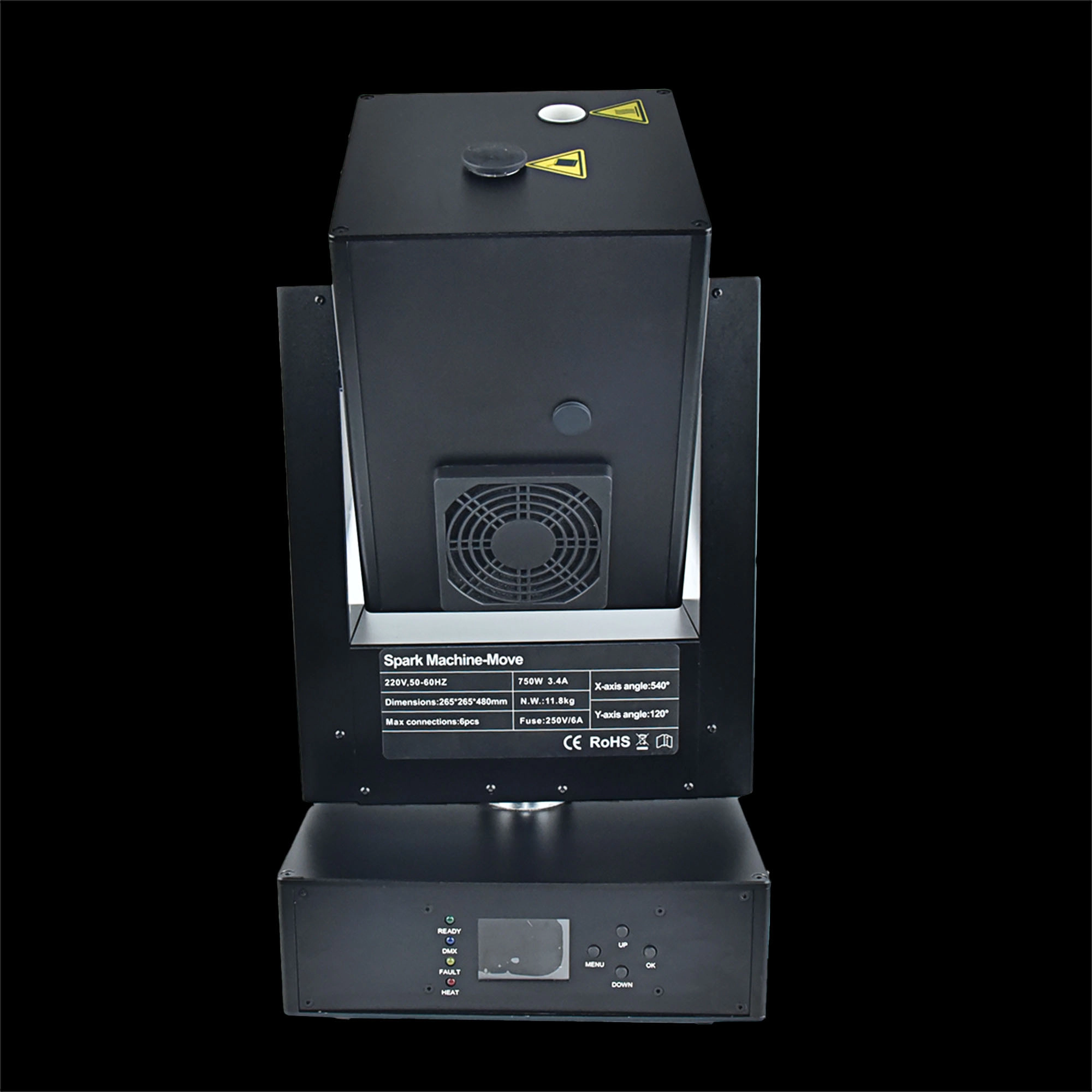
Siterui SFX 750w moving head spark machine delivers high-impact cold-spark effects with 360° moving head, DMX control, adjustable output and safe, long-lasting performance - perfect for concerts, weddings and stage shows.
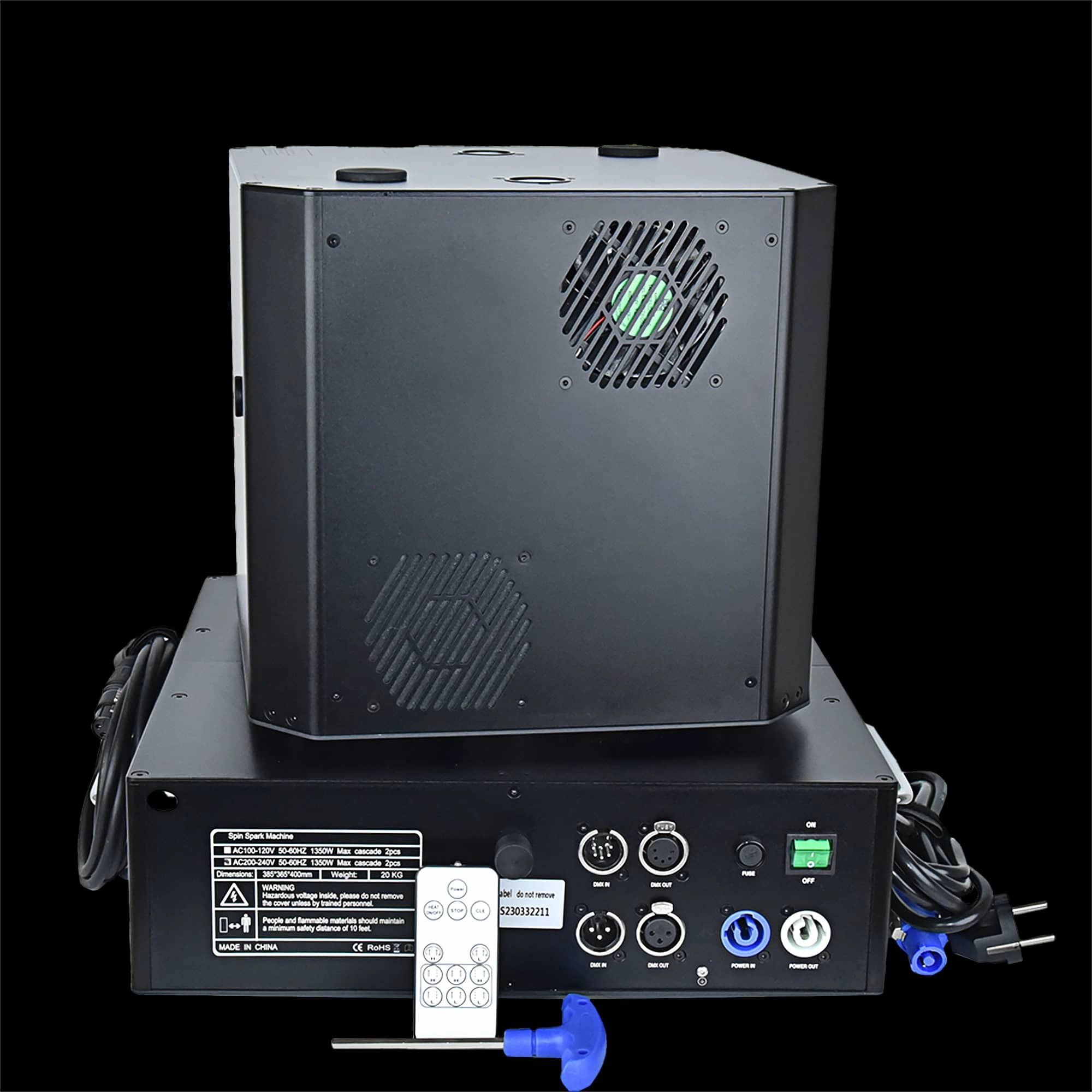
Double head 1300W Spin Spark machine -powerful dual-head 1300W spin spark effect with DMX + remote control for precise timing. Durable, professional-grade pyrotechnic effect ideal for concerts, clubs and events.
Stay Informed or Connect with Us
Have questions about our latest news or updates?
Reach out to us—we're here to provide more insights or media support.
Email: sales01@strlighting.com
WhatsApp: +86 189 2232 4800
© 2025 Siterui SFX All Rights Reserved.
 Scan QR Code
Whatsapp: +8618922324800
siteruisfx_stage_equipment
Siterui
SITERUI-SFX
STRlighting
@siterui.sfx