
how to sync multiple cold spark machines using a dmx controller? | Insights by Siterui SFX
Syncing multiple cold spark machines (cold sparklers) reliably requires understanding DMX512, network protocols (Art‑Net/sACN), power distribution, and the limitations of physical layers. Below are six specific beginner questions—each with detailed, practical answers, safety notes, and purchase guidance to help you plan shows that are precise, repeatable, and safe.
1. How do I ensure millisecond‑level sync across 10+ cold spark machines using a standard DMX controller?
Problem: When you trigger multiple cold spark machines via DMX you may see small timing offsets (tens of milliseconds). For effects like staccato bursts or beat‑perfect hits, those offsets matter.
How DMX timing works: DMX512 (USITT standard) transmits a frame of up to 512 channels at a refresh rate that typically sits around 40–44 updates per second (varies by controller and channel usage). That means a single DMX frame interval is ~22–25ms, so fixtures receiving separate frames can be offset by one frame or more.
Best practices to minimize offset:
- Use the same DMX universe and send a single trigger value to the same channel across all fixtures so they receive identical commands in the same DMX packet.
- Prefer a high‑performance lighting console or software (grandMA, ETC, ChamSys, MagicQ) that sends tight, prioritized DMX packets and supports Art‑Net/sACN output if you need network distribution.
- For sub‑frame / sub‑10ms sync, use a hardware trigger (closed contact/GPO) or dedicated trigger input on the cold spark machines. Many professional models include a wired trigger input (dry contact or 5–24V logic) which fires instantly and provides deterministic timing across units.
- If your units support RDM (ANSI E1.20), use it to confirm addresses and status, but note RDM does not improve timing—it only helps management.
Recommended approach:
- If millisecond accuracy is required, connect all machines’ trigger inputs to a single isolated trigger output on your controller or show control relay. This bypasses DMX timing variability.
- If a trigger input isn’t available, ensure all machines are on the same DMX line/universe, with proper termination, and send the trigger as a single channel value simultaneously—expect synchronization within one DMX frame (~<25ms).
- Test under load: run the full number of units and measure timing with high‑speed video to validate.
Safety note: Never modify machine internals to create custom triggers. Use manufacturer‑specified trigger circuits or an external relayed trigger with proper isolation.
2. What's the safest and code‑compliant way to power and DMX‑link five cold spark machines across a large stage without voltage drop or signal loss?
Problem: Multiple high‑current cold spark machines spread across a stage can suffer voltage drop, tripped breakers, or DMX signal degradation if cabling and distribution are underspecified.
Power distribution best practices:
- Check each machine’s nominal voltage and current draw from the manufacturer datasheet—this is non‑negotiable for planning circuits and cable gauge.
- Distribute power across multiple dedicated circuits/runs rather than daisy‑chaining many high‑current machines from one long cable. Use local distro boxes near clusters of units to minimize run length.
- Use appropriately rated cables and connectors (e.g., stage‑rated multicore or individual power leads sized per ampacity tables). Follow local electrical code and venue rules; involve a licensed electrician for permanent or rigged installations.
- Implement proper earth/grounding and ensure all equipment is bonded to avoid stray voltages and reduce interference on DMX lines.
DMX cabling and signal integrity:
- Use proper DMX cable (110Ω shielded twisted pair) or an approved lighting data cable—never use microphone or unbalanced cable for DMX runs.
- Keep DMX data cables physically separated from high‑current mains runs where possible to reduce induced noise; if crossing is necessary, cross at 90° angles.
- Follow the DMX topology: daisy‑chain up to 32 devices per line, then use an opto‑isolated DMX splitter to fan out additional runs or to create local segments. The 32 unit limit is a practical RS‑485 limit unless splitters/boosters are used.
- Always terminate the last fixture on a DMX line with a 120Ω termination resistor or enable the terminator in the last device if supported.
Field checklist before show:
- Verify per‑unit current and fuse ratings; map units to circuits to avoid overloads.
- Confirm DMX cable routing, splitters, and terminations are in place.
- Test a full show run and monitor mains voltage at distro boxes—if voltage droop is observed, reduce run length or reconfigure distro.
3. How do I set DMX addressing and fixture profiles to run identical effects across mixed‑model cold spark machines?
Problem: Different manufacturers use different channel maps. If you have mixed models, a channel value that triggers a mid‑height burst on one machine may be a different parameter on another.
Steps to harmonize mixed models:
- Obtain the DMX channel map (manual) for each model. Manufacturers provide channel-by-channel descriptions—these are essential.
- Create fixture profiles in your console or software that map each model’s channels to a consistent logical control. For example, map “Trigger” to fader X on all profiles so a single fader triggers every unit.
- If a machine uses multi‑channel control for height, duration and intensity, create macros or presets that translate a single master command into the required channel values for each model.
- Where possible, choose machines that support a simple 1‑2 channel DMX mode for trigger and intensity to simplify synchronization. During purchase, prefer models offering a “DMX basic” or “legacy” mode for compatibility.
Practical tips:
- Use submasters or grouping in the console so one fader/command controls all addresses for the effect.
- If you have a hardware/software bridge (Art‑Net/sACN to DMX nodes), standardize the mapping on the node level so universes present uniform channel layout to the console.
- Label and document every DMX address on the rigging plan and on the machines themselves—this prevents live readdressing mistakes.
4. What’s the recommended DMX cabling topology and hardware (splitters/terminators) to avoid flicker or misfires in outdoor festival setups?
Problem: Outdoor environments increase exposure to moisture, temperature swings, EMI from audio systems, and physically long cable runs—causing unreliable DMX communication and erratic behavior.
Topology and hardware recommendations:
- Use a star/daisy hybrid: run a main DMX backbone (daisy chain) and deploy opto‑isolated DMX splitters to feed independent drops to clusters of fixtures. That reduces the number of devices per line and isolates faults.
- Choose IP‑rated DMX splitters and nodes for outdoor use (e.g., IP65 or better depending on conditions) and keep connectors protected with watertight boots or junction boxes.
- Use shielded twisted pair (DMX‑rated) cables with robust outdoor jackets. Replace worn connectors and check continuity before load‑in.
- Terminate each DMX run at the far end with a 120Ω terminator. For splitters, terminate only at the last fixture on each split run.
- Use surge and lightning protection on network lines (Art‑Net/sACN) and on mains power distribution; consider isolation transformers for sensitive gear.
Environmental testing:
- Pre‑test the entire run in similar condition (humidity, distance). Use a DMX tester or software monitor to confirm packet integrity.
- If you observe flicker, check for ground loops, verify terminations, swap suspected cables, and isolate noisy electrical loads (e.g., dimmer racks or wireless audio units).
5. How can I use Art‑Net or sACN to control 50+ cold spark machines across multiple DMX universes and keep them synchronized?
Problem: When scaling beyond a single DMX universe (512 channels), you must use network protocols (Art‑Net or sACN) and map universes to nodes reliably without introducing latency or packet loss.
Design principles:
- Plan your universes up front. Each DMX universe supports 512 channels; allocate fixtures and channels to universes logically (by area or function).
- Use managed gigabit Ethernet switches and avoid consumer-grade hubs. If you use sACN (ANSI E1.31) prefer multicast distribution for large numbers of nodes, and ensure your switches support multicast (IGMP snooping) to prevent flooding.
- Use Art‑Net/sACN nodes that are robust, have galvanic isolation, and are close to the fixtures (minimizes DMX cable lengths). Many nodes allow configurable universe mapping and provide local terminations.
- Keep latency low by setting appropriate packet rates. Most sACN/Art‑Net implementations are sub‑frame consistent, but network congestion can add jitter—segregate show control networks from house/office traffic.
Synchronization techniques:
- Distribute the same control channel across universes where possible and use show control triggers (MIDI/sMPTE) or a centralized cue engine to issue simultaneous commands across universes.
- For absolute timing, consider timecode (SMPTE/MTC) driving consoles/nodes that support time‑based cues so devices execute at the same time reference.
- Test for packet loss and measure control latency prior to the event with all nodes connected. If you detect network jitter, upgrade switches, use shorter cable runs to nodes, and prefer unicast for critical one‑to‑one device control when appropriate.
6. During rehearsals my cold spark units deviate when commanded fast sequences—how do I troubleshoot and eliminate timing drift or missed outputs?
Problem: Units occasionally skip bursts or fire late in rapid sequences. Causes include DMX packet limits, power sag, firmware bugs, or overheating/duty cycle protection inside the unit.
Step‑by‑step troubleshooting:
- Confirm DMX packet integrity: use a DMX monitor or software to watch for malformed or missing frames during rapid sequences.
- Check power stability: monitor voltage at the machine during rapid fire. Voltage sag under load can trigger internal protection circuits causing missed outputs.
- Review machine firmware and duty cycle: consult the manufacturer’s manual—some cold spark machines have built‑in protection that throttles output if temperature or duty limits are reached.
- Verify cabling and termination: intermittent connectors or missing termination can cause bit errors under fast updates.
- Swap components methodically: replace suspected DMX cables, move the machine to a different DMX line, or try a different controller output to isolate the fault.
- Check for EMI sources: RF transmitters, powerful audio amplifiers, or motor drives nearby can inject noise. Re‑route cables or add ferrite suppression where needed.
When to involve manufacturer support:
- If you observe consistent missed firings after confirming power and data integrity, contact the manufacturer with logs and video evidence. Modern units with RDM can often provide status diagnostics to expedite troubleshooting.
Purchase checklist: what to buy for reliable synchronized cold spark rigs
When selecting cold spark machines and control gear for synchronized effects, prioritize these features:
- DMX control with clearly documented channel maps and a basic 1‑2 channel mode for simple triggering.
- Hardware trigger input (dry contact or safe voltage logic) for deterministic firing when sub‑frame sync is needed.
- RDM support (ANSI E1.20) for remote addressing and diagnostics.
- Art‑Net/sACN compatibility or availability of compatible nodes for scaling beyond a single universe.
- Manufacturer datasheet specifying current draw, duty cycle, IP rating (if outdoor), and recommended safety distances.
- Quality DMX splitters/nodes and an IP‑rated power distro plan sized by real current ratings. Use opto‑isolated splitters for long runs or noisy environments.
Buyers should ask vendors for DMX fixture profiles, wiring diagrams, and manufacturer test reports. For large installs or festivals, request site‑specific power and control drawings before purchase.
Contact us for a tailored quote and spec sheet: www.siteruisfx.com or sales01@strlighting.com
Conclusion: Syncing multiple cold spark machines with a DMX controller gives centralized, repeatable show control, integrates effects with lighting/audio cues, and enables large‑scale coordinated displays. For millisecond‑perfect sync, use dedicated hardware triggers; for scalable multi‑universe setups use Art‑Net/sACN with properly provisioned networks and opto‑isolated DMX splitters. Always prioritize correct power distribution, proper DMX topology (termination, splitters), manufacturer‑supported modes (RDM/timecode), and compliance with local safety codes to reduce risk and ensure predictable performance.
For project quotes, custom wiring diagrams, and gear recommendations: visit www.siteruisfx.com or email sales01@strlighting.com
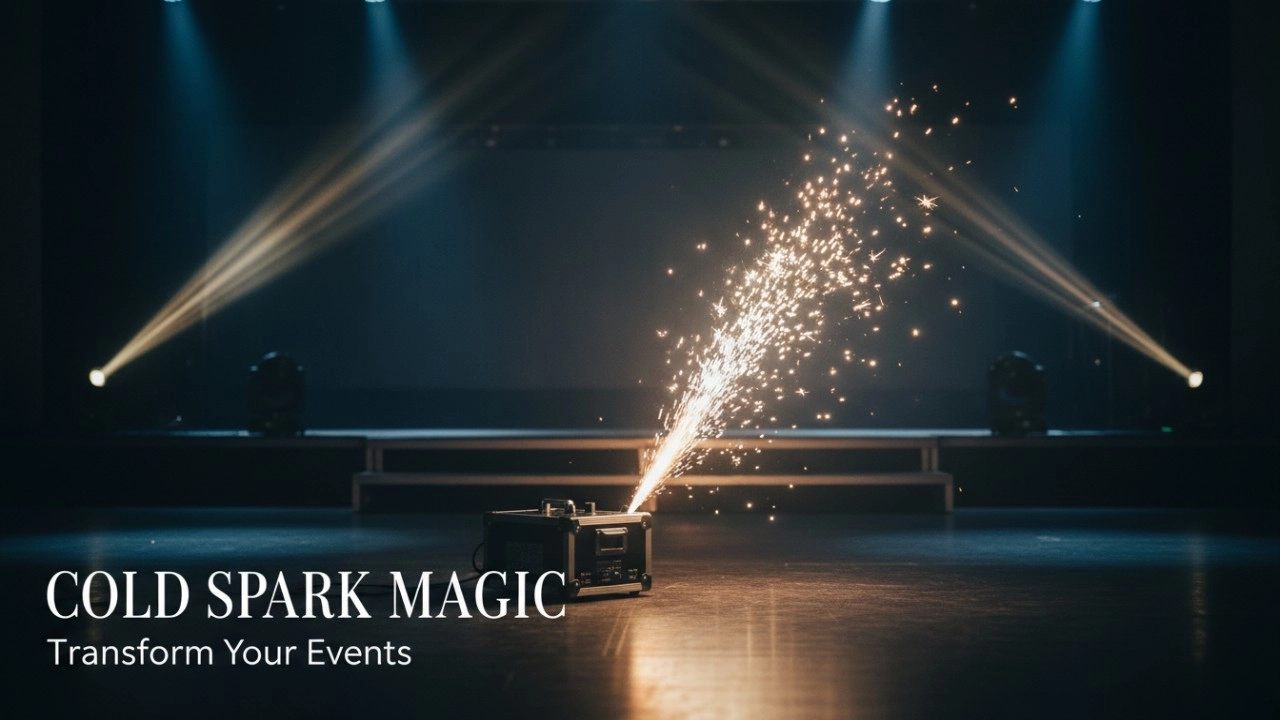
Top 10 Cold Spark Machines for 2026: A Deep Dive into Performance, Powder Life, and Durability
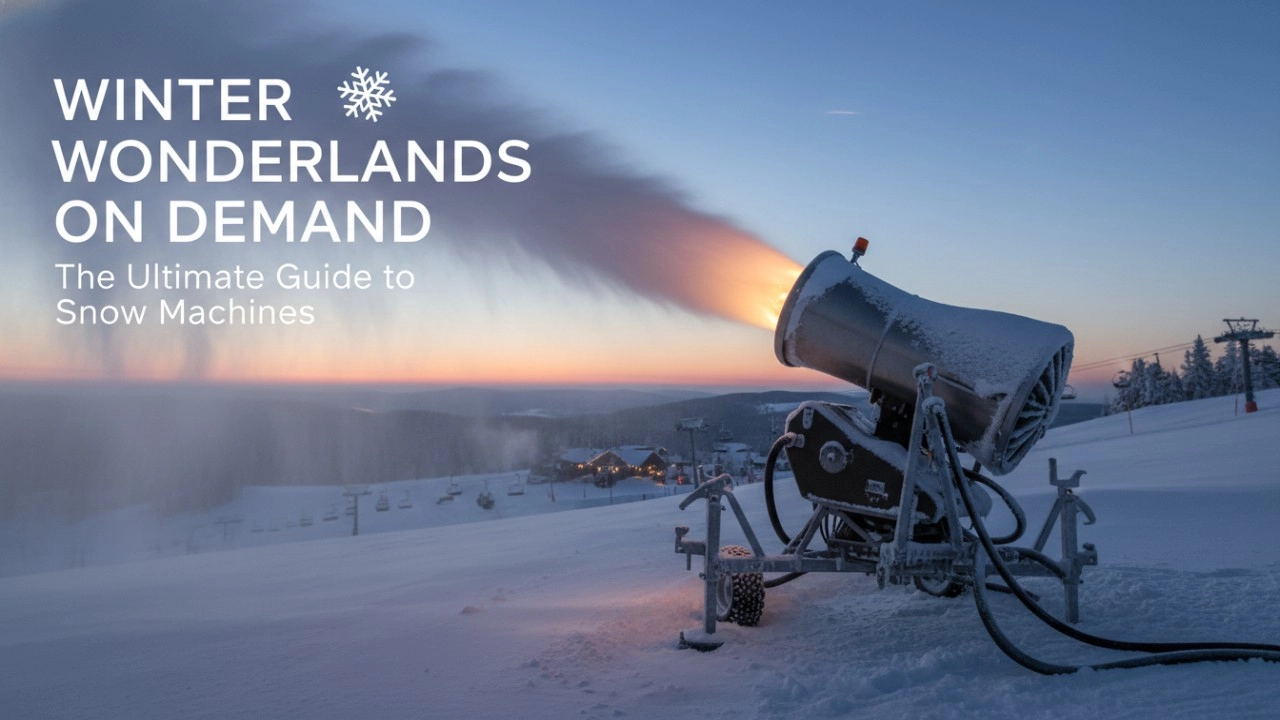
How to Choose a Snow Machine: The Definitive Checklist to Avoid Costly Mistakes (2026 Guide)

Fog Machines Explained: Technology, Control Systems, and Modern Stage Applications

Haze Machines Explained: The Definitive 2026+ Guide to Effects, Selection & Future Innovations
Recommended for you


Stay Informed or Connect with Us
Have questions about our latest news or updates?
Reach out to us—we're here to provide more insights or media support.
Email: sales01@strlighting.com
WhatsApp: +86 189 2232 4800
© 2025 Siterui SFX All Rights Reserved.
 Scan QR Code
Whatsapp: +8618922324800
siteruisfx_stage_equipment
Siterui
SITERUI-SFX
STRlighting
@siterui.sfx